

Linux · Programmierung
Code::Blocks
Code::Blocks is a free, cross‑platform IDE focused on C, C++ and Fortran development.
- Lizenz
- GPL-3.0+
- Aktuelle Version
- 25.03 (31. März 2025)
- Entwickler
- The Code::Blocks team
- Installationen
- 1,674 (Flathub, 30 Tage)
Was ist Code::Blocks?
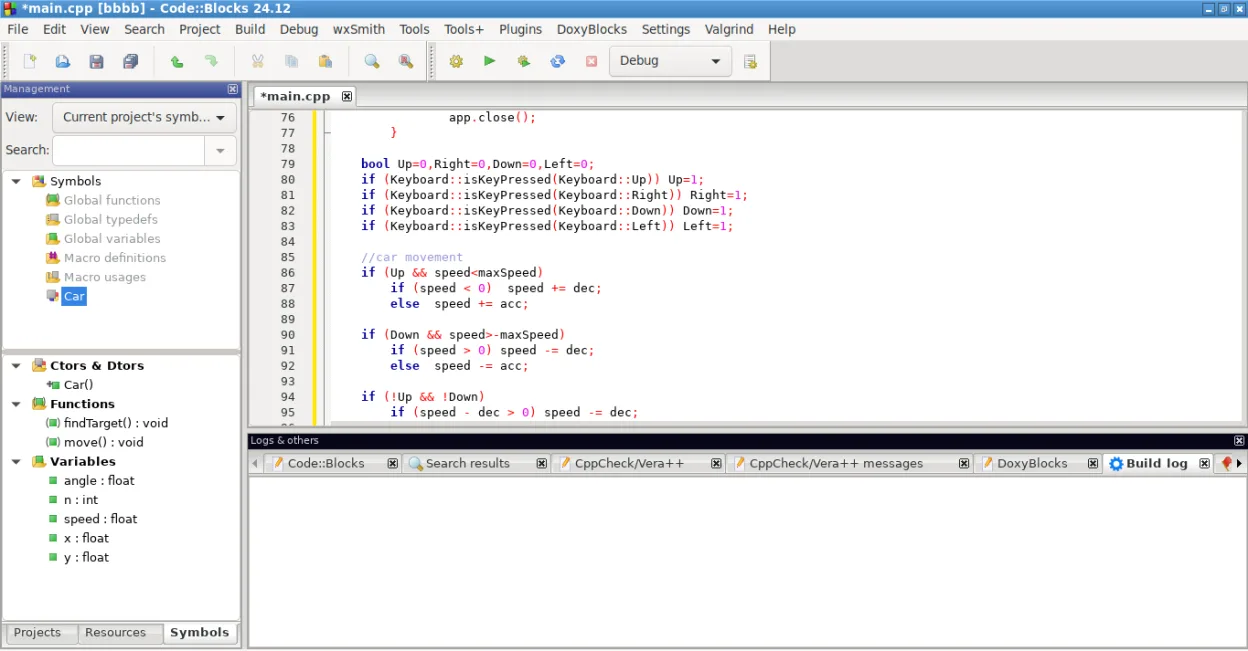
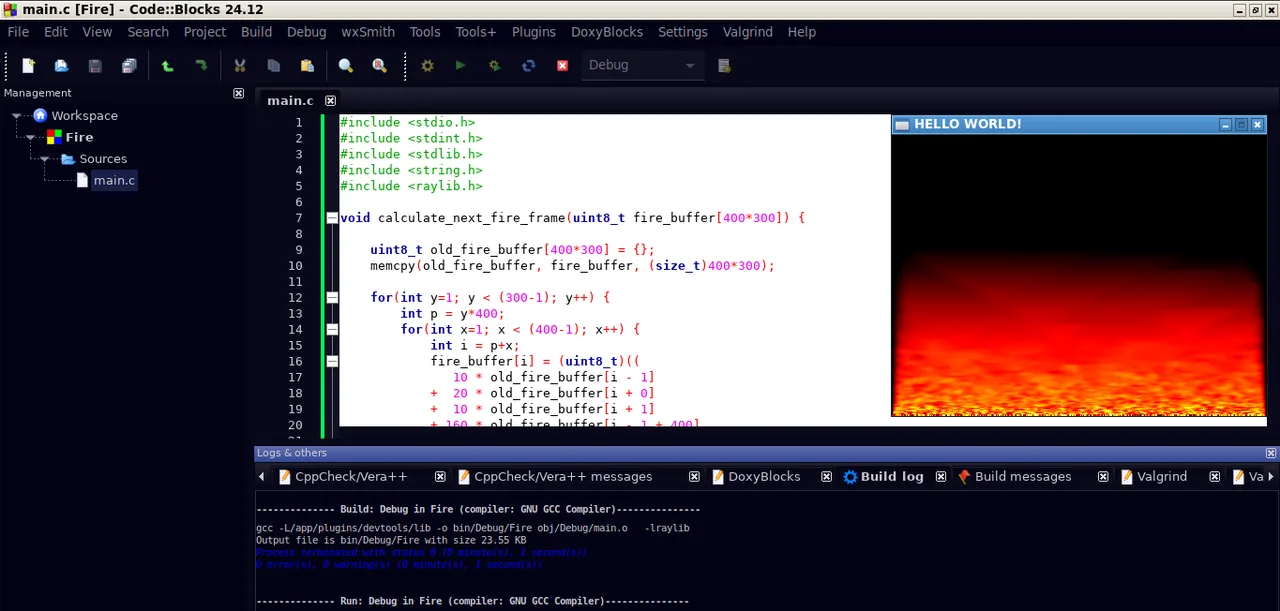
Code::Blocks originated in 2005 as a community‑driven project and has matured into a stable, extensible IDE. It ships as a flatpak on Flathub and follows a classic Windows‑style layout, making the transition from Windows IDEs relatively painless. The project is still active, with its latest release in early 2025.
The IDE targets developers who need a lightweight, configurable environment for C, C++ or Fortran, especially those who prefer a native Linux feel over heavyweight commercial tools. It supports multiple compilers, parallel builds and debugging with GDB, and its plugin system lets you add features as required.
Compared with WebStorm, which is a JavaScript‑centric IDE, Code::Blocks feels more like a traditional C/C++ editor: panels are dockable, shortcuts are similar to Visual Studio, and the UI is not cluttered with web‑specific tooling. If you’re used to Windows‑only IDEs like Visual Studio or Code::Blocks’ own Windows build, the Linux version behaves almost identically, just running in an isolated flatpak sandbox.
Ideal für: C/C++ and Fortran developers who want a simple, extensible IDE without a heavy footprint.
Wichtige Funktionen von Code::Blocks
- Support for GCC, Clang, MSVC and other compilers
- Parallel and multi‑target project builds
- Integrated GDB debugging
- Customizable UI with dockable panes
- Extensible plugin architecture
- Code completion and syntax highlighting
- Project wizards for common templates
- Cross‑platform builds (Windows, Linux, macOS)
Vorteile
- Highly configurable via plugins
- Lightweight compared to full‑stack IDEs
- Good debugger integration
- Works out‑of‑the‑box on most distros via flatpak
Nachteile
- Interface looks dated
- Limited support for modern C++ standards out of the box
- No built‑in support for web languages
Windows-Programme, die Code::Blocks ersetzt
Code::Blocks unter Linux installieren
flatpak install flathub org.codeblocks.codeblocksTipps für Windows-Umsteiger
Most project files are plain *.cbp XML files, so you can copy them directly from Windows. Keyboard shortcuts (F9 to build, Ctrl+F9 to run) are the same, and the flatpak sandbox means you may need to grant access to external toolchains via flatpak permissions.
Neueste Versionen
- 25.03 —
Code::Blocks: häufige Fragen
How do I install Code::Blocks on Linux?
Use the Flathub flatpak: flatpak install flathub org.codeblocks.codeblocks or install from your distro’s package manager if available.
Can Code::Blocks debug programs compiled with GCC?
Yes, it integrates with GDB and can debug binaries built with GCC, Clang or other supported compilers.
Is there support for CMake projects?
Code::Blocks can import CMake projects via the CMake plugin, though native CMake support is limited compared to dedicated tools.
Does Code::Blocks run on Wayland?
The flatpak version runs under Wayland, but you may need to enable XWayland compatibility for some older plugins.
Aktualisiert am