
 MoonlightLinux
vs
NVIDIA GeForce NOWWindows
MoonlightLinux
vs
NVIDIA GeForce NOWWindows
Moonlight als Linux-Alternative zu NVIDIA GeForce NOW
Aktualisiert am
Unser Fazit
Moonlight is a solid replacement for NVIDIA GeForce NOW if you already have a gaming PC running GeForce Experience or Sunshine. It doesn't stream from the cloud but instead from your own hardware, giving you full control and low-latency performance. It handles high-resolution streaming, gamepad support, and audio well, making it ideal for Linux users wanting to stream locally or over the network. However, it's not a cloud solution — you need your own host machine. Good for self-hosted setups, not for cloud-only gamers.
- Lizenz
- GPL-3.0+
- Preis
- Kostenlos
- Aktuelle Version
- 6.2.0 (3. Oktober 2026)
- Bewertung
- —
Was gleich funktioniert
- Both stream games with low-latency video over a network
- Support high-resolution output and hardware-accelerated decoding
- Offer full gamepad support with force feedback
- Allow streaming of entire desktop or individual applications
- Support 7.1 audio and system shortcut passthrough
Was anders ist
- Moonlight requires a local host PC; GeForce NOW uses cloud servers
- Moonlight does not provide access to a cloud game library
- GeForce NOW offers instant access without owning high-end hardware
- Moonlight supports AV1 via Sunshine, while GeForce NOW uses proprietary streaming
- Moonlight allows self-hosting on Linux, whereas GeForce NOW is Windows-only on the client side
Ihre NVIDIA GeForce NOW-Dateien öffnen
Moonlight does not interact with NVIDIA GeForce NOW files or configurations. There's no import or export functionality between the two. GeForce NOW saves game state in the cloud, while Moonlight relies on the host PC's local saves. Progress sync depends on the game's own cloud save system, such as Steam Cloud or platform-specific accounts. You can't transfer GeForce NOW-specific data to Moonlight — they operate on entirely different models.
Von NVIDIA GeForce NOW zu Moonlight wechseln – Schritt für Schritt
- Install Sunshine on your Windows or Linux gaming PC for modern, open-source hosting
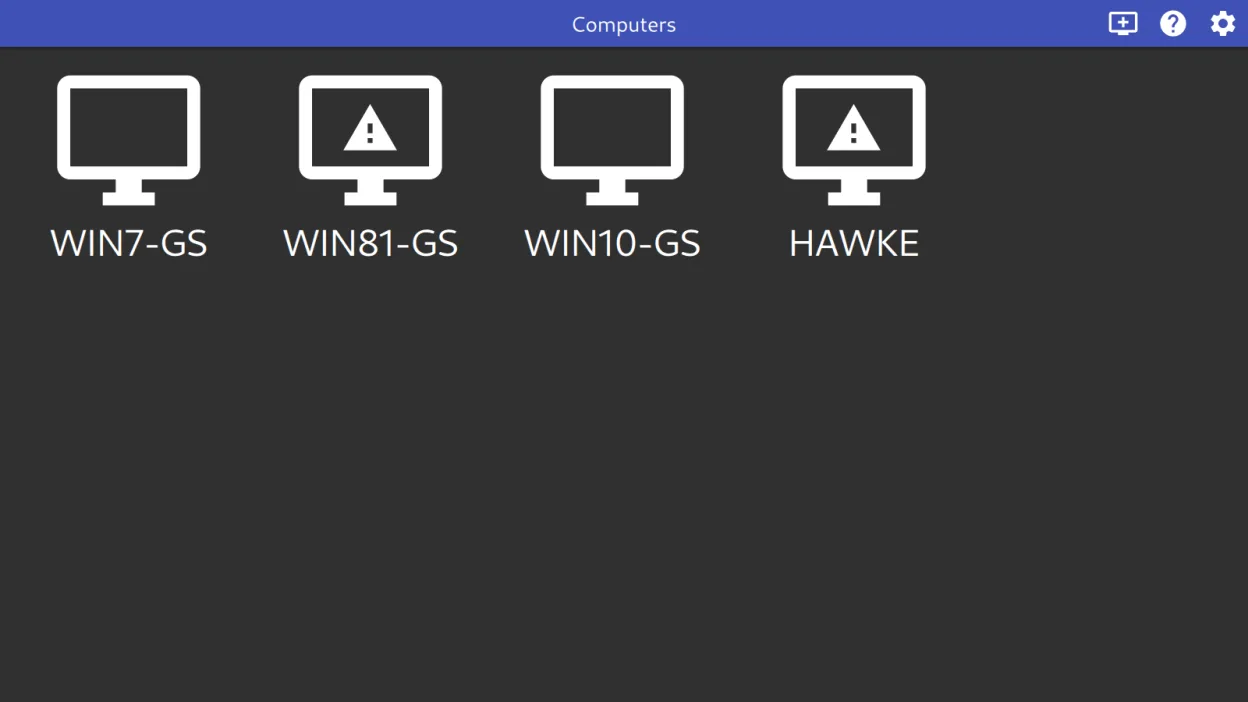
- Set up Moonlight on your Linux machine via Flathub or package manager
- Pair Moonlight with your Sunshine or GeForce Experience host
- Configure streaming settings (resolution, bitrate, codec) in Moonlight
- Map controllers and test audio/video sync
- Launch and stream games or apps directly from the host
Wichtige Funktionen von Moonlight
- Hardwarebeschleunigte Videodekodierung über VAAPI, VDPAU und Vulkan Video
- Unterstützung der Codecs H.264, HEVC und AV1
- Audio-Streaming mit 7.1-Surround-Sound
- Unterstützung für 10-Punkt-Multitouch-Eingabe
- Gamepad-Unterstützung mit Force-Feedback für bis zu 16 Spieler
- Mauszeiger-Erfassung und direkte Maussteuerungsmodi
- Durchreichen von System-Verknüpfungen wie Alt+Tab an den Host
- Funktioniert sowohl mit GeForce Experience als auch mit Sunshine-Servern
Moonlight unter Linux installieren
flatpak install flathub com.moonlight_stream.MoonlightHäufige Fragen
Can Moonlight stream games from a remote internet connection?
Yes, but you must configure port forwarding and a stable network. Performance depends on bandwidth and latency. It works best on local networks, but long-distance streaming is possible with tuning.
Does Moonlight work without an NVIDIA GPU?
Yes. While GeForce Experience requires an NVIDIA GPU, Moonlight also supports Sunshine, which works with AMD, Intel, and other GPUs. Hardware encoding is still recommended for best performance.
Can I use Moonlight on mobile or TV?
Yes. Moonlight has Android apps and supports TV interfaces. You can stream to Android devices, Raspberry Pi, or Linux boxes connected to your TV for a console-like experience.
3 weitere Alternativen zu NVIDIA GeForce NOW
 LutrisLutris ist eine kostenlose, Open‑Source‑Plattform, die die Installation und das Starten von PC‑ und…Open SourceKostenlosFlatpakLutris vs. NVIDIA GeForce NOW
 ParsecParsec ist ein Remote-Desktop-Tool mit geringer Latenz, das hauptsächlich dafür entwickelt wurde, Spiele von…FlatpakParsec vs. NVIDIA GeForce NOW
 SunshineSunshine ist ein selbstgehosteter Spiel-Streaming-Server, der es Ihnen ermöglicht, PC-Spiele auf anderen…Open SourceKostenlosFlatpakSunshine vs. NVIDIA GeForce NOW