
 KopiaLinux
vs
Google Backup and SyncWindows
KopiaLinux
vs
Google Backup and SyncWindows
Kopia como alternativa Linux a Google Backup and Sync
Actualizado el
Nuestra opinión
Kopia is not a direct replacement for Google Backup and Sync if you need live sync with Google Drive and desktop integration. It’s a strong choice for automated, encrypted backups to various storage backends, including cloud providers, but doesn’t sync files in real time or support Google Docs offline editing. It suits users prioritizing security, deduplication, and backup reliability over seamless cloud file syncing. If your goal is scheduled, encrypted backups rather than continuous two-way sync, Kopia works well on Linux.
- Licencia
- Apache-2.0
- Precio
- Gratis
- Última versión
- 0.23.1 (16 de junio de 2026)
- Valoración
- —
Lo que funciona igual
- Both support automatic, scheduled backups of specified directories
- Offer cross-platform support including Linux, Windows, and macOS
- Provide offline access to backed-up data with restore-on-demand
- Allow selective backup of folders (though not live sync in Kopia)
- Include GUI and command-line interfaces for flexibility
Lo que cambia
- Kopia does not sync files in real time with Google Drive
- No desktop integration like file manager context menus or system tray sync status
- Does not support viewing or editing Google Docs, Sheets, or Slides locally
- Backs up data as snapshots rather than keeping folders continuously in sync
- Missing conflict resolution during sync since it's not a sync tool
Abrir tus archivos de Google Backup and Sync
Kopia does not interact with Google Docs file formats directly. Files created in Google Docs, Sheets, or Slides are not downloaded or converted by Kopia unless previously exported and saved as local files (e.g., DOCX, XLSX). If you rely on automatic conversion or offline editing of Google-native formats, Kopia provides no support. It only backs up files that exist as standard file types on your filesystem.
Pasar de Google Backup and Sync a Kopia, paso a paso
- Export any Google Docs, Sheets, or Slides to local formats if needed
- Install Kopia via Flathub or official package for your Linux distribution
- Configure a new backup target using Google Drive via a supported mount (e.g., rclone)
- Select directories to back up and schedule regular snapshot intervals
- Run a test backup and verify restore capability from a snapshot
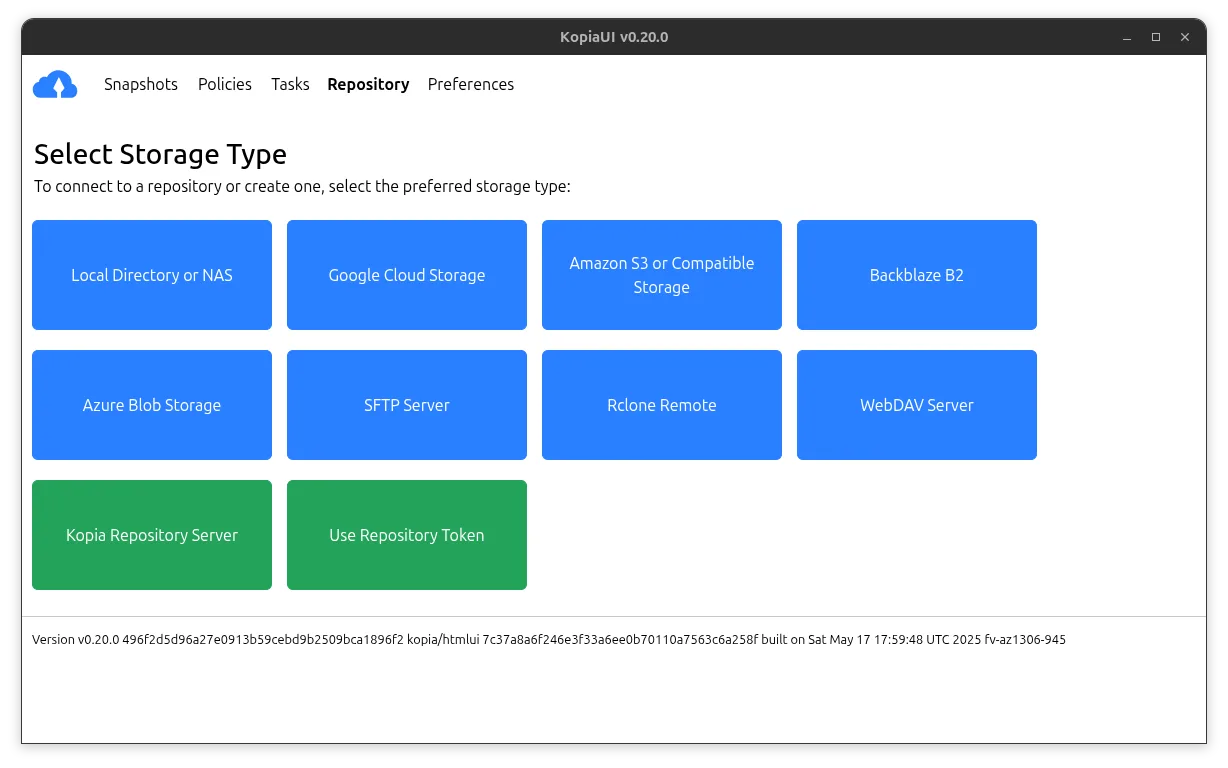
Funciones clave de Kopia
- Cifrado extremo a extremo del lado del cliente
- Copias de seguridad incrementales y desduplicadas
- Compatible con almacenamiento local, de red y en la nube
- Multiplataforma (Linux, Windows, macOS)
- Incluye interfaz gráfica y de línea de comandos
- Compresión para reducir el uso de almacenamiento
- Sistema de copia basado en instantáneas
- Copias de seguridad programadas y manuales
Cómo instalar Kopia en Linux
flatpak install flathub io.kopia.KopiaUIsudo zypper install kopiaPreguntas frecuentes
Can Kopia sync with Google Drive directly?
Not natively. You can back up to Google Drive by mounting it via tools like rclone, but Kopia doesn’t integrate directly with Google Drive APIs.
Does Kopia support real-time file syncing like Google Backup and Sync?
No. Kopia creates periodic snapshots. It does not sync files in real time or keep folders continuously updated.
Is my data encrypted with Kopia when backing up to Google Drive?
Yes. Kopia applies client-side end-to-end encryption before data leaves your machine, so files are encrypted even when stored on Google Drive.
Otras 2 alternativas a Google Backup and Sync
 RClone ManagerUna interfaz gráfica para rclone que te permite gestionar cuentas de almacenamiento en la nube sin usar la…Código abiertoGratisFlatpakRClone Manager vs Google Backup and Sync
 SyncThingySyncThingy es un ícono de bandeja ligero que controla Syncthing, permitiéndote ver el estado, detenerlo y…Código abiertoGratisFlatpakSyncThingy vs Google Backup and Sync