
 Minecraft LauncherLinux
vs
Lunar ClientWindows
Minecraft LauncherLinux
vs
Lunar ClientWindows
Minecraft Launcher como alternativa Linux a Lunar Client
Actualizado el
Nuestra opinión
Minecraft Launcher is a solid replacement for Lunar Client on Linux if you prioritize official support, stability, and online multiplayer. It handles core needs like mod management, version switching, and server access reliably, but lacks Lunar Client’s built-in performance optimizations and pre-loaded mod bundles. Users who want a clean, Mojang-supported experience with mod support via third-party tools like Forge or Fabric will be fine. However, those dependent on Lunar’s FPS boosts, in-client mod integration, or custom UI themes will need extra setup. It’s best for players who value simplicity and official compatibility over advanced tweaks.
- Licencia
- LicenseRef-proprietary
- Precio
- paid
- Última versión
- 2.1.3 (23 de abril de 2026)
- Valoración
- —
Lo que funciona igual
- Both support Minecraft: Java Edition with full online multiplayer access
- Offer mod and resource pack integration through external tools or in-app management
- Provide profile and version management for different game instances
- Allow direct login with Mojang accounts and access to Realms and servers
- Deliver automatic updates and news within the launcher interface
Lo que cambia
- Minecraft Launcher lacks Lunar Client’s built-in FPS optimization and performance tweaks
- No pre-installed mods or modpacks—modding requires manual setup with Forge or Fabric
- Minimalist interface with fewer customization options compared to Lunar’s feature-rich UI
- Does not include built-in chat overlays, server browsing shortcuts, or Discord integration
- No native support for Lunar-specific configurations or mod profiles
Abrir tus archivos de Lunar Client
Minecraft Launcher does not directly open Lunar Client profiles or configuration files. However, world saves, resource packs, and mods stored in standard .minecraft directories can typically be copied over manually. Mod configurations from Lunar may not transfer cleanly if they rely on Lunar-specific loaders or patches. Compatibility depends on whether mods use common platforms like Forge or Fabric. When in doubt, export your worlds and mod folders separately and reapply them in the official launcher.
Pasar de Lunar Client a Minecraft Launcher, paso a paso
- Install Minecraft Launcher via Flathub or from minecraft.net
- Log in with your Mojang account to sync your profile
- Manually install Forge or Fabric if you need mod support
- Copy your saved worlds from Lunar’s .minecraft/saves folder to the same location used by Minecraft Launcher
- Re-download and install mods and resource packs through the official interface or mod manager
- Test each modded profile and adjust Java arguments for performance if needed
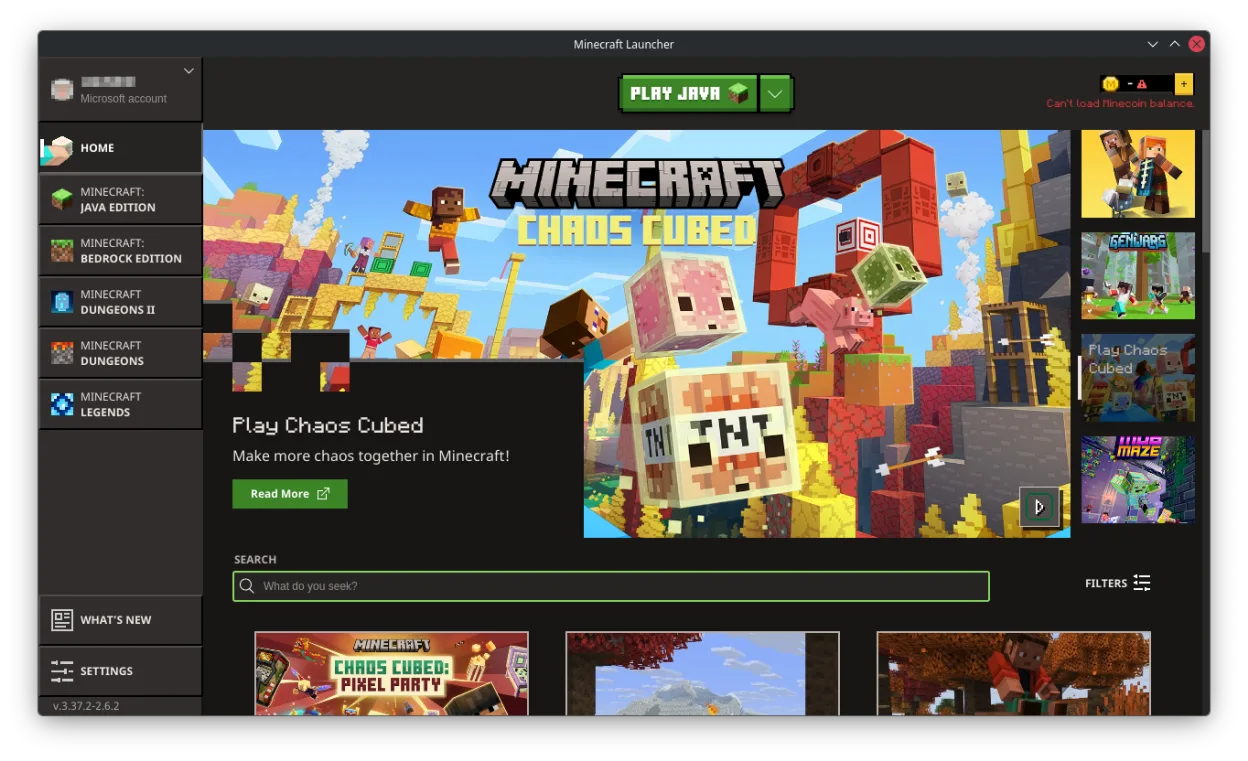
Funciones clave de Minecraft Launcher
- Lanzador oficial firmado por Mojang para Minecraft Java Edition
- Inicio de sesión con cuenta y soporte multijugador
- Noticias integradas y actualizaciones del juego
- Gestión de mods y packs de recursos
- Acceso a servidores y Realms
- Sincronización entre plataformas mediante la cuenta de Mojang
- Gestión automática del entorno de ejecución de Java
- Soporte para múltiples versiones del juego
Cómo instalar Minecraft Launcher en Linux
flatpak install flathub com.mojang.MinecraftPreguntas frecuentes
Can I use my Lunar Client mods with Minecraft Launcher?
Yes, but only if they’re compatible with standard mod loaders like Forge or Fabric. You’ll need to manually install the loader and mods—Lunar-specific tweaks or overlays won’t carry over.
Does Minecraft Launcher boost FPS like Lunar Client?
No. It doesn’t include built-in optimizations. You’ll need to manually adjust JVM arguments or use performance mods like Sodium (Fabric) or OptiFine (Forge) for better FPS.
Can I play on Lunar Client servers using Minecraft Launcher?
Yes, as long as the server doesn’t require Lunar’s proprietary client mod. Most public modded servers that support Forge or Fabric will work fine.
Otras 2 alternativas a Lunar Client
 Prism LauncherUn lanzador de Minecraft personalizado para Linux que gestiona múltiples instancias del juego, mods y…Código abiertoGratisFlatpakPrism Launcher vs Lunar Client
 PolyMCPolyMC es un lanzador gratuito y de código abierto para Minecraft que simplifica la gestión de múltiples…Código abiertoGratisFlatpakPolyMC vs Lunar Client