
 MoonlightLinux
vs
NVIDIA GeForce NOWWindows
MoonlightLinux
vs
NVIDIA GeForce NOWWindows
Moonlight como alternativa Linux a NVIDIA GeForce NOW
Actualizado el
Nuestra opinión
Moonlight is a solid replacement for NVIDIA GeForce NOW if you already have a gaming PC running GeForce Experience or Sunshine. It doesn't stream from the cloud but instead from your own hardware, giving you full control and low-latency performance. It handles high-resolution streaming, gamepad support, and audio well, making it ideal for Linux users wanting to stream locally or over the network. However, it's not a cloud solution — you need your own host machine. Good for self-hosted setups, not for cloud-only gamers.
- Licencia
- GPL-3.0+
- Precio
- Gratis
- Última versión
- 6.2.0 (3 de octubre de 2026)
- Valoración
- —
Lo que funciona igual
- Both stream games with low-latency video over a network
- Support high-resolution output and hardware-accelerated decoding
- Offer full gamepad support with force feedback
- Allow streaming of entire desktop or individual applications
- Support 7.1 audio and system shortcut passthrough
Lo que cambia
- Moonlight requires a local host PC; GeForce NOW uses cloud servers
- Moonlight does not provide access to a cloud game library
- GeForce NOW offers instant access without owning high-end hardware
- Moonlight supports AV1 via Sunshine, while GeForce NOW uses proprietary streaming
- Moonlight allows self-hosting on Linux, whereas GeForce NOW is Windows-only on the client side
Abrir tus archivos de NVIDIA GeForce NOW
Moonlight does not interact with NVIDIA GeForce NOW files or configurations. There's no import or export functionality between the two. GeForce NOW saves game state in the cloud, while Moonlight relies on the host PC's local saves. Progress sync depends on the game's own cloud save system, such as Steam Cloud or platform-specific accounts. You can't transfer GeForce NOW-specific data to Moonlight — they operate on entirely different models.
Pasar de NVIDIA GeForce NOW a Moonlight, paso a paso
- Install Sunshine on your Windows or Linux gaming PC for modern, open-source hosting
- Set up Moonlight on your Linux machine via Flathub or package manager
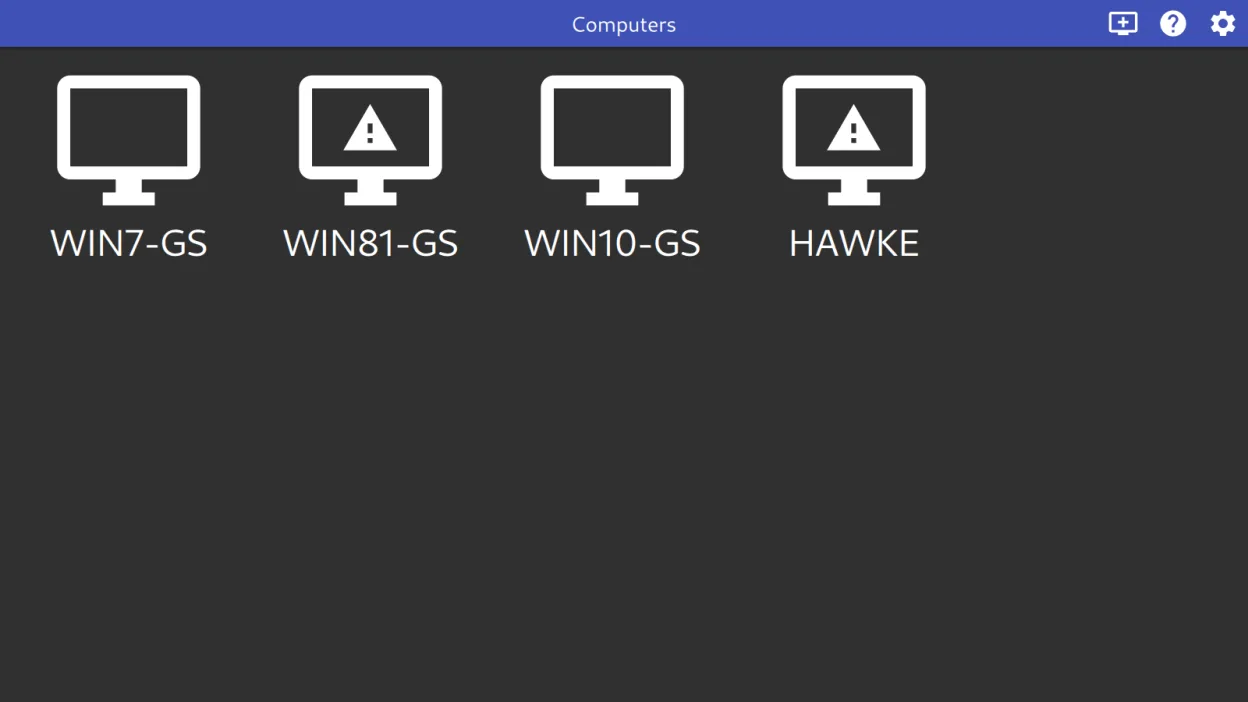
- Pair Moonlight with your Sunshine or GeForce Experience host
- Configure streaming settings (resolution, bitrate, codec) in Moonlight
- Map controllers and test audio/video sync
- Launch and stream games or apps directly from the host
Funciones clave de Moonlight
- Decodificación de video acelerada por hardware mediante VAAPI, VDPAU y Vulkan Video
- Soporta los códecs H.264, HEVC y AV1
- Transmisión de audio con sonido envolvente 7.1
- Soporte para entrada multitáctil de hasta 10 puntos
- Soporte para gamepads con retroalimentación háptica para hasta 16 jugadores
- Modos de captura del puntero y control directo del ratón
- Paso de atajos del sistema como Alt+Tab al anfitrión
- Funciona con servidores GeForce Experience y Sunshine
Cómo instalar Moonlight en Linux
flatpak install flathub com.moonlight_stream.MoonlightPreguntas frecuentes
Can Moonlight stream games from a remote internet connection?
Yes, but you must configure port forwarding and a stable network. Performance depends on bandwidth and latency. It works best on local networks, but long-distance streaming is possible with tuning.
Does Moonlight work without an NVIDIA GPU?
Yes. While GeForce Experience requires an NVIDIA GPU, Moonlight also supports Sunshine, which works with AMD, Intel, and other GPUs. Hardware encoding is still recommended for best performance.
Can I use Moonlight on mobile or TV?
Yes. Moonlight has Android apps and supports TV interfaces. You can stream to Android devices, Raspberry Pi, or Linux boxes connected to your TV for a console-like experience.
Otras 3 alternativas a NVIDIA GeForce NOW
 LutrisLutris es una plataforma libre y de código abierto que centraliza la instalación y el lanzamiento de juegos…Código abiertoGratisFlatpakLutris vs NVIDIA GeForce NOW
 ParsecParsec es una herramienta de escritorio remoto de baja latencia diseñada principalmente para transmitir…FlatpakParsec vs NVIDIA GeForce NOW
 SunshineSunshine es un servidor de transmisión de juegos autohospedado que te permite jugar juegos de PC en otros…Código abiertoGratisFlatpakSunshine vs NVIDIA GeForce NOW