
 Code::BlocksLinux
vs
Visual Studio 2022Windows
Code::Blocks, alternative Linux à Visual Studio 2022
Mis à jour le
Notre avis
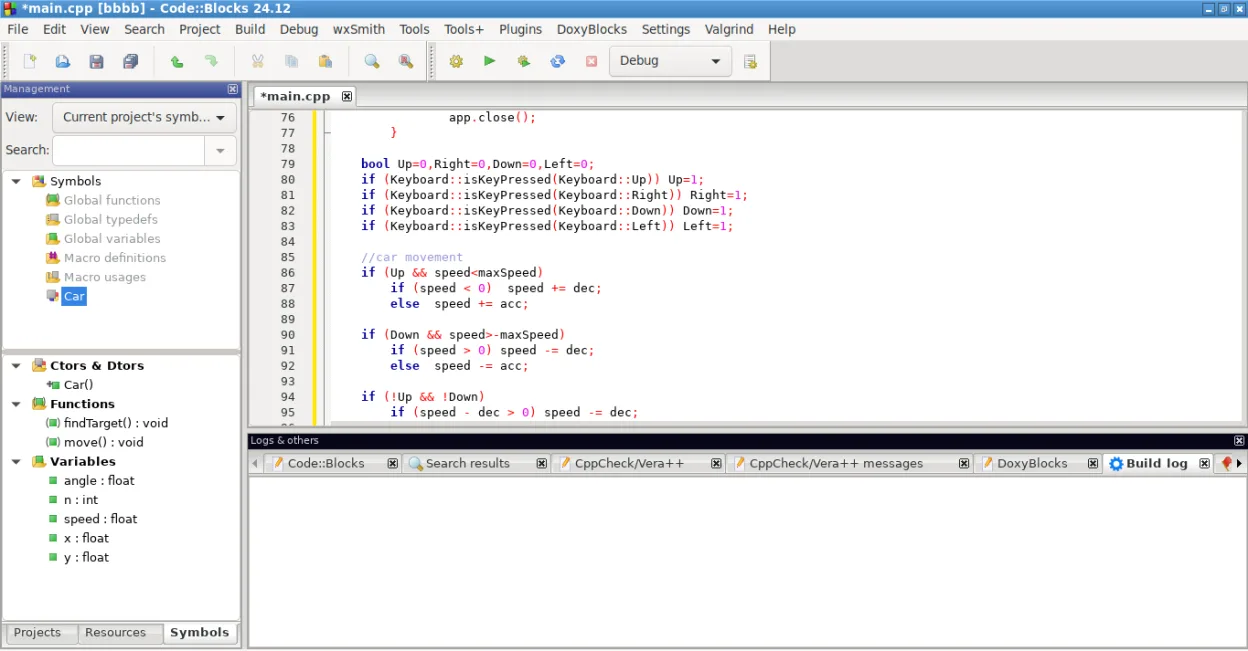
Code::Blocks is a decent replacement for Visual Studio 2022 if you're focused on C++ and don't need C# or .NET support. It handles basic IDE tasks well—code editing, compilation with GCC or Clang, and GDB debugging—but lacks the depth of IntelliSense, refactoring tools, and integrated Git UI found in Visual Studio. It's suitable for students, hobbyists, or developers working on simpler C++ projects. Professional developers relying on advanced tooling, C# work, or Windows-specific frameworks will find it insufficient.
- Licence
- GPL-3.0+
- Prix
- Gratuit
- Dernière version
- 25.03 (31 mars 2025)
- Note
- —
Ce qui fonctionne pareil
- Supports C++ development with syntax highlighting and code completion
- Integrated debugger using GDB (similar to basic debugging in Visual Studio)
- Project management for multi-file builds and custom build targets
- Extensible via plugins to add functionality
- Cross-platform builds supported on Linux, Windows, and macOS
Ce qui change
- No C# or .NET support—Code::Blocks is limited to C, C++, and Fortran
- Code completion is basic, lacks AI-assisted or deep semantic analysis like IntelliSense
- No built-in Git integration with visual diff or branch management
- Missing advanced refactoring tools (e.g., rename across solution, extract method)
- No support for MSBuild or .sln files; uses its own project format
Ouvrir vos fichiers Visual Studio 2022
Code::Blocks cannot directly open Visual Studio 2022 .sln or .vcxproj files. You’ll need to recreate the project manually using Code::Blocks’ project wizard. Source files (.cpp, .h) can be reused, but build configurations, preprocessor settings, and linker options must be re-entered. There’s no automated import tool. If the project relies on MSBuild or Windows-specific paths, additional adjustments are required for Linux builds.
Passer de Visual Studio 2022 à Code::Blocks, étape par étape
- Install Code::Blocks via your package manager or Flathub
- Create a new project using the project wizard and add existing .cpp and .h files
- Configure the compiler (GCC or Clang) and linker settings to match your build requirements
- Set up debugging using GDB by specifying the executable and breakpoints
- Install plugins like 'Contrib' for extra features such as better code completion
- Test build and debug workflow, adjusting paths and flags as needed
Fonctionnalités clés de Code::Blocks
- Support for GCC, Clang, MSVC and other compilers
- Parallel and multi‑target project builds
- Integrated GDB debugging
- Customizable UI with dockable panes
- Extensible plugin architecture
- Code completion and syntax highlighting
- Project wizards for common templates
- Cross‑platform builds (Windows, Linux, macOS)
Installer Code::Blocks sous Linux
flatpak install flathub org.codeblocks.codeblocksQuestions fréquentes
Can I use Code::Blocks for C# development like in Visual Studio?
No, Code::Blocks does not support C#. For C# on Linux, consider JetBrains Rider or Visual Studio Code with the C# extension.
Does Code::Blocks support IntelliSense-like code completion?
It has basic code completion based on syntax parsing, but nothing close to Visual Studio’s IntelliSense in accuracy or context awareness.
Can I debug the same way as in Visual Studio 2022?
You can set breakpoints and inspect variables using GDB, but the interface is simpler and less integrated than Visual Studio’s debugging tools.
3 autres alternatives à Visual Studio 2022
 Visual Studio CodeUn éditeur de code léger et extensible qui prend en charge le débogage, Git et de nombreux langages.GratuitFlatpakVisual Studio Code ou Visual Studio 2022
 KDevelopKDevelop est un IDE gratuit et basé sur des modules complémentaires pour KDE, prenant en charge C++, Python…Open sourceGratuitFlatpakKDevelop ou Visual Studio 2022GNOME BuilderGNOME Builder est un environnement de développement intégré léger, axé sur C, C++ et Python, construit sur la…Open sourceGratuitGNOME Builder ou Visual Studio 2022