
Linux · Office
Calligra
Calligra is a KDE‑based office suite offering word processing, spreadsheets, presentations and vector graphics.
- Licence
- GPL-2.0-or-later
- Dernière version
- 26.08.3 (5 novembre 2026)
- Développeur
- The KDE Community
- Installations
- 907 (Flathub, 30 jours)
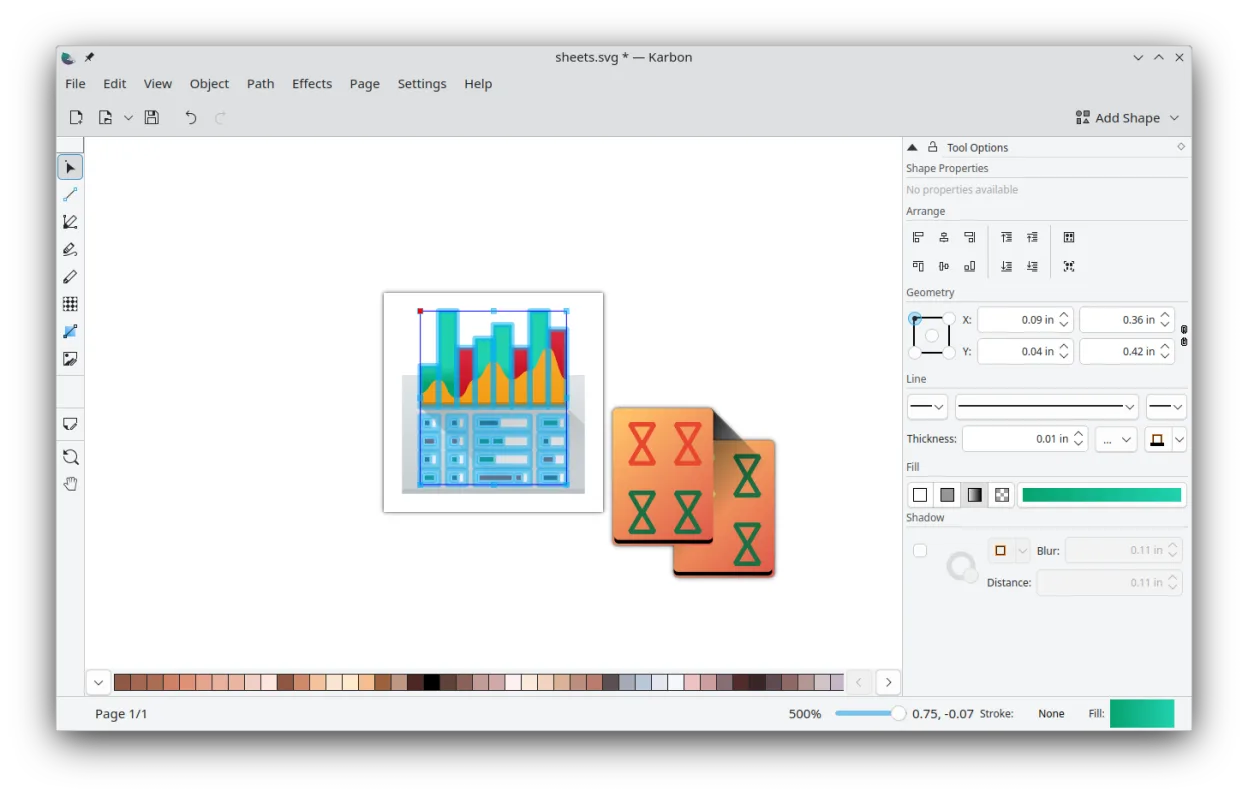
Qu’est-ce que Calligra ?
Calligra originated from the KOffice project and has been maintained by the KDE Community for over a decade. It ships with a set of tightly integrated applications—Words, Sheets, Stage and Karbon—each focused on a specific office task. The suite is packaged in most major Linux distributions and receives regular updates, the latest being version 26.04.3.
The suite targets users who need a full‑featured office environment without resorting to Microsoft Office. It works well for students, small businesses and hobbyists who prefer open‑source tools and a desktop that follows the KDE design language. Because the applications share a common file format and UI conventions, the learning curve is modest if you are already familiar with KDE apps.
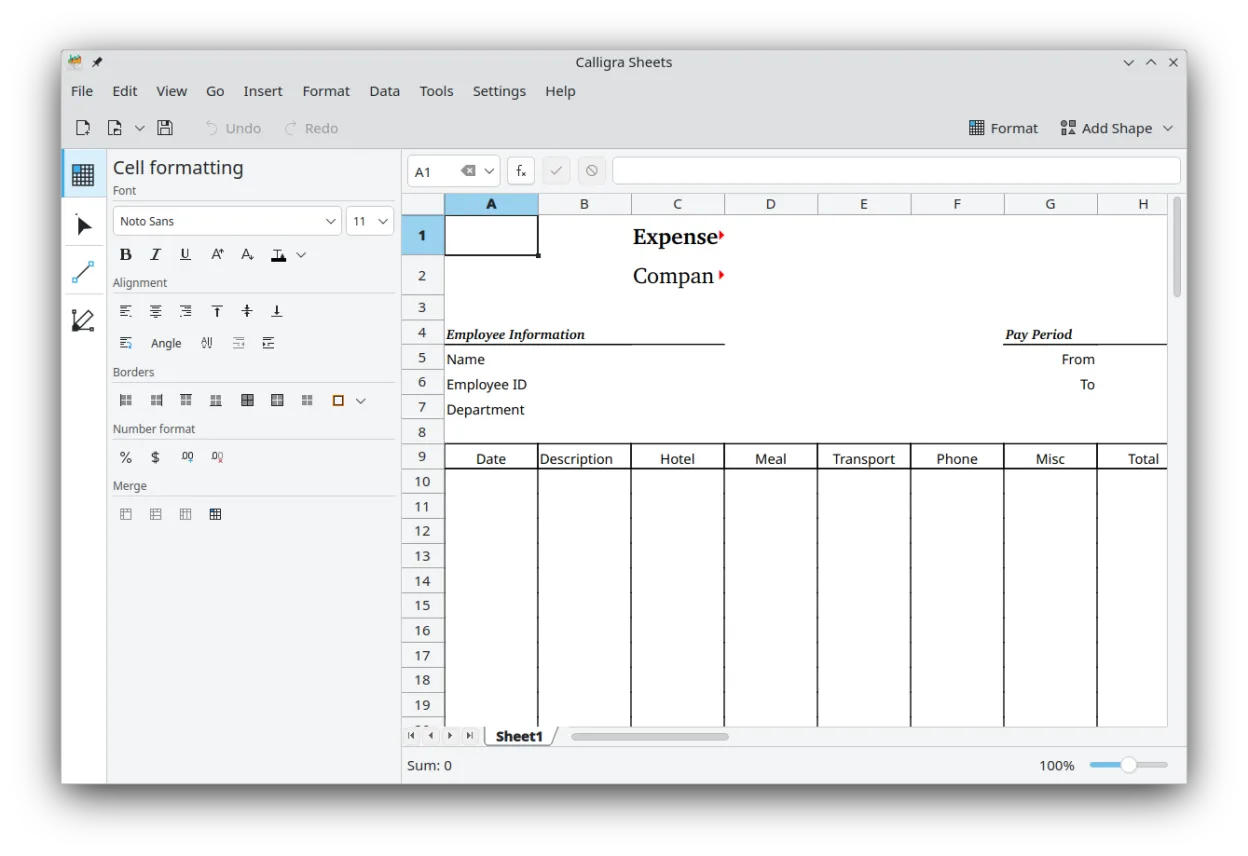
Compared with Microsoft Excel Mobile, Calligra Sheets feels more like a desktop spreadsheet program than a trimmed‑down mobile app. It offers a richer set of functions, chart types and cell formatting options, though the interface is less touch‑oriented. If you are used to the Windows Office look, expect a more traditional Linux menu layout and keyboard‑centric workflow.
Idéal pour : Users who want a free, integrated office suite on Linux with decent spreadsheet capabilities.
Fonctionnalités clés de Calligra
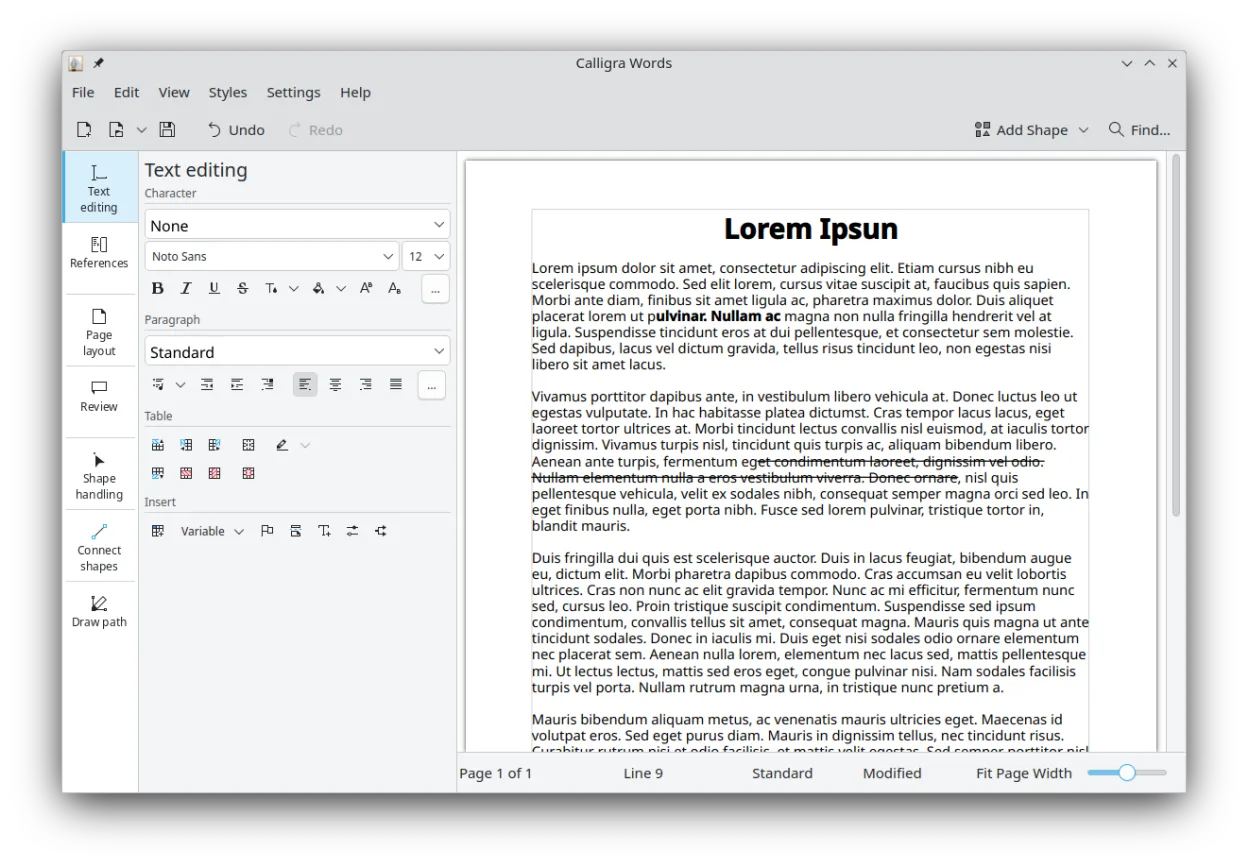
- Words: word processor with desktop publishing tools
- Sheets: full‑featured spreadsheet with formulas and charts
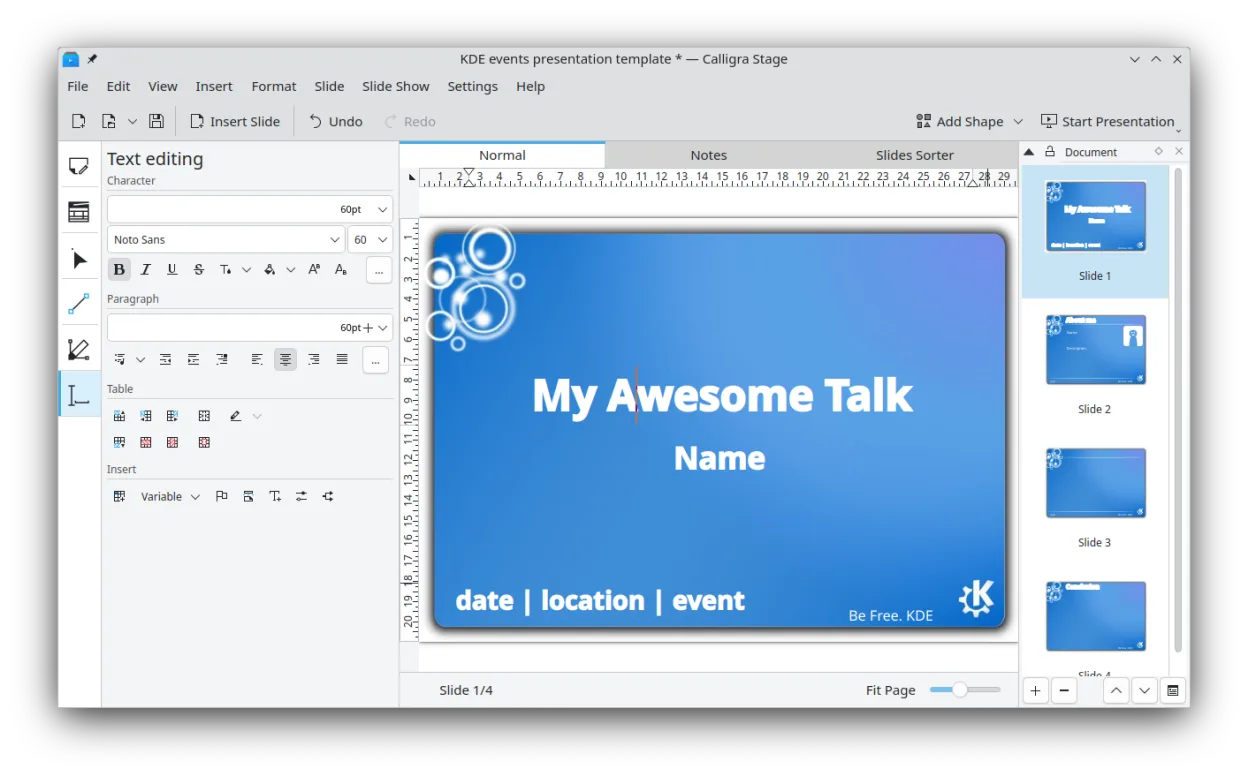
- Stage: presentation editor with plugin‑based effects
- Karbon: vector drawing app with customizable UI
- Native KDE integration (menus, shortcuts, file dialogs)
- Supports OpenDocument and Microsoft Office file formats
- Cross‑platform: runs on Linux, BSD and Windows via KDE on Windows
- Plugin system for extending functionality
Points forts
- All core office functions in one suite
- Good OpenDocument support and decent MS Office compatibility
- Consistent UI across applications
- Lightweight compared with Microsoft Office
- Active development and packaging in major distros
Points faibles
- Interface feels dated to users accustomed to Microsoft 365
- Advanced Excel features (e.g., Power Query, VBA) are missing
- Limited collaboration features out of the box
Logiciels Windows remplacés par Calligra
Installer Calligra sous Linux
flatpak install flathub org.kde.calligrasudo apt install calligrasudo apt install calligrasudo dnf install calligrasudo pacman -S calligraConseils pour les utilisateurs de Windows
Calligra Sheets can open .xlsx and .xls files directly, though complex macros will not run. Familiarize yourself with the KDE shortcut style: Ctrl+Shift+S saves, Ctrl+F finds, and F2 edits cells. Export your existing Excel workbooks to OpenDocument (.ods) for best compatibility, and consider using the built‑in formula help to map Excel functions to Calligra equivalents.
Versions récentes
- 26.08.3 —
- 26.08.2 —
- 26.08.1 —
- 26.04.3 —
Calligra : questions fréquentes
Can Calligra open Microsoft Excel files?
Yes, Sheets can open .xls and .xlsx files, but advanced features like macros are not supported.
Is there a mobile version of Calligra?
Calligra is primarily a desktop suite; there is no dedicated mobile app, though it can run on tablets with a full KDE session.
How do I install Calligra on Ubuntu?
Use the package manager: sudo apt install calligra or install the Flathub flatpak with flatpak install flathub org.kde.calligra.
Does Calligra support real‑time collaboration?
Collaboration is limited to file sharing; it does not have built‑in real‑time editing like Google Docs.
Mis à jour le