

Linux · Graphisme
ksnip
ksnip is a cross-platform screenshot tool with powerful annotation and sharing features, built for Linux, Windows, and macOS.
- Licence
- GPL-2.0+
- Dernière version
- 1.10.1 (15 mars 2023)
- Développeur
- Damir Porobic
- Installations
- 1,660 (Flathub, 30 jours)
Qu’est-ce que ksnip ?
ksnip is a Qt-based screenshot utility that's been actively developed for several years, offering reliable capture and rich annotation tools. It supports modern Linux environments including X11 and Wayland compositors like GNOME and Plasma. With steady updates and packaging in major distributions, it's mature and stable for daily use.
It's ideal for users who take frequent screenshots and need to annotate, obfuscate, or share them quickly—think technical writers, developers, or support staff. The interface is clean and functional, prioritizing utility over flash. If you're used to precise control in tools like Snagit, ksnip won't feel as polished, but it covers most core workflows.
Compared to Snagit, ksnip lacks video capture and advanced editing timelines, but matches or exceeds it in static image annotation. The experience is more lightweight and focused. On Linux, it integrates well with desktop environments and clipboard managers, though global hotkeys are limited on Wayland outside of X11 compatibility layers.
Idéal pour : Users who need a reliable, scriptable screenshot tool with strong annotation and privacy controls on Linux.
Fonctionnalités clés de ksnip
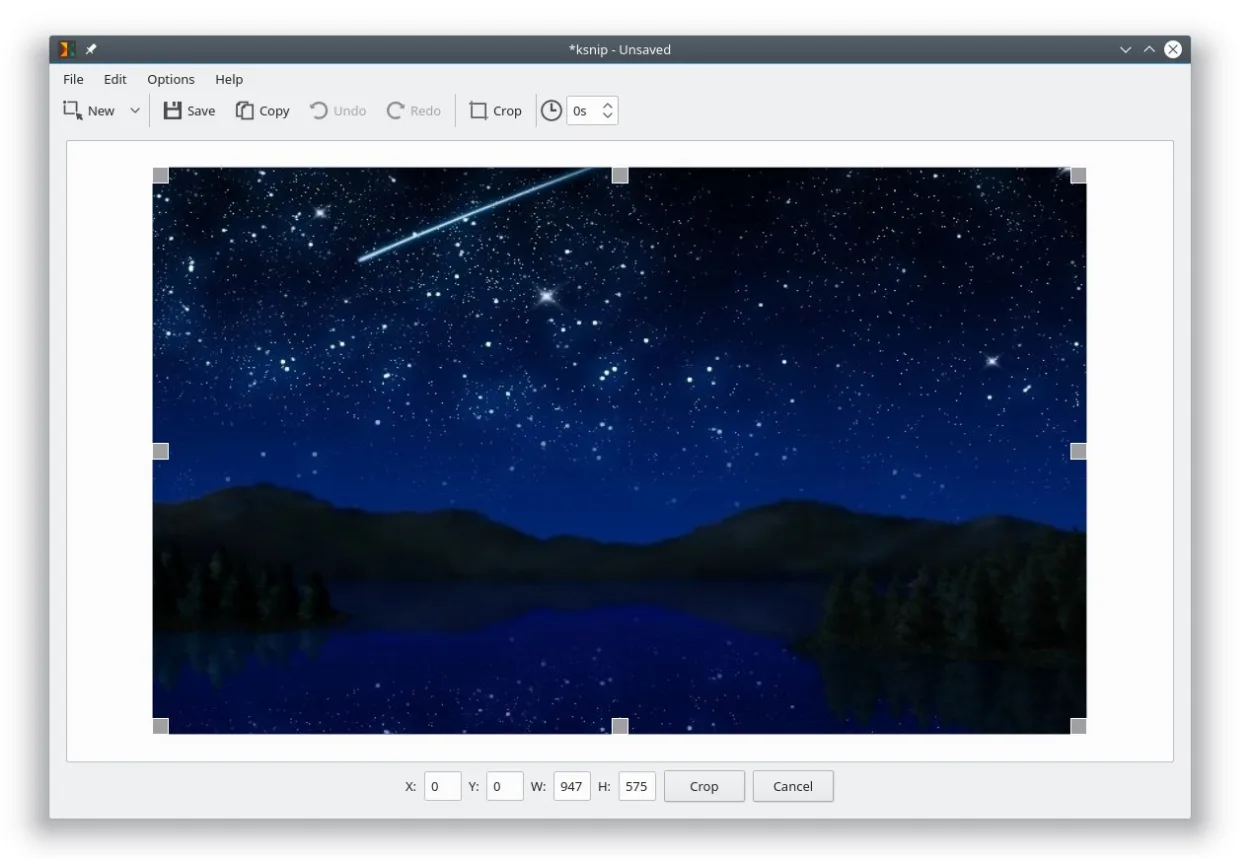
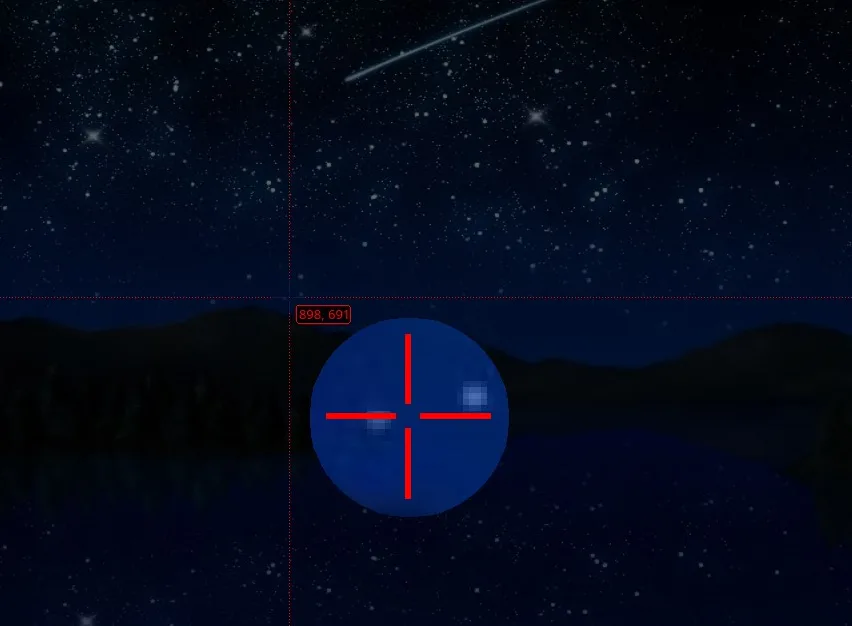
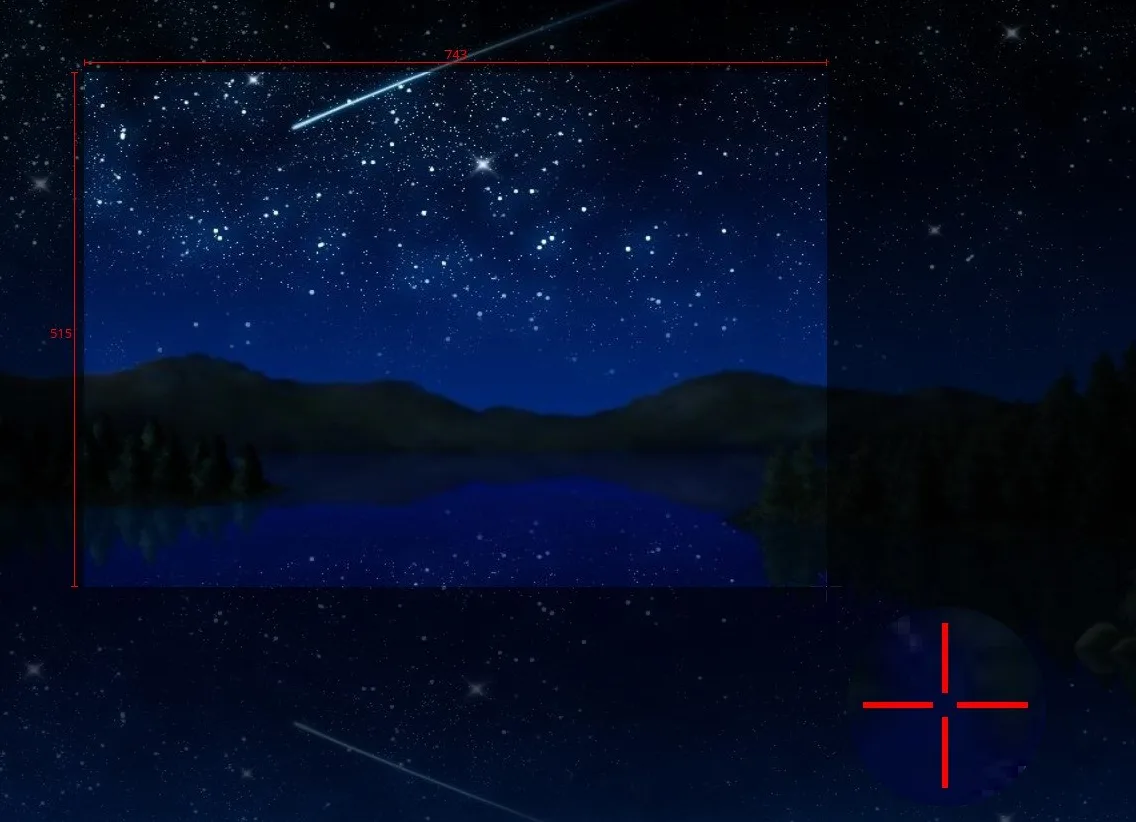
- Capture custom regions, windows, full screens, or under mouse cursor
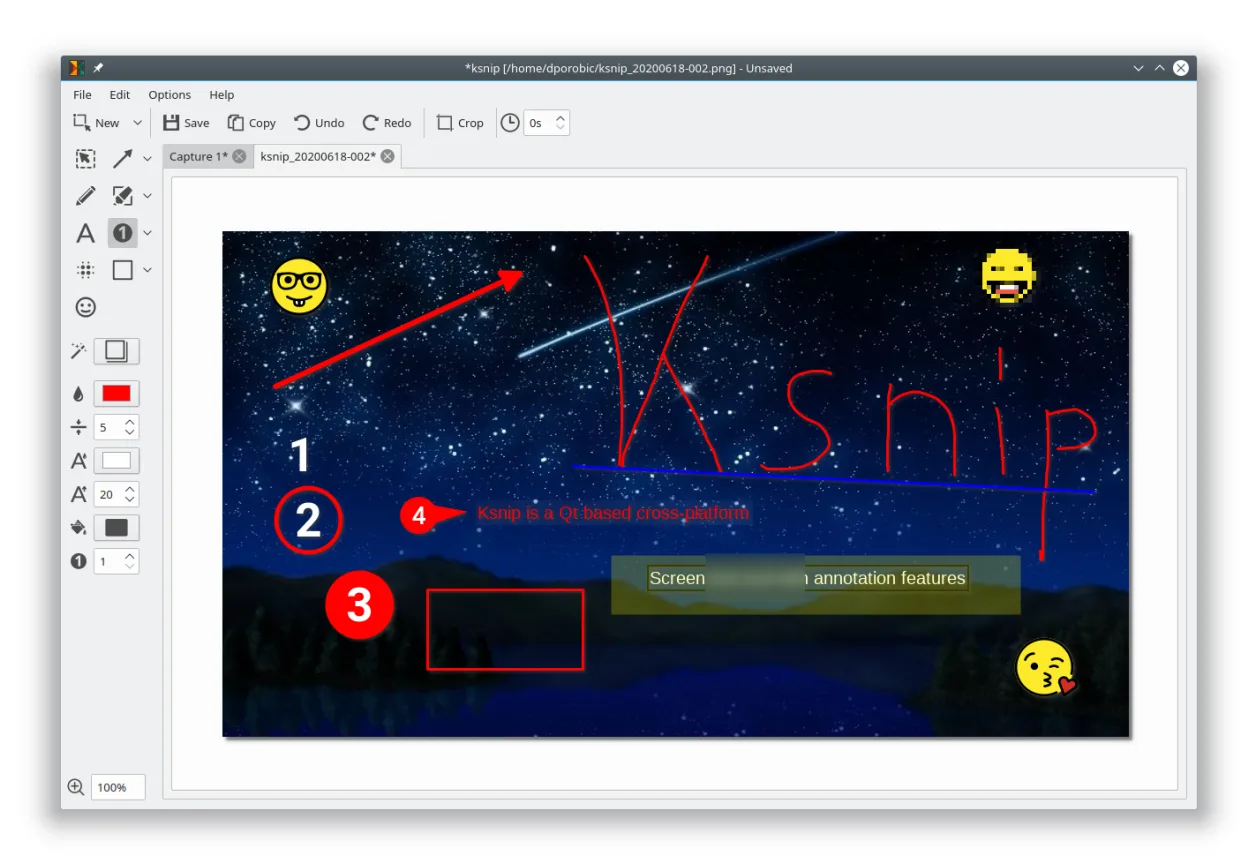
- Annotate with pen, text, shapes, blur, pixelate, and stickers
- Upload directly to imgur or via custom scripts
- Supports filename templates with wildcards like $Y, $M, $D, $T
- Command-line interface for automation and scripting
- Print or export to PDF/PS, add watermarks and image effects
- Tabbed interface for managing multiple screenshots
- Global hotkeys (on X11 and Windows); delay timers for captures
Points forts
- Lightweight and fast with minimal system impact
- Rich annotation tools including obfuscation and effects
- Cross-platform with consistent behavior on Linux, Windows, macOS
- Supports both GUI and command-line workflows
- Active development and packaged in major distros
Points faibles
- Global hotkeys don't work reliably on Wayland outside X11
- No screen recording or GIF creation
- Interface feels utilitarian, not flashy
- Limited plugin ecosystem compared to commercial tools
Logiciels Windows remplacés par ksnip
Installer ksnip sous Linux
flatpak install flathub org.ksnip.ksnipsudo apt install ksnipsudo apt install ksnipsudo dnf install ksnipsudo pacman -S ksnipsudo zypper install ksnipConseils pour les utilisateurs de Windows
If you're coming from Snagit, note that ksnip doesn't do video captures or scrolling window captures. Your default save format is PNG, but you can change it in settings. Use $T and $D in filenames to replicate timestamped outputs. Most keyboard shortcuts can be customized, but on Wayland, you may need to use xdg-desktop-portal methods or stick to X11 for global hotkeys. Paste from clipboard or drag images in directly to annotate existing content.
Versions récentes
- 1.10.1 —
- Fixed: DragAndDrop not working with snaps. - Fixed: Loading image from stdin single instance client runner side doesn't work. - Fixed kImageAnnotator: Fix for unnecessary scrollbars when a screenshot has a smaller size than the previous one. - Fixed…
- 1.10.0 —
- New: Set image save location on command line. - New: Add debug logging. - New: Add FTP upload. - New: Upload image via command line without opening editor. - New: Add multi-language comment option to desktop file. - New: Add MimeType of Images to desktop…
- 1.9.2 —
- Fixed: Version `Qt_5.15' not found (required by /usr/bin/ksnip). - Fixed: CI packages show continuous suffix for tagged build. - Fixed: kImageAnnotator not translated with deb package. - Fixed: Windows packages increased in size. - Fixed: The string…
- 1.9.1 —
- Fixed: MacOS package damaged and not starting. - Fixed: Deb CI build is frequently failing due to docker image pull limit. - Fixed: Dropped temporary images appear in the open recent menu. - Fixed: Resizing window to match content doesn't work on opening…
ksnip : questions fréquentes
Does ksnip work on Wayland?
Yes, ksnip works on Wayland via xdg-desktop-portal, supporting GNOME and Plasma. Full functionality includes screen and window capture, though global hotkeys are limited without X11.
Can I upload screenshots to imgur anonymously?
Yes, ksnip supports anonymous uploads to imgur. You can also log in with an account for better organization and history tracking.
How do I set custom keyboard shortcuts?
Global hotkeys are configurable in settings, but only work reliably on X11 and Windows. On Wayland, use desktop environment shortcuts to trigger ksnip with command-line options.
Can I use ksnip in scripts?
Yes, ksnip has command-line support for capturing and saving screenshots automatically, making it suitable for automation and integration into workflows.
Mis à jour le