
 ZedLinux
vs
GoLandWindows
Zed, alternative Linux à GoLand
Mis à jour le
Notre avis
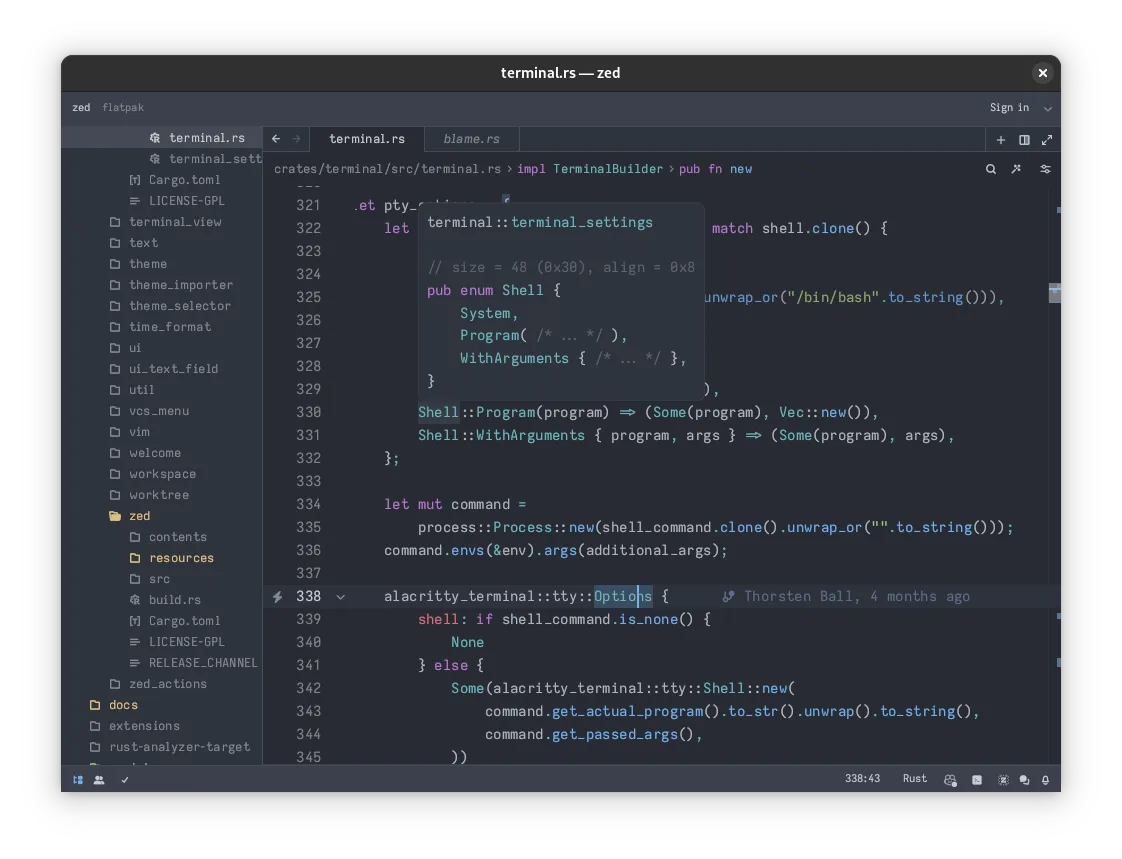
Zed can serve as a Go development environment on Linux, especially for developers who value speed, a lightweight feel, and collaborative editing. It provides syntax highlighting, LSP‑based completion and refactoring, and can run external Go tools, but it lacks the deep, Go‑specific static analysis, built‑in debugger, and integrated dependency management that GoLand offers. For hobbyists or teams that already use external tools like Delve and go.mod from the command line, Zed is a solid, cost‑free alternative; for professional Go developers who rely on GoLand's advanced inspections and one‑click debugging, it will feel incomplete.
- Licence
- AGPL-3.0-or-later and Apache-2.0 and…
- Prix
- Gratuit
- Dernière version
- v1.28.1 (11 novembre 2026)
- Note
- —
Ce qui fonctionne pareil
- Syntax highlighting and language‑aware editing
- Code completion via LSP
- Refactoring support (rename, move) through LSP
- Integrated terminal for running go commands
Ce qui change
- No built‑in Go debugger; requires external tools like Delve
- Missing GoLand's deep static analysis and inspections
- No native UI for go.mod / dependency management
- Refactoring limited to what the language server provides
- AI assistance is optional and not Go‑specific
Ouvrir vos fichiers GoLand
Zed can open any plain‑text source file that GoLand uses, including .go, .mod, and .sum files. It does not understand GoLand's project configuration files (e.g., .idea folder) beyond reading the source, so settings such as run configurations or UI layout will not transfer. Exporting GoLand‑specific settings is not supported, but the code itself moves without issue.
Passer de GoLand à Zed, étape par étape
- Install Zed from Flathub or the official website.
- Open your existing Go project folder in Zed.
- Install the Go language server (gopls) and ensure it is in your PATH.
- Configure Zed to use gopls for autocompletion and refactoring.
- Set up an external debugger (Delve) and run it from Zed's terminal.
- Optional: Install AI extensions if you want code generation assistance.
Fonctionnalités clés de Zed
- Multi-threaded UI for responsive keystrokes
- LSP support for autocompletion and refactoring
- Real-time collaborative editing
- Built-in AI integration for code generation
- GPU-accelerated rendering
- Cross-platform support (Linux, macOS, Windows)
Installer Zed sous Linux
flatpak install flathub dev.zed.ZedQuestions fréquentes
Can Zed replace GoLand's debugger?
Not directly. Zed does not include an integrated debugger, so you need to run Delve manually or use a separate debugging UI.
Will I lose my GoLand project settings?
Project settings stored in .idea are not read by Zed; you will need to recreate run configurations or other IDE‑specific settings manually.
Is Zed free for commercial use?
Yes. Zed is released under AGPL‑3.0‑or‑later (with Apache‑2.0 and GPL‑3.0‑or‑later components), which permits commercial use under the license terms.
3 autres alternatives à GoLand
 Visual Studio CodeUn éditeur de code léger et extensible qui prend en charge le débogage, Git et de nombreux langages.GratuitFlatpakVisual Studio Code ou GoLand
 NeovimNeovim est une version moderne de Vim qui ajoute extensibilité, support UI avancé et extensions puissantes…Open sourceGratuitFlatpakNeovim ou GoLand
 Sublime TextSublime Text est un éditeur de code source léger et rapide, doté d'une interface minimale et d'une…FlatpakSublime Text ou GoLand