

Windows · Science & Education
Best Linux alternatives to Mathcad
Mathcad is a notebook‑style engineering calculator that mixes live equations, text, and plots for documentation and analysis.
Updated
Quick answer
The best Linux alternative to Mathcad is GeoGebra.
1 Linux alternatives to Mathcad
-
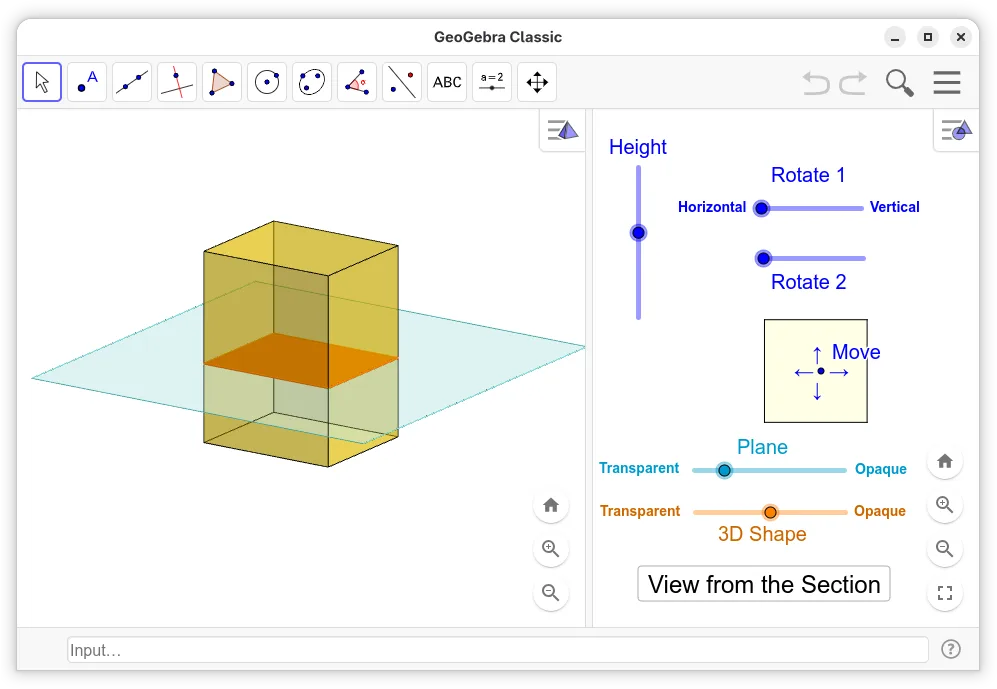
Dynamic mathematics software for solving equations, graphing functions, and exploring 2D and 3D geometry.
GeoGebra is a partial replacement for Mathcad, suitable for users focused on visual math, geometry, and basic symbolic algebra. It handles live equations and mixed content well but lacks Mathcad's depth in engineering documentation and unit management. If your work involves heavy numeric…
Feature parity45%

What is Mathcad?
Mathcad is used by engineers and scientists who need to create reproducible calculation worksheets that combine formulas, explanatory text, and graphs. It is popular in mechanical, chemical, electrical, and civil engineering for design verification and reporting. The software is sold commercially under a proprietary license, typically as a per‑seat or floating license with optional maintenance fees.
Because Mathcad runs only on Windows, many Linux users in academia and industry look for a native or open‑source replacement that can handle symbolic and numeric work in a notebook format. The cost and lock‑in of a proprietary Windows‑only product also push users toward free alternatives that integrate with Linux workflows.
A Linux alternative must let you write equations that evaluate automatically, embed explanatory text, and generate plots, while keeping the document readable and exportable. It should also support scripting or programming extensions for custom calculations, and ideally import or export Mathcad files to ease the transition.
What a replacement for Mathcad must do
- Live, editable equations with automatic recomputation
- Mixed text, equations, and graphics in a single document
- Support for numeric and symbolic calculations
- Ability to script or extend with a programming language
- Export to common formats (PDF, CSV, plain text)
- Reasonable handling of units and engineering constants
Can you run Mathcad on Linux?
Mathcad has no native Linux version and no official web interface. It can be run on Linux via compatibility layers such as Wine, but performance and full feature support are not guaranteed. No Proton or Bottles packages are officially maintained for it.
Which alternative should you choose?
For users who need a free, open‑source solution, GAP (Groups, Algorithms, Programming) offers a powerful computer algebra system that can handle symbolic work and scripting, though it lacks a notebook UI. If a notebook‑style interface is essential, consider using Jupyter notebooks with Python libraries like SymPy and Matplotlib as a more user‑friendly alternative.
Moving your Mathcad files and habits
Mathcad files use a proprietary .mcd format; there is no direct import tool for Linux alternatives. The usual approach is to export calculations as plain text, CSV, or PDF from Mathcad, then recreate the worksheets in the new tool. For symbolic expressions, copy‑pasting the LaTeX or plain‑text representation often works.
Mathcad: frequently asked questions
Can I run Mathcad on Linux without Windows?
Not natively; you would need Wine or a virtual machine, which may not support all features.
Is there a free Linux program that does the same thing?
No single free tool matches Mathcad’s notebook UI, but combinations like Jupyter + SymPy provide similar capabilities.
Can I open .mcd files in GAP?
GAP cannot read Mathcad files; you must export the data to a neutral format first.
Will my existing calculations work after switching?
Only if you export them to a common format; you will need to rebuild the notebook structure in the new environment.
How important is Mathcad to you?
Know a better alternative? Suggest an alternative