
 BraveLinux
vs
Microsoft Edge (Chromium-based)Windows
Brave como alternativa Linux ao Microsoft Edge (Chromium-based)
Atualizado em
Nossa avaliação
Brave is a solid replacement for Microsoft Edge (Chromium-based) for users who prioritize privacy and speed over deep OS integration. It handles the same core tasks—browsing, tab management, extensions—while blocking ads and trackers by default, which many find improves performance. If you rely on Microsoft account sync, Edge-specific features like Collections, or tight Windows integration, Brave won’t replicate those exactly. But for general web use, especially if you want less tracking and faster loads, it's a strong alternative.
- Licença
- MPL-2.0
- Preço
- Grátis
- Versão mais recente
- 1.100.59 (24 de novembro de 2026)
- Avaliação
- —
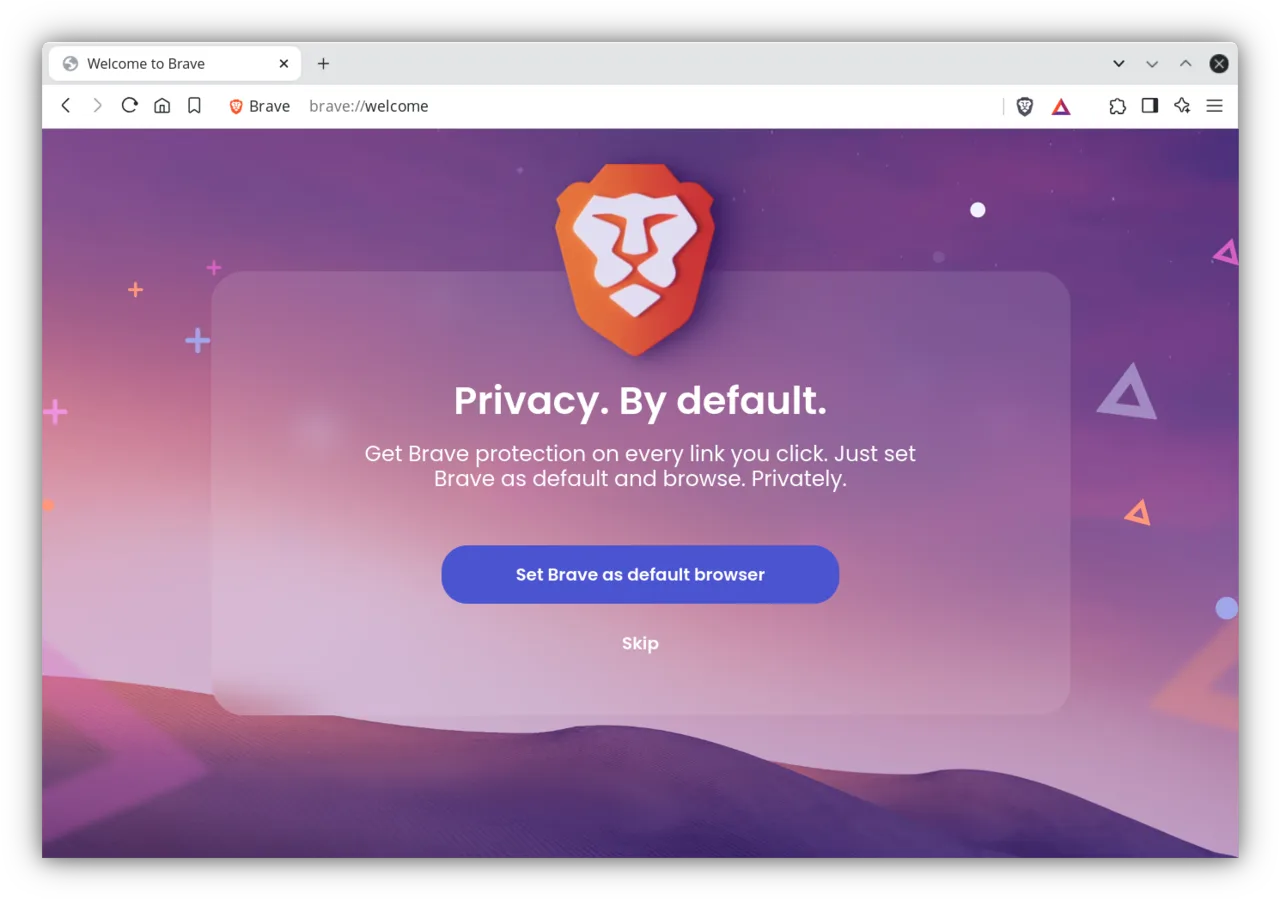
O que funciona igual
- Both are based on Chromium, so site compatibility and performance are nearly identical.
- Support for Chrome extensions from the Chrome Web Store.
- Sync capabilities across devices (Brave uses its own sync system).
- Modern UI with tabs, bookmarks, and history management.
- Fast page loading due to Chromium engine.
O que muda
- Brave blocks ads and trackers by default; Edge does not.
- No built-in integration with Microsoft services like OneDrive or Office 365.
- Brave Rewards system is unique and has no equivalent in Edge.
- Edge offers Collections and vertical tabs—features not in Brave.
- Brave does not support Microsoft account sign-in or Windows Hello for authentication.
Abrindo seus arquivos do Microsoft Edge (Chromium-based)
Brave can import bookmarks, history, and passwords directly from Microsoft Edge (Chromium-based) on Linux if the data is accessible. Since both use Chromium, profile formats are similar, but manual export from Edge on Windows may be needed. Brave supports standard HTML bookmark exports and can open most web content files (like .html or .pdf) that Edge handles. Session or tab group files from Edge are not directly compatible.
Trocando o Microsoft Edge (Chromium-based) pelo Brave, passo a passo
- Install Brave via your package manager or download from brave.com.
- Launch Brave and go to Settings > Sync to set up device sync.
- Use the 'Import browser data' option to pull in bookmarks and passwords from Edge if available.
- Install any needed extensions from the Chrome Web Store.
- Enable Shields per-site as needed for compatibility.
- Export your bookmarks from Edge as HTML if migrating from Windows, then import into Brave.
Principais recursos do Brave
- Bloqueio integrado de anúncios e rastreadores
- Motor baseado em Chromium para compatibilidade
- Brave Rewards para criadores de conteúdo
- Velocidade rápida de carregamento de páginas
- Configurações padrão focadas em privacidade
- Suporte a extensões web padrão
Como instalar o Brave no Linux
flatpak install flathub com.brave.BrowserPerguntas frequentes
Can Brave sync with Microsoft Edge?
No. Brave uses its own sync system. You can't directly sync with Edge or Microsoft accounts.
Does Brave support Chrome extensions?
Yes. Brave supports most extensions from the Chrome Web Store.
Is Brave really faster than Edge?
Often yes—by blocking trackers and ads by default, Brave loads pages faster and uses less memory in many cases.
Outras 4 alternativas ao Microsoft Edge (Chromium-based)
 Mozilla FirefoxMozilla Firefox é um navegador web de código aberto que roda nativamente no Linux, oferecendo uma experiência…Código abertoGrátisMozilla Firefox vs Microsoft Edge (Chromium-based)
 Google ChromeO Google Chrome é o navegador web proprietário baseado em Chromium da Google, disponível para Linux.GrátisFlatpakGoogle Chrome vs Microsoft Edge (Chromium-based)
 VivaldiVivaldi é um navegador web altamente personalizável e rico em recursos, criado para usuários avançados que…FlatpakVivaldi vs Microsoft Edge (Chromium-based)
 LibreWolfLibreWolf é um fork independente do Firefox focado em privacidade, projetado para eliminar a telemetria e…Código abertoGrátisFlatpakLibreWolf vs Microsoft Edge (Chromium-based)