 draw.ioLinux
vs
Axure RPWindows
draw.ioLinux
vs
Axure RPWindows
draw.io como alternativa Linux ao Axure RP
Atualizado em
Nossa avaliação
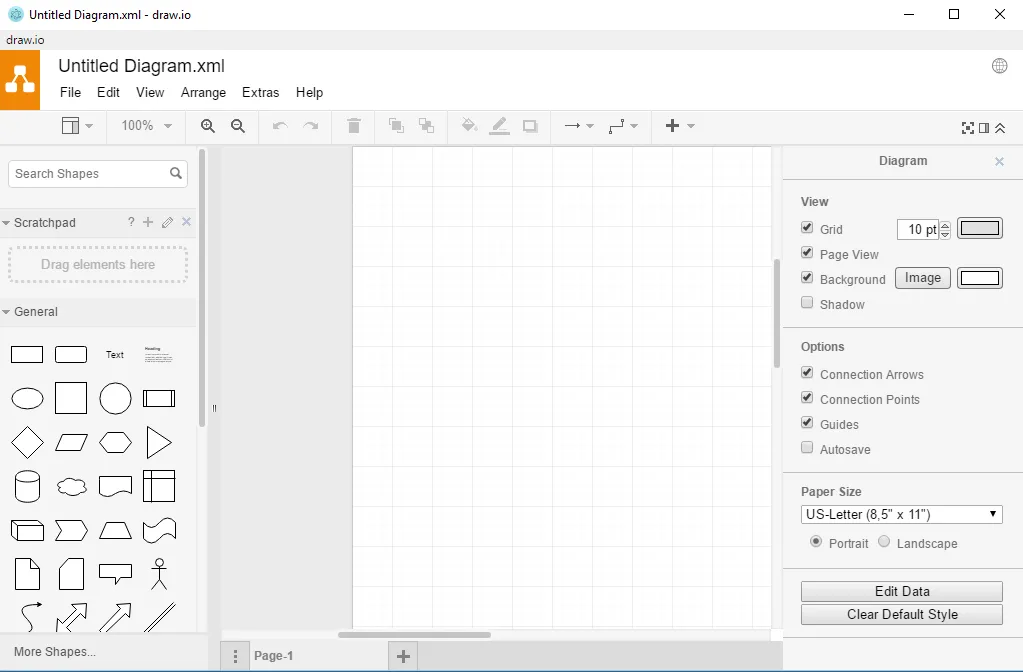
draw.io is not a full replacement for Axure RP. It can create simple wireframes and diagrams, but it lacks the advanced prototyping features, animation controls, and responsive layout tools that Axure users rely on. It is suitable for designers who need quick diagramming or low‑fidelity mockups and prefer a free, open‑source tool, but teams that require high‑fidelity, interactive prototypes should keep Axure or look for other specialized tools.
- Licença
- Apache-2.0
- Preço
- Grátis
- Versão mais recente
- 32.6.1 (23 de outubro de 2026)
- Avaliação
- —
O que funciona igual
- Both allow creation of visual diagrams and wireframes
- Both support exporting to image or PDF formats
- Both offer desktop and web versions
- Both provide custom shape libraries
- Both enable sharing of designs with stakeholders
O que muda
- draw.io lacks built‑in animation and interaction widgets that Axure provides
- No native responsive design editor for multiple screen sizes in draw.io
- Axure exports to interactive HTML with navigation, draw.io does not
- Axure supports version control and project management features, draw.io relies on external services
- Axure’s UI is tailored for UX/UI prototyping, draw.io is a general diagramming tool
Abrindo seus arquivos do Axure RP
draw.io does not natively open Axure RP project files (.rp). To migrate, you would need to export Axure diagrams as images or PDFs and import them into draw.io, or recreate the diagram manually. No direct conversion tool is available.
Trocando o Axure RP pelo draw.io, passo a passo
- Export each Axure page as PNG or SVG
- Open draw.io and create a new diagram
- Import the exported images into draw.io layers
- Rebuild interactive elements using draw.io shapes and connectors
- Save the new diagram in draw.io format for future editing
Principais recursos do draw.io
- Versões web e desktop via Flatpak
- Suporta uma ampla gama de tipos de diagramas (UML, ER, rede, fluxograma)
- Colaboração em tempo real com Google Drive, OneDrive, GitHub
- Exporta para PNG, SVG, PDF, XML e formato nativo draw.io
- Bibliotecas e modelos de formas personalizadas
- Edição offline ao usar o aplicativo de desktop
- Atalhos de teclado para ações comuns
- Histórico de versões para cada diagrama
Como instalar o draw.io no Linux
flatpak install flathub com.jgraph.drawio.desktopPerguntas frequentes
Can I collaborate on draw.io diagrams like in Axure?
Yes, draw.io offers real‑time collaboration through Google Drive, OneDrive, or GitHub integration, but it does not provide the same level of interactive prototype sharing as Axure.
Does draw.io support responsive layouts?
No, draw.io does not have a responsive design editor; you must manually create separate diagrams for different screen sizes.
Is there a way to import Axure RP files into draw.io?
There is no direct import; you must export from Axure to an image or PDF and then import those files into draw.io, or recreate the diagram manually.