
 FerdiumLinux
vs
Spotify DesktopWindows
FerdiumLinux
vs
Spotify DesktopWindows
Ferdium como alternativa Linux ao Spotify Desktop
Atualizado em
Nossa avaliação
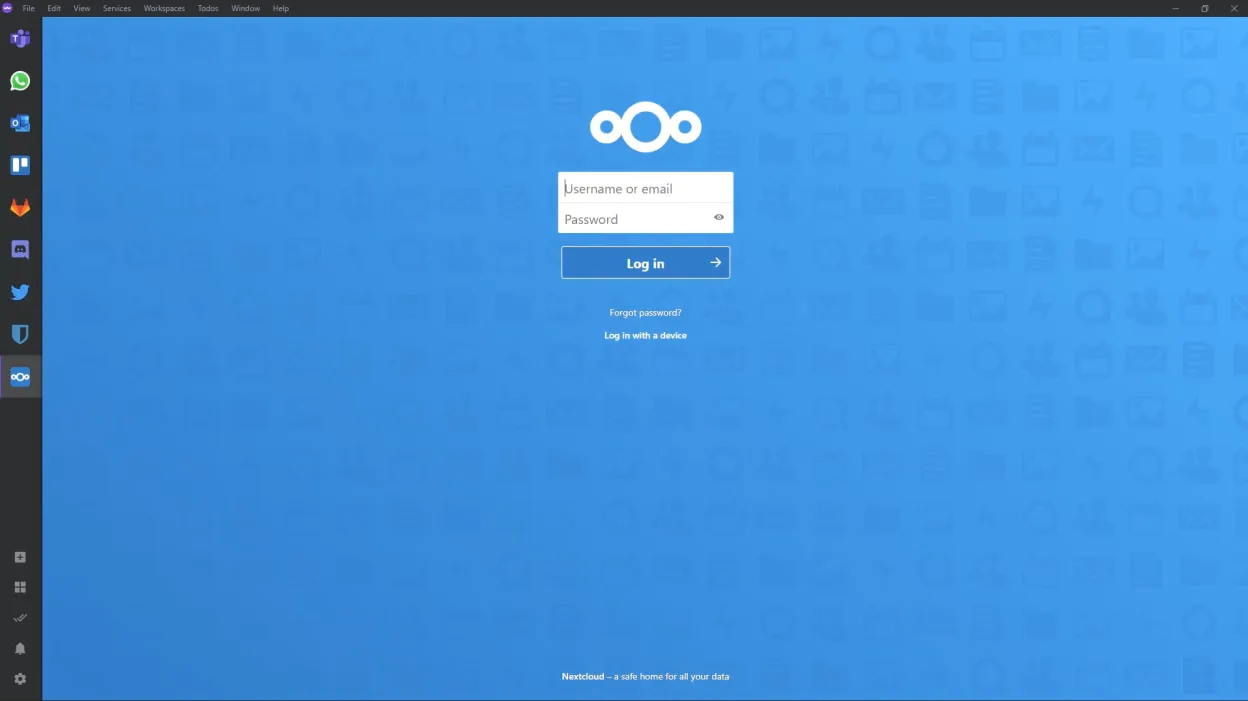
Ferdium is not a direct replacement for Spotify Desktop, but it can work if you're comfortable using web apps. It wraps the Spotify web player in a dedicated window, so you get background playback and account sync as long as you're online. Offline playback isn't supported since it relies on the browser. Performance is heavier than native apps due to Electron, but keyboard shortcuts and dark mode help usability. Best for users who want to centralize services like Slack, Gmail, and Spotify in one window and don’t rely on offline listening.
- Licença
- Apache-2.0
- Preço
- Grátis
- Versão mais recente
- 7.2.3 (7 de setembro de 2026)
- Avaliação
- —
O que funciona igual
- Access to Spotify's full streaming catalog via embedded browser
- User account and playlist sync through Spotify's web interface
- Background playback when the app is open
- Cross-device sync via Spotify account login
- Available on Linux with native packaging (Flatpak, DEB, RPM)
O que muda
- No offline playback — requires internet connection
- Heavier RAM and CPU usage compared to Spotify Desktop
- Lacks native Linux look and feel; UI reflects web version
- Depends on community-maintained 'recipes' for service integration
- Missing some desktop integrations like media keys (unless manually configured)
Abrindo seus arquivos do Spotify Desktop
Ferdium does not interact with local files the way Spotify Desktop does, so there's no support for opening or exporting local music files. Spotify Desktop manages cache and local storage separately, and Ferdium doesn't access that data. If you use Spotify's local files feature, Ferdium won't support it. Your playlists and library are cloud-based and will sync as long as you're logged into Spotify, but offline downloads are unavailable.
Trocando o Spotify Desktop pelo Ferdium, passo a passo
- Install Ferdium from ferdium.org or Flathub
- Open Ferdium and add Spotify using the built-in recipe or custom service
- Log into your Spotify account in the embedded browser
- Enable background playback and notifications in settings
- Customize keyboard shortcuts for play/pause, next track
- Use Ferdium's sync to keep setup across devices
Principais recursos do Ferdium
- Agrupe múltiplos aplicativos web em uma única janela com abas
- Suporta serviços personalizados por meio de receitas criadas por usuários
- Modo escuro integrado e bloqueador de anúncios
- Sincroniza entre dispositivos com login de conta
- Automação no estilo Tasker com fluxos de trabalho
- Atalhos de teclado personalizáveis
- Bandeiras de notificação e controles de silenciamento
- Multiplataforma: Linux, Windows, macOS
Como instalar o Ferdium no Linux
flatpak install flathub org.ferdium.FerdiumPerguntas frequentes
Can Ferdium play Spotify offline?
No. Ferdium uses the Spotify web player, which requires an active internet connection. Offline playback is not supported, even with a Premium account.
Does Ferdium support media keys on Linux?
Not out of the box. Media key support depends on your desktop environment and may require third-party tools like playerctl to work reliably.
Is Ferdium safe for Spotify account use?
Yes. Ferdium doesn't store your credentials — it acts as a browser wrapper. You log in directly to Spotify's site, so your data remains secure.
Outras 4 alternativas ao Spotify Desktop
 SpotifyO Spotify é um serviço proprietário de streaming de música online que permite ouvir milhões de músicas, criar…FlatpakSpotify vs Spotify Desktop
 Clementine Music PlayerClementine é um player de música multiplataforma que reproduz arquivos locais, rádios da internet e suporta…Código abertoGrátisFlatpakClementine Music Player vs Spotify Desktop
 Strawberry Music PlayerStrawberry é um reprodutor de música gratuito e de código aberto, baseado em Qt, e organizador de coleções…Código abertoGrátisFlatpakStrawberry Music Player vs Spotify Desktop
 LollypopO Lollypop é um reprodutor de música leve e moderno para o GNOME que permite reproduzir, organizar e curtir…Código abertoGrátisFlatpakLollypop vs Spotify Desktop