

Linux · Programação
Helix
Helix is a fast, Rust-based terminal text editor with modal editing, multiple selections, and built-in LSP support.
- Licença
- MPL-2.0
- Versão mais recente
- 25.07.1 (18 de julho de 2025)
- Desenvolvedor
- Blaž Hrastnik
- Instalações
- 783 (Flathub, 30 dias)
O que é o Helix?
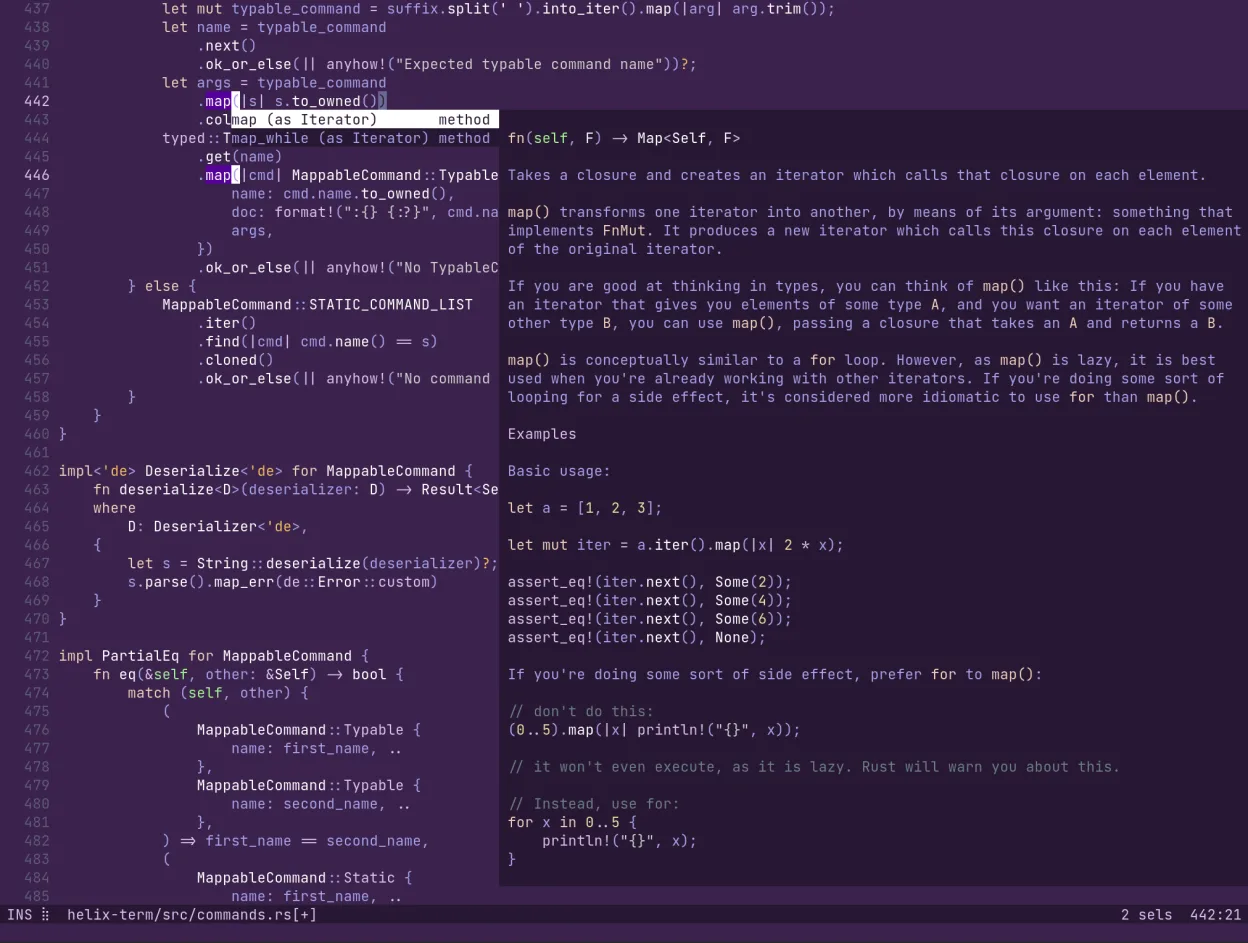
Helix is a terminal-based text editor written in Rust, inspired by Kakoune and Neovim. It focuses on performance and simplicity, using tree-sitter for syntax highlighting and integrating Language Server Protocol (LSP) natively. The project is actively maintained, with regular releases ensuring modern compatibility and feature updates.
It is ideal for developers who prefer a keyboard-driven workflow but find Vim's configuration complexity or Neovim's plugin ecosystem overwhelming. Helix appeals to those who want a clean, out-of-the-box experience with powerful editing capabilities without extensive setup.
Compared to Windows GUI editors, Helix feels more like a command-line tool. It lacks a graphical interface, relying entirely on the terminal. However, it offers a smoother, faster editing experience than many heavy IDEs, especially for quick edits, with multiple selections and smart syntax support built-in.
Ideal para: Developers who want a fast, minimal, and powerful terminal editor with modern language support without complex configuration.
Principais recursos do Helix
- Modal editing similar to Vim/Kakoune
- Built-in Language Server Protocol (LSP) support
- Tree-sitter based syntax highlighting
- Multiple cursor and selection support
- Written in Rust for performance
- No plugin system required for core features
- Terminal-based interface
- Incremental parsing for large files
Prós
- Extremely fast startup and responsiveness
- Zero-config LSP and syntax highlighting
- Simple, predictable keybindings
- Lightweight footprint
- Active development and regular updates
Contras
- No graphical user interface
- Limited plugin ecosystem compared to Neovim
- Steep learning curve for non-modal editors
- Terminal dependency may conflict with some workflows
Programas do Windows que o Helix substitui
Como instalar o Helix no Linux
flatpak install flathub com.helix_editor.HelixDicas para quem vem do Windows
Coming from Windows GUI editors, you will need to adapt to a terminal-only interface. Learn the modal editing basics (normal, insert, visual modes) and keybindings. Helix does not use Vim's .vimrc; instead, it uses a simple TOML configuration file. File formats are standard, but you will lose GUI features like drag-and-drop or visual formatting tools. Focus on keyboard efficiency to match the speed of GUI editors.
Versões recentes
- 25.07.1 —
- 25.07 —
- 25.01.1 —
- 25.01 —
Helix: perguntas frequentes
Is Helix a fork of Vim?
No, Helix is written from scratch in Rust. It is inspired by Kakoune and Neovim but is not a fork of Vim.
Does Helix support plugins?
Helix does not have a traditional plugin system. Most features, like LSP and syntax highlighting, are built-in and configured via a single TOML file.
Can I use Helix with my existing Vim keybindings?
Yes, Helix's default keybindings are similar to Vim and Kakoune. You can customize them in the configuration file if needed.
Is Helix suitable for large codebases?
Yes, thanks to tree-sitter and incremental parsing, Helix handles large files efficiently without significant lag.
Atualizado em