

Linux · Internet
Seafile Client
Seafile is a cross‑platform desktop client that syncs files to a self‑hosted or cloud server, similar to Dropbox but focused on team collaboration.
- Licença
- Apache-2.0
- Versão mais recente
- 9.0.20 (29 de junho de 2026)
- Desenvolvedor
- Seafile Ltd.
- Instalações
- 446 (Flathub, 30 dias)
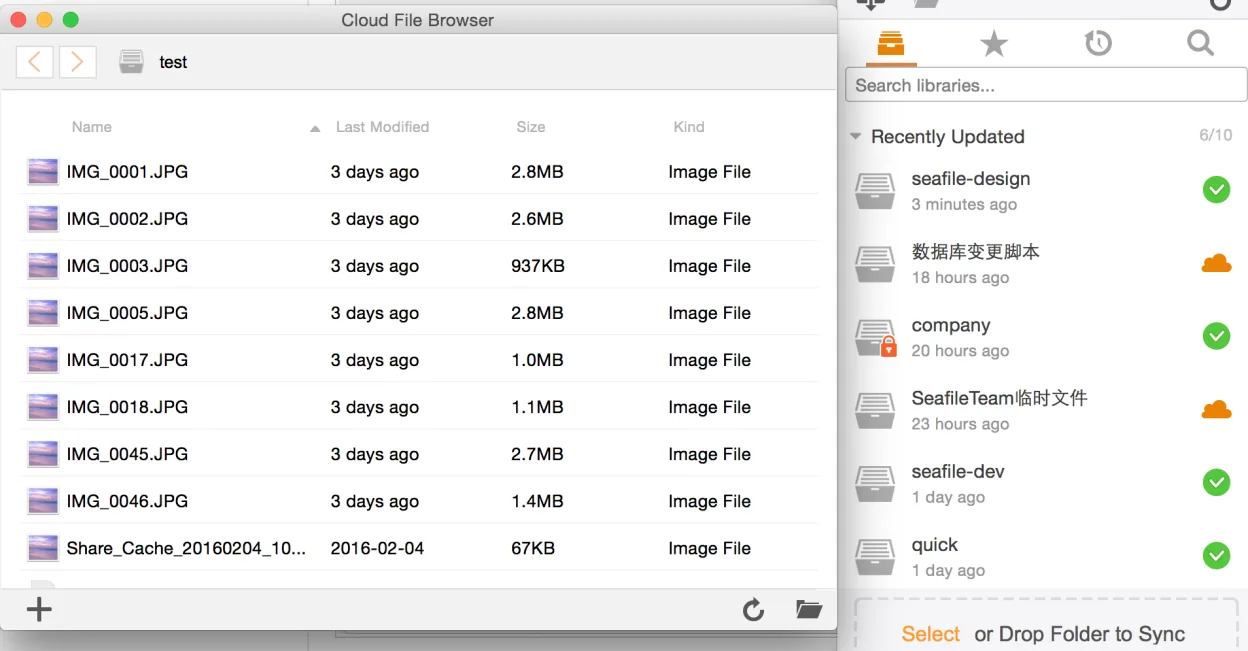
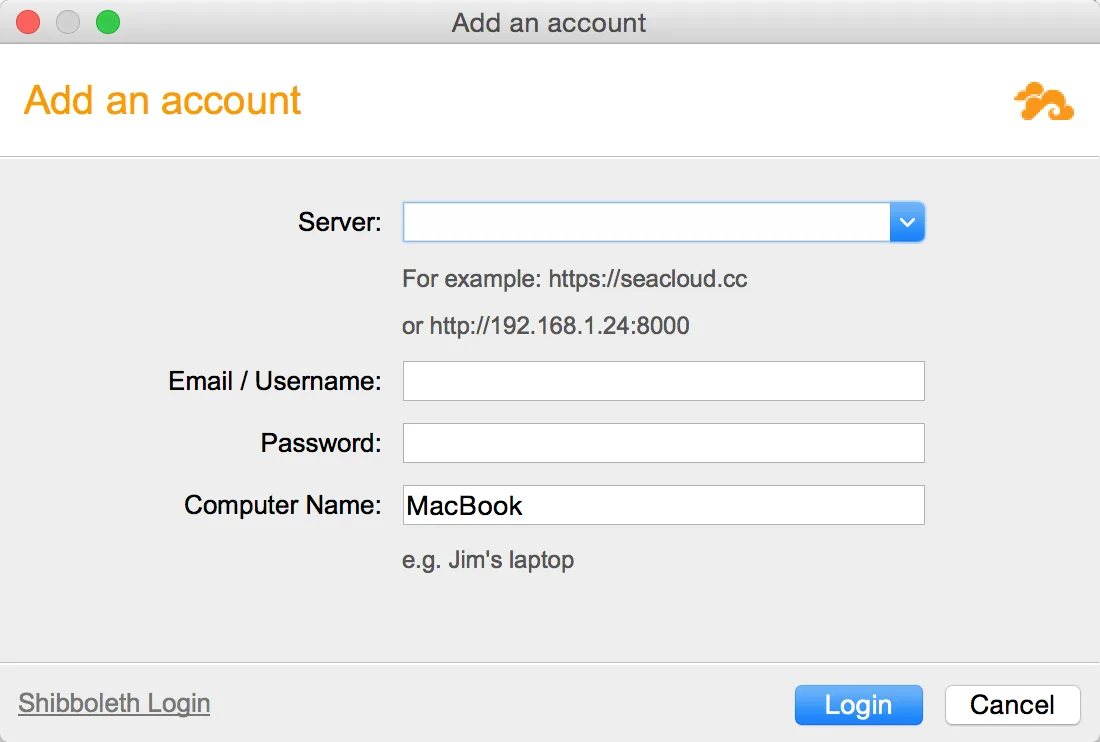
O que é o Seafile Client?
Seafile started as a lightweight, high‑performance alternative to Dropbox, built on a robust file‑locking and chunk‑based sync engine. Over the years it has grown to include web, mobile, and desktop clients, and it is now maintained by Seafile Ltd. The latest release, 9.0.20, adds minor UI tweaks and bug fixes.
The client is aimed at small to medium teams that need a private, on‑premise or self‑hosted solution. It works well on Linux desktops, with native installers for Debian, Fedora, openSUSE, and Ubuntu.
Compared with Windows‑centric tools like Google Drive, Seafile feels more lightweight and gives you full control over where your data lives. The interface is straightforward, but it lacks some of the polish and integration that Windows‑only apps offer.
Ideal para: Teams that want a private, self‑hosted sync solution without relying on third‑party cloud providers.
Principais recursos do Seafile Client
- Chunk‑based sync for efficient uploads
- File locking to avoid merge conflicts
- WebDAV support for legacy clients
- Team‑folder sharing with granular permissions
- Built‑in file versioning and history
- Cross‑platform client (Windows, macOS, Linux)
Prós
- Open source and free to use
- Runs locally on your own server
- Fast sync with small files
- Good security with encryption options
Contras
- Requires server setup for full functionality
- No native integration with Windows Explorer
- Limited mobile app features compared to desktop
Programas do Windows que o Seafile Client substitui
Como instalar o Seafile Client no Linux
flatpak install flathub com.seafile.Clientsudo apt install seafilesudo apt install seafilesudo dnf install seafilesudo zypper install seafileDicas para quem vem do Windows
If you’re moving from Google Drive, note that Seafile uses a different folder structure: the synced folder is a local directory that mirrors the server. Shortcuts like Ctrl+S work the same, but you’ll need to learn the Seafile‑specific commands for sharing and locking. File formats are unchanged; you can open any document with the same editor you used before. The workflow is similar, but you’ll manage permissions from the web interface instead of the Google Drive UI.
Versões recentes
- 9.0.20 —
- 9.0.19 —
- 9.0.18 —
- 9.0.17 —
Seafile Client: perguntas frequentes
Is Seafile free for personal use?
Yes, the community edition is free and open source. You can host it on your own server without any cost.
Can I use Seafile with my existing Google Drive files?
You can upload your files to Seafile via the web interface or by copying them into the synced folder, but there’s no direct migration tool.
Does Seafile support file versioning?
Yes, every change is stored as a new version; you can view and restore previous versions from the web UI.
Is there a mobile app?
Seafile offers official Android and iOS apps that sync with the same server, but the feature set is smaller than the desktop client.
Atualizado em