

Linux · Programação
SQuirreL SQL Client
A Java-based GUI SQL client for browsing data and running queries on any JDBC-compliant database.
- Licença
- LGPL-2.1-or-later
- Versão mais recente
- 4.8.0 (1 de setembro de 2024)
- Desenvolvedor
- Gerd Wagner
- Instalações
- 192 (Flathub, 30 dias)
O que é o SQuirreL SQL Client?
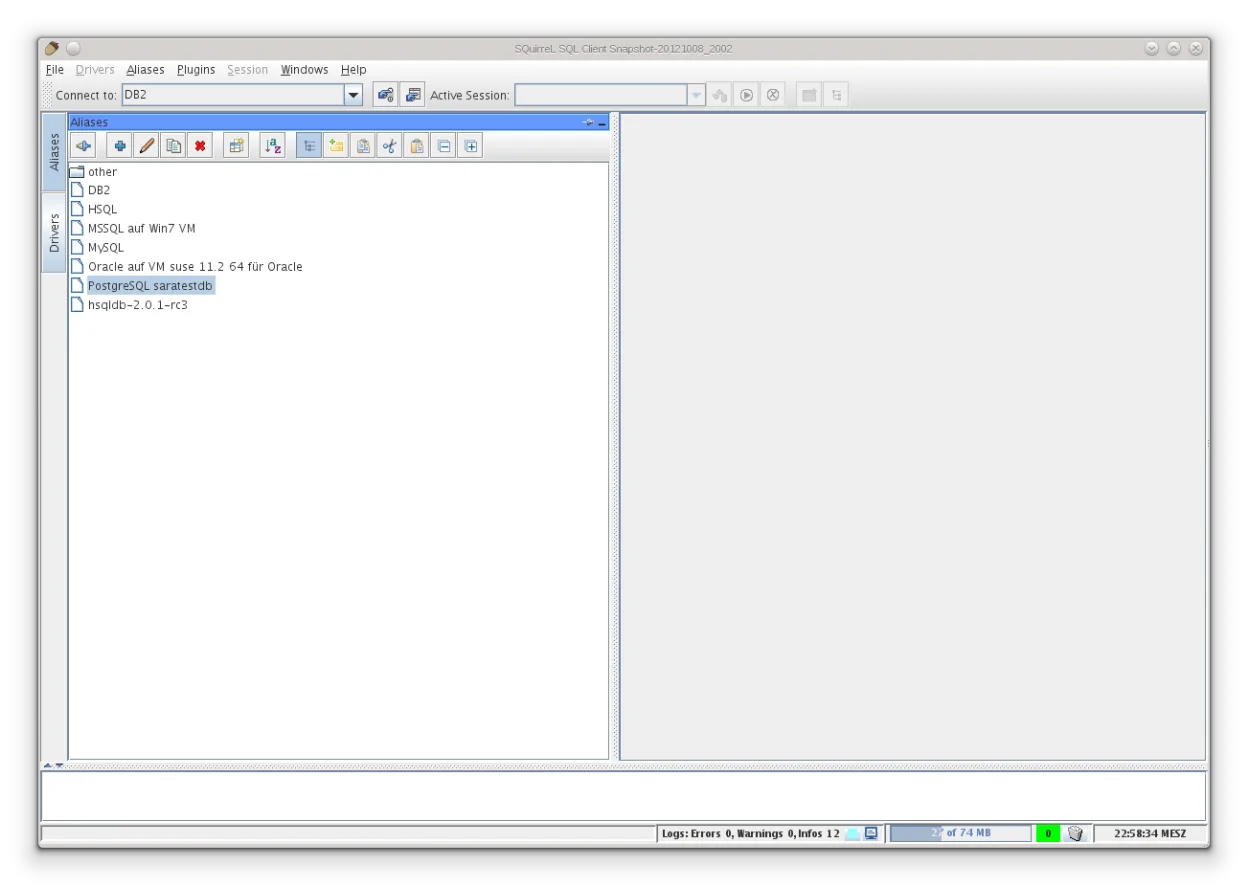
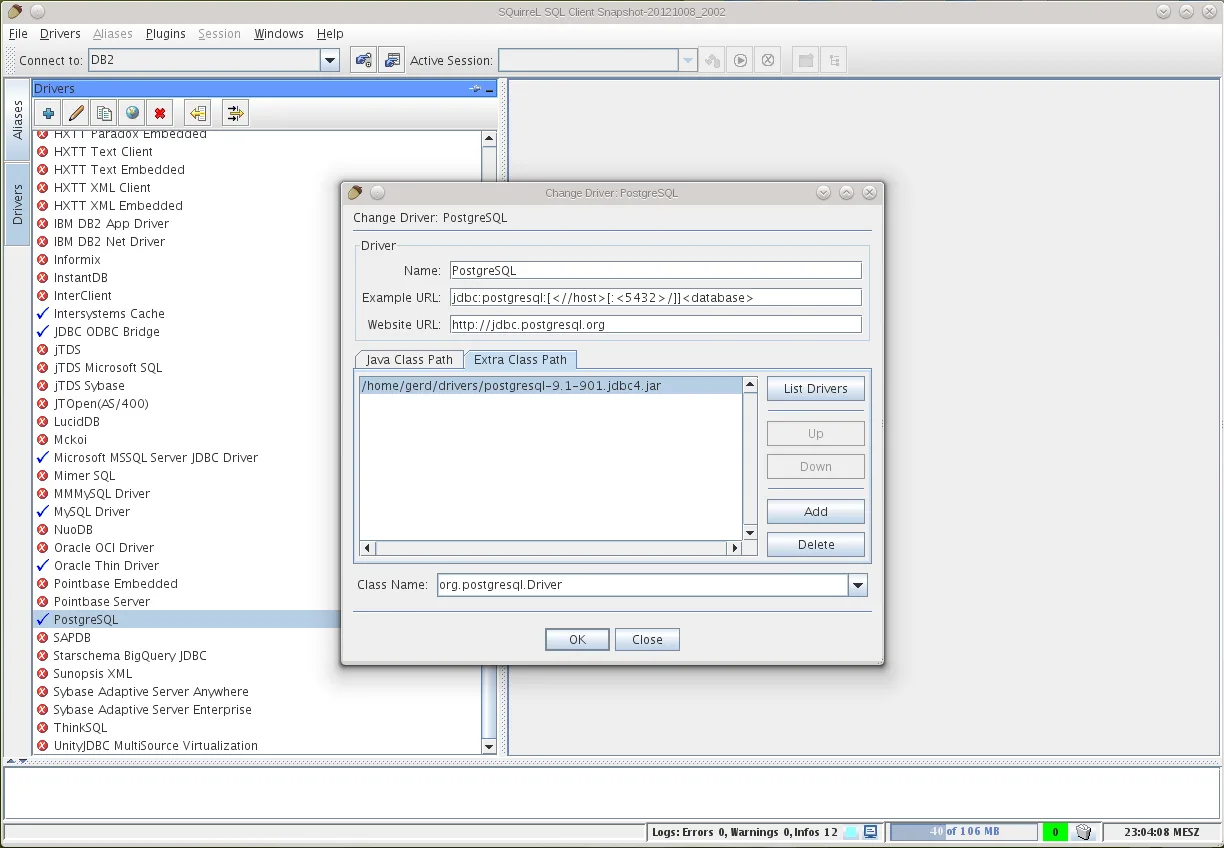
SQuirreL SQL Client is a mature, open-source graphical tool built on Java. It has been around for decades, making it a stable choice for developers who need a simple interface to interact with databases. The Flatpak package bundles drivers for common systems like MySQL, PostgreSQL, and SQLite, so you do not need to hunt for separate JAR files to get started.
This tool is ideal for backend developers, database administrators, and data analysts who work with multiple database engines. If you are used to command-line clients like psql or mysql, SQuirreL offers a visual alternative that handles connection management and query history without complex configuration. It is particularly useful when you need to switch between different database types quickly.
Compared to Microsoft Azure Data Studio, SQuirreL feels more utilitarian and less polished. It lacks the modern, integrated development environment features of Azure Data Studio, such as built-in notebook support or cloud-specific integrations. However, it is lighter on system resources and focuses strictly on SQL execution and data browsing, which many users prefer for pure database work.
Ideal para: Developers who need a lightweight, multi-database SQL client without the overhead of a full IDE.
Principais recursos do SQuirreL SQL Client
- Supports any JDBC-compliant database
- Bundles drivers for MySQL, PostgreSQL, SQLite, and MSSQL
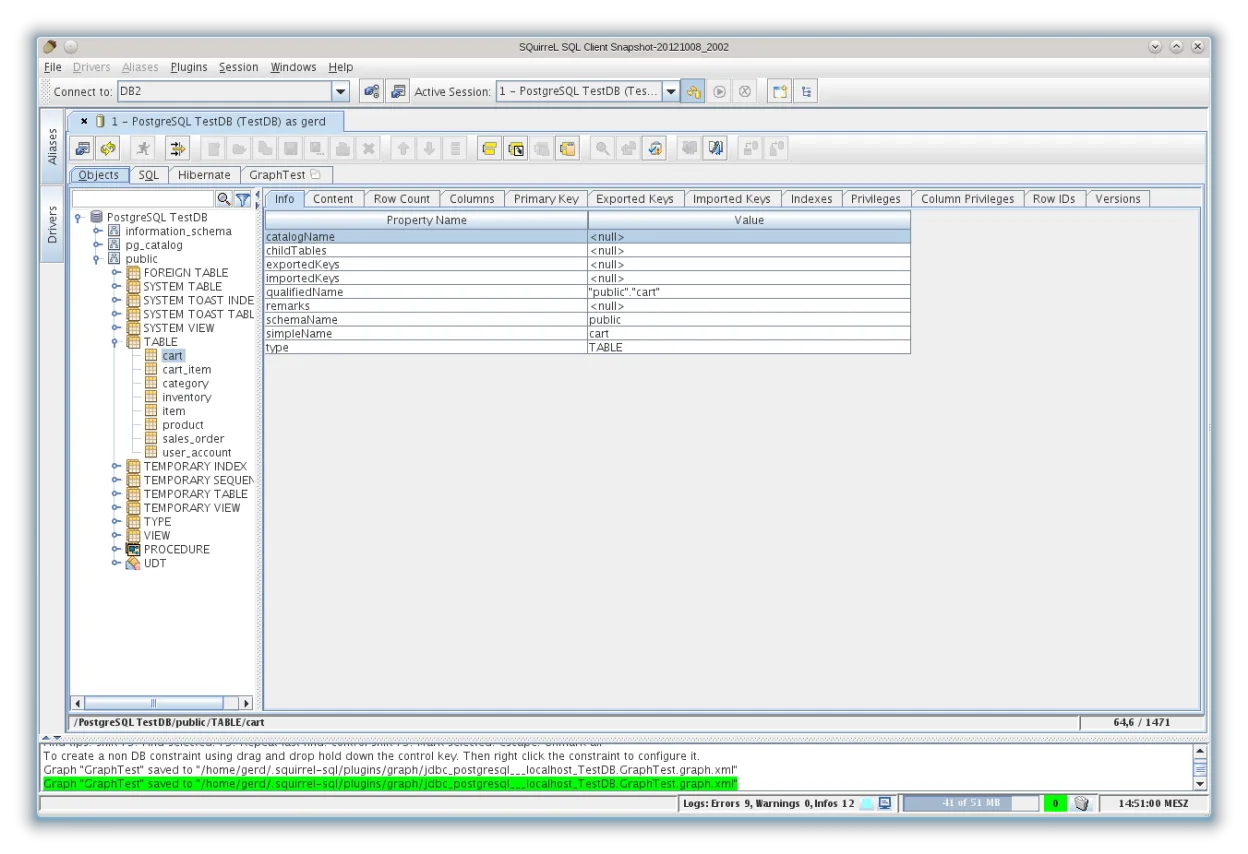
- Visual table structure browser
- Query editor with syntax highlighting
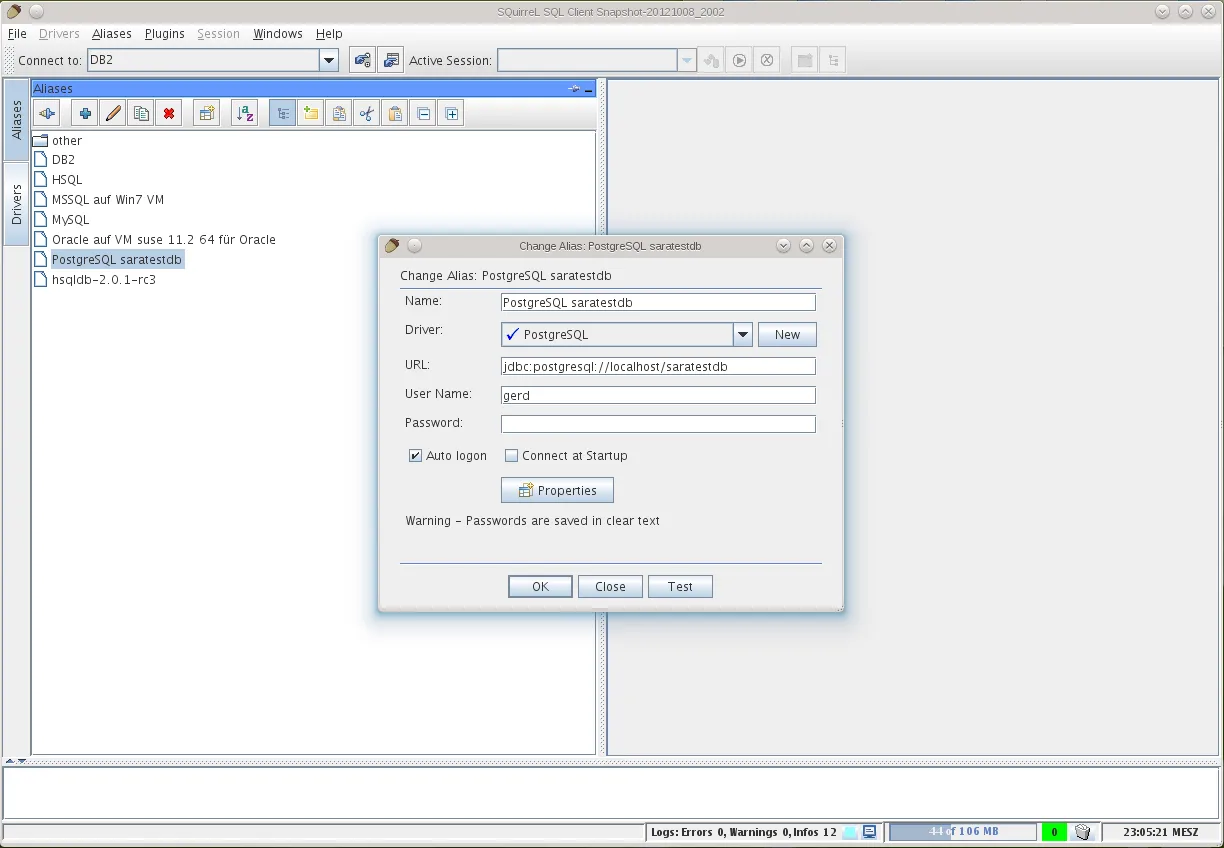
- Connection manager for multiple databases
- Export query results to CSV or other formats
- Cross-platform Java-based GUI
Prós
- Works with virtually any database via JDBC
- Lightweight and low resource usage
- No vendor lock-in or cloud dependency
- Stable and well-tested codebase
Contras
- Interface feels dated compared to modern IDEs
- Java-based performance can be slower than native apps
- Lacks advanced data visualization features
- Driver management can be manual if using non-Flatpak versions
Programas do Windows que o SQuirreL SQL Client substitui
Como instalar o SQuirreL SQL Client no Linux
flatpak install flathub net.sourceforge.squirrel_sqlDicas para quem vem do Windows
If you are coming from Azure Data Studio, expect a simpler interface. You will not find integrated cloud deployment tools or notebook support. Your SQL files are standard text, so they will open without issue. Note that SQuirreL does not have a built-in package manager for extensions like Azure Data Studio; you rely on the JDBC drivers included in the Flatpak or add your own JAR files to the classpath if needed. The workflow is more direct: connect, browse, query, export.
Versões recentes
- 4.8.0 —
- 4.6.0 —
- 4.5.1 —
- 4.5.0 —
SQuirreL SQL Client: perguntas frequentes
Does SQuirreL support Microsoft SQL Server?
Yes, the Flatpak version includes the Microsoft MSSQL driver, allowing you to connect to SQL Server instances directly.
Can I use SQuirreL with SQLite databases?
Yes, SQLite is one of the default drivers included in the Flatpak package, so you can open local SQLite files immediately.
Is SQuirreL better than DBeaver?
SQuirreL is lighter and simpler, while DBeaver offers more features like ER diagrams and data modeling. Choose SQuirreL for speed and simplicity, DBeaver for power features.
How do I add a new database driver?
In the Flatpak version, most common drivers are pre-installed. For others, you may need to download the JDBC JAR file and configure it in the driver manager settings.
Atualizado em