
 paint-monoLinux
vs
paint-monoLinux
vs
 Paint.NETWindows
paint-mono como alternativa Linux ao Paint.NET
Atualizado em
Nossa avaliação
Paint-mono is a functional but limited replacement for Paint.NET. It covers the basics: layers, simple drawing, and common format support. However, it lacks the depth of adjustments, effects, and plugin ecosystem that make Paint.NET useful for serious editing. If you only need quick sketches, basic layer compositing, or simple image tweaks, it works. If you rely on advanced filters, complex selections, or plugins, you will hit a wall quickly. It is best suited for casual users or educational contexts who want a lightweight, free tool without the complexity of GIMP.
- Licença
- GPL-2.0-or-later
- Preço
- Grátis
- Versão mais recente
- 71 (21 de fevereiro de 2020)
- Avaliação
- —
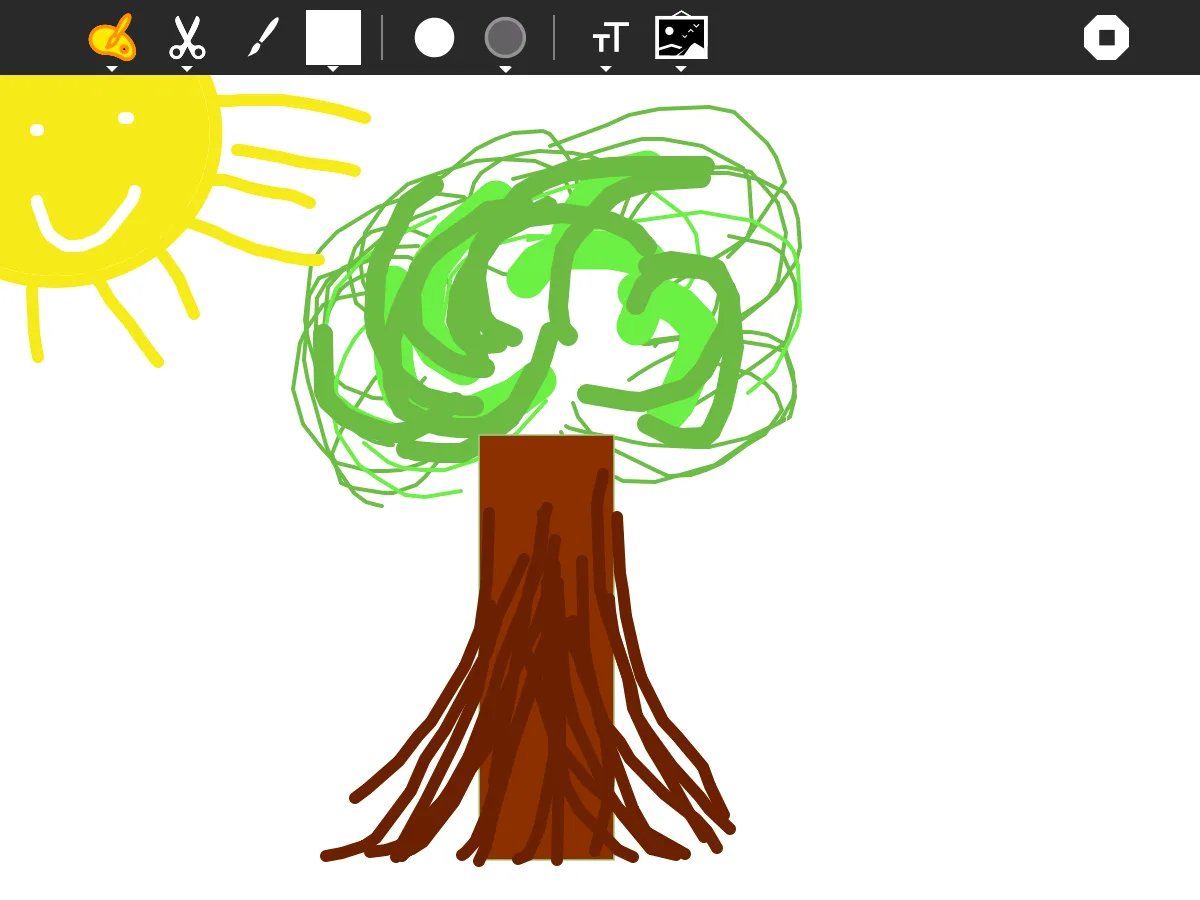
O que funciona igual
- Layer-based raster editing with opacity control
- Basic drawing tools like brushes, pencils, and shapes
- Support for common formats like PNG, JPEG, and BMP
- Simple, straightforward interface aimed at non-professionals
- Free and open-source licensing model
O que muda
- Lacks the extensive plugin system found in Paint.NET
- Fewer advanced adjustment and effect tools (e.g., limited blur, color correction)
- No support for PSD files, which Paint.NET handles well
- Development activity appears low, with the last release in 2020
- Built on Mono, which may have performance or compatibility quirks on modern Linux distros
Abrindo seus arquivos do Paint.NET
Paint-mono can open and export standard raster formats like PNG, JPEG, BMP, and GIF. It does not natively support Paint.NET’s proprietary .pdn format, so you must save your work as a layered format like PNG or PSD (if supported) before transferring. If you have existing .pdn files, you will need to open them in Paint.NET on Windows and export them to a compatible format first. There is no direct import path for .pdn files in paint-mono.
Trocando o Paint.NET pelo paint-mono, passo a passo
- Install paint-mono via Flathub or your distribution's package manager
- Open Paint.NET on Windows and export your .pdn files to PNG or PSD
- Transfer the exported image files to your Linux system
- Open the images in paint-mono to verify layer integrity
- Test basic editing tasks like resizing, cropping, and simple color adjustments
- Save your work in PNG format to preserve layers for future edits
Principais recursos do paint-mono
- Ferramentas básicas de desenho (pincel, lápis, formas)
- Suporte a camadas com controle de opacidade
- Seletor de cores e paleta simples
- Desfazer/refazer em pilha
- Exportar para PNG, JPEG, BMP, GIF
- Importar de formatos de imagem comuns
- Multiplataforma via Mono
- Licenciado sob GPL
Como instalar o paint-mono no Linux
flatpak install flathub org.sugarlabs.PaintPerguntas frequentes
Can paint-mono open Paint.NET .pdn files?
No, paint-mono does not support the .pdn format. You must export your files from Paint.NET to a standard format like PNG or PSD before opening them in paint-mono.
Is paint-mono actively maintained?
The latest release was in 2020, which suggests development has slowed or stalled. While it is functional, you should not expect frequent updates or new features.
Does paint-mono support plugins?
No, paint-mono does not have a plugin system. You are limited to the built-in tools, which is a significant difference from Paint.NET.
