
 WhatsieLinux
vs
WhatsApp DesktopWindows
WhatsieLinux
vs
WhatsApp DesktopWindows
Whatsie como alternativa Linux ao WhatsApp Desktop
Atualizado em
Nossa avaliação
Whatsie works well as a Linux‑native alternative to the official WhatsApp Desktop client. It mirrors the same WhatsApp Web session, so all chat history, contacts and end‑to‑end encryption are preserved. The app adds desktop‑oriented features like system‑tray integration, theme syncing and a built‑in download manager, which many Linux users find convenient. It is best for users who want a native windowed experience and tighter privacy controls, and who are comfortable keeping their phone connected. Those who need the official client’s occasional UI tweaks or corporate‑level support may prefer the official app.
- Licença
- MIT
- Preço
- Grátis
- Versão mais recente
- 6.1.1 (21 de setembro de 2026)
- Avaliação
- —
O que funciona igual
- Both mirror the mobile WhatsApp account via WhatsApp Web
- End‑to‑end encrypted messaging and file transfer
- Support for text, images, documents and voice/video calls
- Desktop notifications with contact avatars
O que muda
- Whatsie is a native Qt client; WhatsApp Desktop is an Electron‑based wrapper
- Whatsie adds app‑lock, privacy blur and per‑site permission controls not found in the official client
- Official client may receive feature updates directly from WhatsApp sooner
- Whatsie requires a Wayland portal for calls, which may not work on older X11 setups
Abrindo seus arquivos do WhatsApp Desktop
Whatsie stores downloaded media in the user’s home directory like the official client, but it does not provide an export function for chat histories. Exporting chats must still be done from the mobile app or the web interface; Whatsie can open files that the official client downloads, but there is no special import/export feature.
Trocando o WhatsApp Desktop pelo Whatsie, passo a passo
- Install Whatsie from Flathub or your distro’s repository.
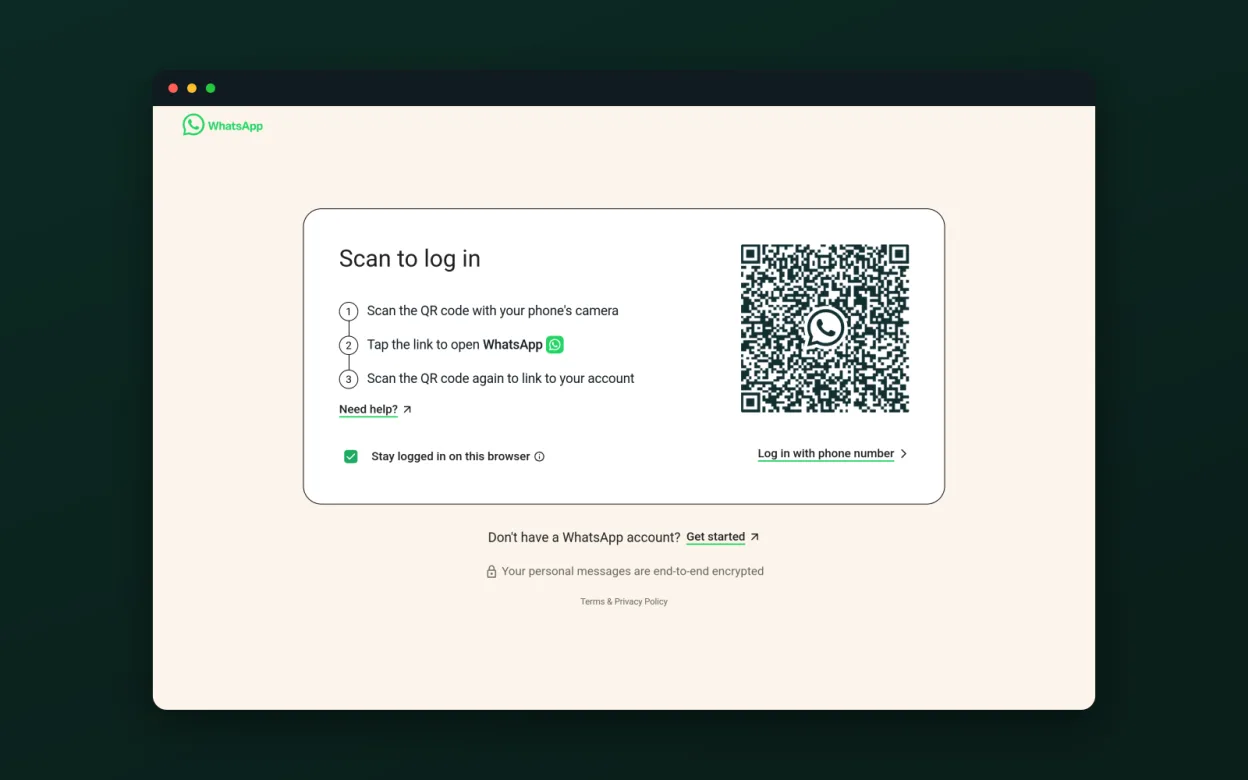
- Launch Whatsie and scan the QR code with the WhatsApp mobile app.
- Configure theme, notifications and proxy settings to match your preferences.
- Optionally enable the app lock and privacy blur for added security.
- Close the official WhatsApp Desktop client to avoid duplicate sessions.
Principais recursos do Whatsie
- Sincronização de tema claro/escuro/sistema
- Notificações de desktop com avatares
- Ícone na bandeja com badge de não lidas e mute
- Chamadas de voz, vídeo e compartilhamento de tela via portal Wayland
- Gerenciador de downloads integrado com histórico
- Verificação ortográfica para o idioma do sistema
- Bloqueio do app com código de acesso e timeout de inatividade
- Desfoque de privacidade para mensagens
- Permissões por site para câmera/microfone/ localização
- Suporte a proxy HTTP/SOCKS5
Como instalar o Whatsie no Linux
flatpak install flathub com.ktechpit.whatsiesudo zypper install whatsiePerguntas frequentes
Do I need to keep my phone online while using Whatsie?
Yes, Whatsie relies on WhatsApp Web, so the phone must stay connected to the internet.
Can I run multiple WhatsApp accounts simultaneously?
Whatsie supports multiple profiles; you can create separate instances for different accounts.
Are voice and video calls as reliable as in the official client?
Calls work through the Wayland portal and are generally comparable, but performance may vary on older X11 setups or with limited GPU drivers.
Outras 3 alternativas ao WhatsApp Desktop
 TelegramTelegram é um mensageiro instantâneo rápido, seguro e baseado na nuvem, com compartilhamento ilimitado de…Código abertoGrátisFlatpakTelegram vs WhatsApp Desktop
 Signal DesktopO Signal Desktop é um mensageiro privado gratuito e de código aberto para Linux, que sincroniza mensagens e…Código abertoGrátisFlatpakSignal Desktop vs WhatsApp Desktop
 ElementUm cliente Matrix seguro e de código aberto para mensagens privadas, bate-papos em grupo e chamadas de vídeo…Código abertoGrátisFlatpakElement vs WhatsApp Desktop