
 KDevelopLinux
vs
XcodeWindows
KDevelop als Linux-Alternative zu Xcode
Aktualisiert am
Unser Fazit
KDevelop is a strong alternative for C++ developers leaving Xcode, but it is not a drop-in replacement for iOS or macOS app development. It excels in native Linux C/C++ projects with robust debugging and refactoring tools. If your workflow relies on building for Apple ecosystems, KDevelop cannot help. For general-purpose C++, Python, or PHP development on Linux, it offers a mature, plugin-driven environment that feels familiar to users accustomed to structured IDEs, though the UI and workflow will require adjustment.
- Lizenz
- GPL-2.0-or-later
- Preis
- Kostenlos
- Aktuelle Version
- 6.6.260803 (5. November 2026)
- Bewertung
- —
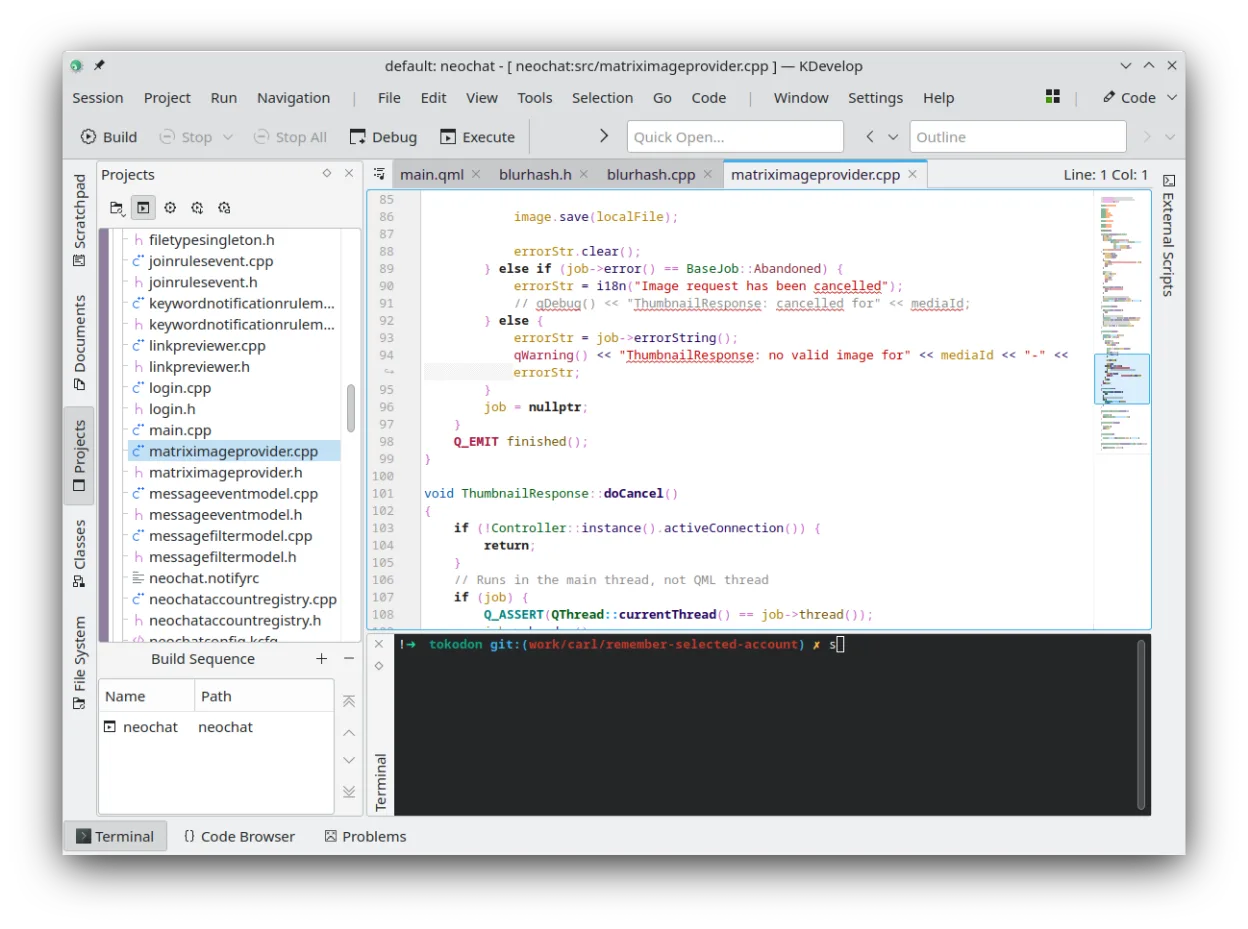
Was gleich funktioniert
- Integrated code editor with syntax highlighting and completion
- Built-in debugger for C/C++ and other languages
- Version control integration (Git, SVN)
- Plugin system for extending language support
- Project management for multiple build systems
Was anders ist
- No support for iOS, macOS, watchOS, tvOS, or visionOS development
- Lacks Apple-specific GUI designers like Interface Builder
- No integrated Apple command-line tools or SDKs
- Focus is primarily on C/C++, with Python and PHP via plugins
- Different build system integration (CMake, Make, etc. vs. Xcode project files)
Ihre Xcode-Dateien öffnen
KDevelop does not natively open or export Xcode project files (.xcodeproj). You must convert your project to a standard build system like CMake or Make, which KDevelop supports well. Source code files (.cpp, .h, .py, etc.) are fully compatible, but project configurations, build settings, and resource files specific to Xcode will need manual reconfiguration.
Von Xcode zu KDevelop wechseln – Schritt für Schritt
- Install KDevelop via your package manager or Flathub
- Convert your Xcode project to CMake or Make
- Import the converted project into KDevelop
- Configure your compiler and debugger paths
- Set up version control integration (Git/SVN)
- Install any additional language plugins needed
Wichtige Funktionen von KDevelop
- Integrierter Debugger für C/C++ und weitere Sprachen
- Plugin-System zum Hinzufügen von Sprachunterstützung
- Integrierte Versionskontrolle (Git, SVN)
- Projektmanagement für mehrere Build-Systeme
- Syntaxhervorhebung und Codevervollständigung
- Refactoring-Tools für C/C++
KDevelop unter Linux installieren
flatpak install flathub org.kde.kdevelopsudo apt install kdevelopsudo apt install kdevelopsudo dnf install kdevelopsudo pacman -S kdevelopsudo zypper install kdevelopHäufige Fragen
Can I build iOS apps with KDevelop?
No. KDevelop is a Linux-native IDE and does not support Apple platforms. You need Xcode on macOS for iOS/macOS development.
Does KDevelop support Python?
Yes, via the Python plugin. It provides editing, debugging, and project management for Python projects.
Is KDevelop free?
Yes, KDevelop is free and open-source software licensed under GPL-2.0-or-later.
2 weitere Alternativen zu Xcode
 NetBeansNetBeans ist ein Open‑Source‑IDE von Apache, das Java, JavaScript, PHP, C\/C++ und mehr unterstützt.Open SourceKostenlosFlatpakNetBeans vs. Xcode