

Linux · Sound & Video
Mplayer
MPlayer is a free, command‑line media player that supports a wide range of formats and codecs.
- Lizenz
- GPL-2.0-or-later
- Aktuelle Version
- 1.5
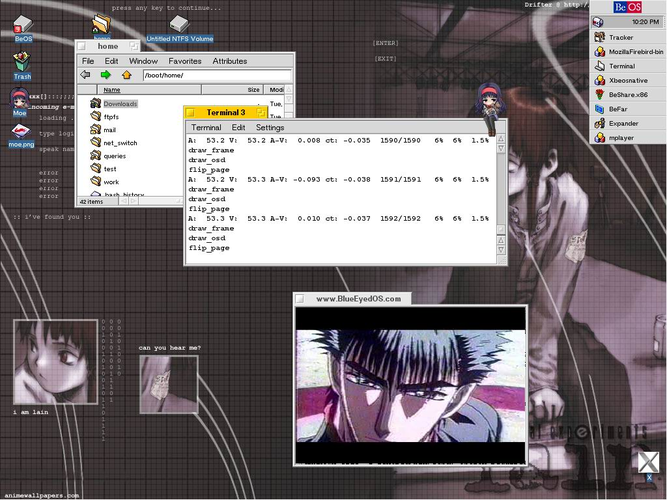
Was ist Mplayer?
MPlayer first appeared in 2000 and has grown into a mature, lightweight player that runs on most Linux distributions. It is known for its extensive codec support and ability to play almost any media file, including obscure formats that other players struggle with. The project is still maintained, with regular releases for Debian, Ubuntu and Arch.
MPlayer is aimed at power users who prefer a simple interface or want to embed playback in scripts. Its minimal GUI is optional; most users launch it from a terminal or use a small front‑end like SMPlayer.
Compared to Windows players such as PowerDVD or VLC, MPlayer feels more “developer‑friendly.” It lacks the polished UI of Media Player Classic but offers greater flexibility for advanced users who need precise control over playback options.
Ideal für: Users who need a lightweight, scriptable player with maximum format support.
Wichtige Funktionen von Mplayer
- Extensive codec support
- Command‑line control
- Low resource usage
- Customizable key bindings
- Video and audio filters
- Subtitle handling
- DVD, Blu‑ray, and streaming support
Vorteile
- Wide format compatibility
- Lightweight
- Scriptable
- Open source
Nachteile
- No built‑in GUI (unless using a front‑end)
- Steeper learning curve for beginners
- Limited advanced features like DRM
Windows-Programme, die Mplayer ersetzt
 CyberLink PowerDVD
 Zoom Player
 Media Player Classic (MPC)
 Windows Media Player (wmp)
 VLC media player
Mplayer unter Linux installieren
sudo apt install mplayersudo apt install mplayersudo pacman -S mencoderTipps für Windows-Umsteiger
If you come from WMP, MPC, or VLC, you’ll find MPlayer can play the same files but you’ll use commands like mplayer file.mp4. Shortcuts are customizable; the default key for pause is space, stop is q. For DVD playback, use mplayer dvd://. Subtitles can be loaded with -sub file.srt. If you prefer a GUI, install SMPlayer or MPV‑GTK, which provide a similar interface while keeping MPlayer’s backend.
Mplayer: häufige Fragen
Does MPlayer support subtitles?
Yes, it supports many subtitle formats. Use the -sub option or embed subtitles in the file.
Can I use MPlayer on Ubuntu?
Yes, install it from the official repositories with sudo apt install mplayer.
Is MPlayer still maintained?
Yes, the project receives regular updates on major distributions.
Can I stream online videos with MPlayer?
MPlayer can play streams from URLs, but it does not handle DRM-protected content.
Aktualisiert am