

Linux · Sound & Video
VLC media player
VLC is a free, open‑source multimedia player that runs on Linux and handles virtually any audio or video format.
- Lizenz
- GPL-2.0+
- Aktuelle Version
- 3.0.23 (1. Januar 2026)
- Entwickler
- VideoLAN et al.
- Installationen
- 106,996 (Flathub, 30 Tage)

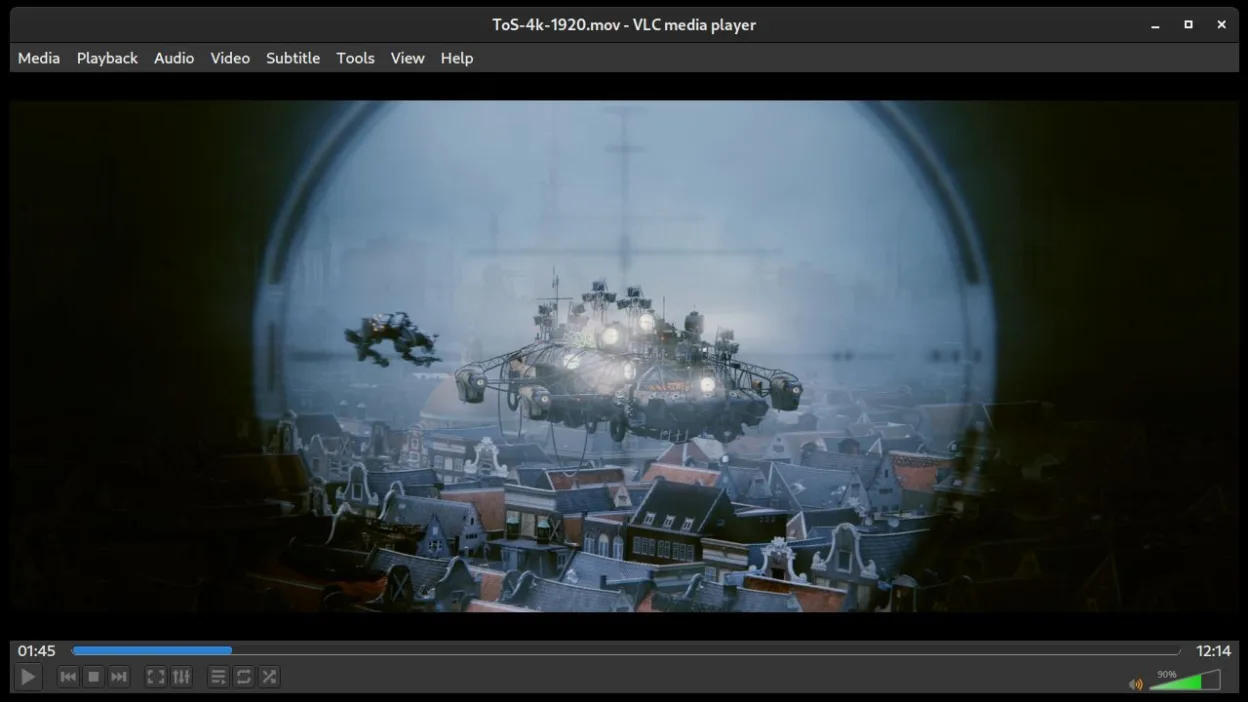
Was ist VLC media player?
VLC originated from the VideoLAN project in 1996 as a Windows media player and has grown into a cross‑platform staple, with a mature codebase and regular updates; the latest stable release is 3.0.23. It is aimed at users who need a reliable player without fiddling with codecs, from casual viewers to power users who stream or convert media. Compared to Windows tools like PowerDVD or Media Player Classic, VLC feels more straightforward, offering a consistent interface across distributions and no need for additional plugins.
Ideal für: Anyone who wants a single, dependable player for all media types on Linux.
Wichtige Funktionen von VLC media player
- Plays most audio and video formats out of the box
- Supports DVDs, Audio CDs, VCDs and network streams
- Built‑in subtitle support with synchronization
- Media conversion and basic editing
- Streaming server capabilities
- Extensible via plugins and skins
- Command‑line interface for scripting
Vorteile
- No codec packs required
- Lightweight and fast
- Cross‑platform consistency
- Regular security updates
Nachteile
- Interface can feel dated
- Advanced features hidden in menus
Windows-Programme, die VLC media player ersetzt
 CyberLink PowerDVD
 ShaPLAY
 Zoom Player
 Media Player Classic (MPC)
 Windows Media Player (wmp)
VLC media player unter Linux installieren
flatpak install flathub org.videolan.VLCTipps für Windows-Umsteiger
VLC accepts the same file formats as Windows players, so you can open your existing libraries directly. Keyboard shortcuts are similar (Space to pause/play, F for fullscreen, Ctrl+O to open). If you used PowerDVD’s disc navigation, the DVD menu works in VLC but lacks some of the polished UI; use the playlist view for batch playback.
Neueste Versionen
- 3.0.23 —
VLC media player: häufige Fragen
How do I install VLC on Ubuntu?
Use the command sudo apt install vlc or install the Flathub version via flatpak install flathub org.videolan.VLC.
Can VLC play protected DVDs?
VLC can play most DVDs, but encrypted commercial discs may require additional libraries like libdvdcss.
How do I enable hardware acceleration?
Open Preferences → Input / Codecs and set 'Hardware-accelerated decoding' to 'Automatic' or your GPU driver.
Is there a way to stream my desktop with VLC?
Yes, use Media → Stream, select 'Desktop' as the capture device, and configure the output format.
Aktualisiert am