

Linux · System Tools
Nvidia System Monitor
A lightweight Qt-based task manager specifically designed to monitor NVIDIA GPU performance and status.
- Lizenz
- MIT
- Aktuelle Version
- 1.6 (6. Januar 2025)
- Entwickler
- congard
- Installationen
- 2,327 (Flathub, 30 Tage)
Was ist Nvidia System Monitor?
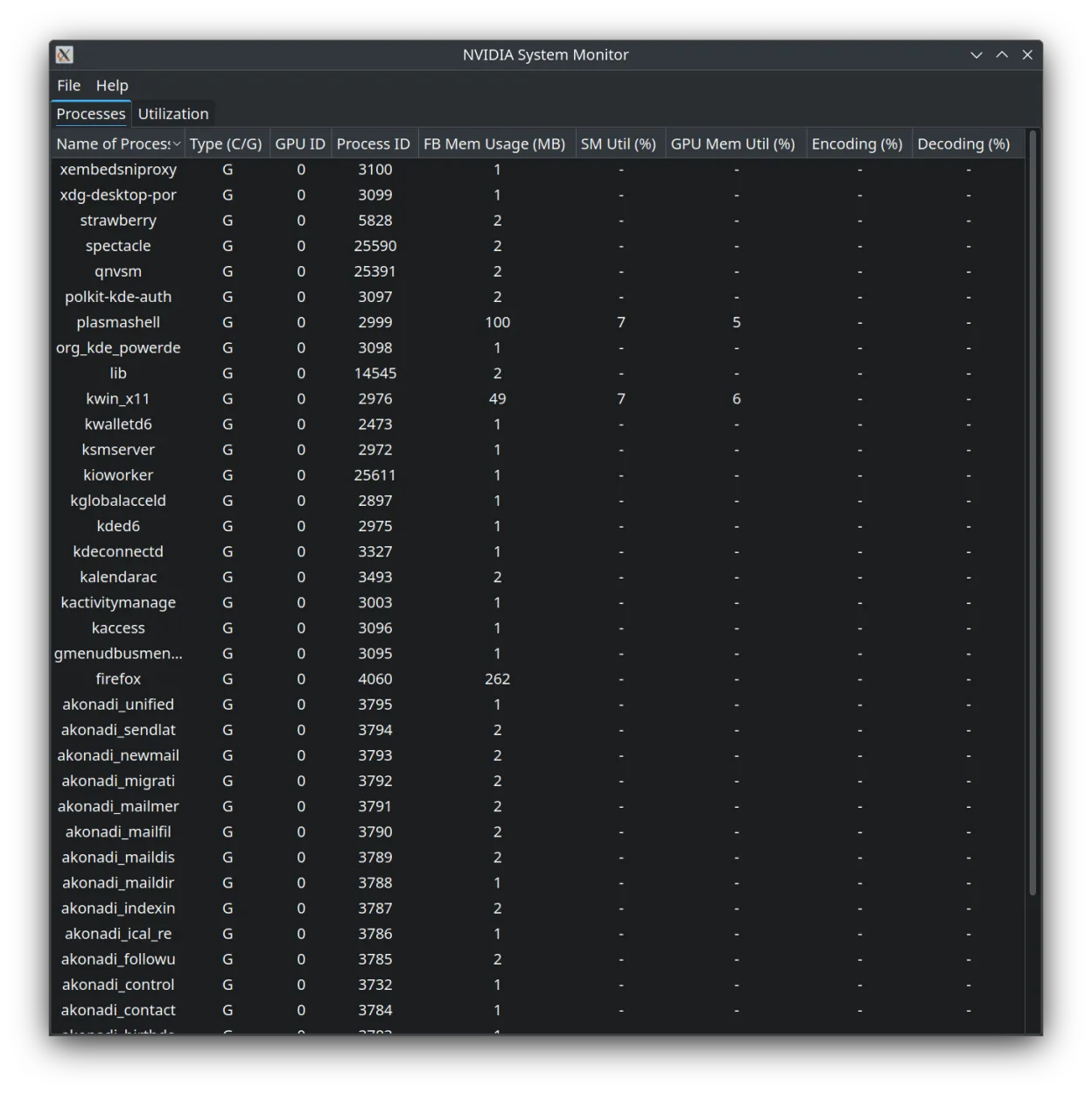
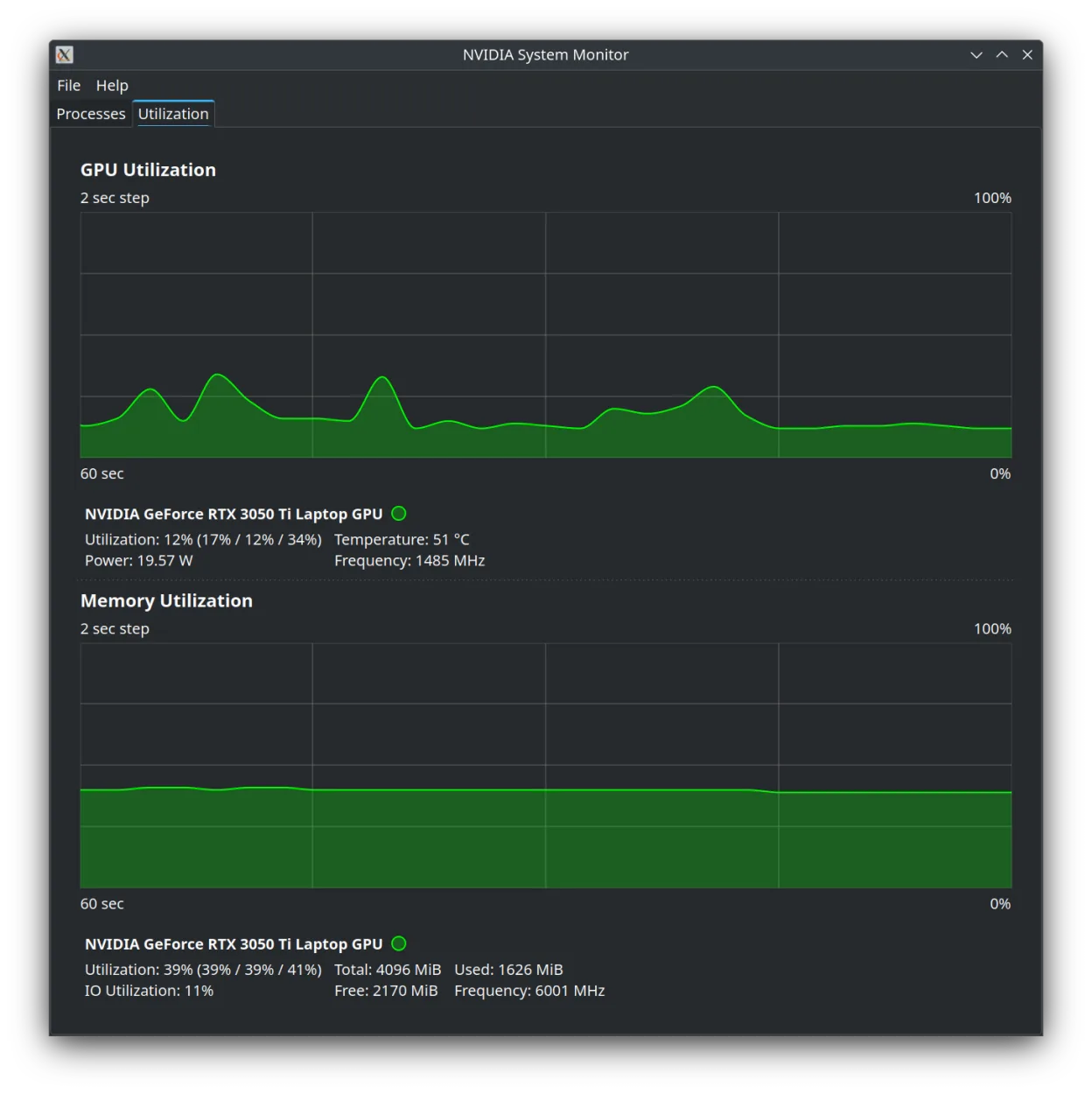
Nvidia System Monitor is a dedicated utility for tracking the health and load of NVIDIA graphics cards on Linux. Developed by congard, it focuses strictly on GPU metrics rather than general system stats. The project is relatively young, with version 1.6 released in early 2025, indicating active but recent development. It is distributed via Flathub, making it easy to install on modern desktop environments without compiling from source.
This tool is best suited for Linux users with NVIDIA hardware who need a quick, low-overhead way to check GPU utilization, temperature, and memory usage. It is not a full system monitor like htop or Glances, but a focused companion for gamers, video editors, or developers running CUDA workloads. If you already use nvidia-smi in the terminal, this provides a visual alternative that is easier to glance at during work.
Compared to the Windows NVIDIA System Tools or the older nvidia-settings, this app feels more modern and less cluttered. It lacks the deep configuration options of nvidia-settings but offers a cleaner, more responsive interface for real-time monitoring. It is a niche tool: if you need to change driver settings, use nvidia-settings; if you just want to see if your GPU is working hard, this is a solid, lightweight choice.
Ideal für: NVIDIA GPU owners on Linux who want a simple, visual way to check GPU load without opening a terminal.
Wichtige Funktionen von Nvidia System Monitor
- Real-time GPU utilization graph
- Temperature and fan speed monitoring
- Memory usage tracking
- Multi-GPU support
- Lightweight Qt interface
- Available via Flathub
Vorteile
- Very low resource overhead
- Clean, uncluttered UI
- Easy to install via Flatpak
- Focused specifically on NVIDIA hardware
Nachteile
- Does not monitor CPU or RAM
- Limited configuration options compared to nvidia-settings
- Young project with a smaller user base
Windows-Programme, die Nvidia System Monitor ersetzt
Nvidia System Monitor unter Linux installieren
flatpak install flathub io.github.congard.qnvsmTipps für Windows-Umsteiger
If you are coming from Windows NVIDIA tools, note that this app is read-only for most metrics; it does not replace nvidia-settings for changing power limits or resolution. There are no file formats to migrate, as it is a live monitor. You will likely keep nvidia-smi in your terminal for detailed debugging, but use this app for quick visual checks. It does not have the same extensive logging features as some Windows profilers, so treat it as a dashboard, not a diagnostic suite.
Neueste Versionen
- 1.6 —
Nvidia System Monitor: häufige Fragen
Does Nvidia System Monitor work with AMD GPUs?
No, it is designed specifically for NVIDIA hardware. For AMD, consider tools like amdgpu-top or radeontop.
Is this the same as nvidia-settings?
No. nvidia-settings is for configuring driver parameters, while this app is purely for monitoring performance metrics.
Can I install it from my distro's repository?
It is primarily distributed via Flathub. Check your specific distro's repositories, but Flatpak is the most reliable method.
Does it support multi-GPU setups?
Yes, it can display metrics for multiple NVIDIA GPUs connected to the system.
Aktualisiert am