
 Nvidia System MonitorLinux
vs
NVIDIA System ToolsWindows
Nvidia System Monitor als Linux-Alternative zu NVIDIA System Tools
Aktualisiert am
Unser Fazit
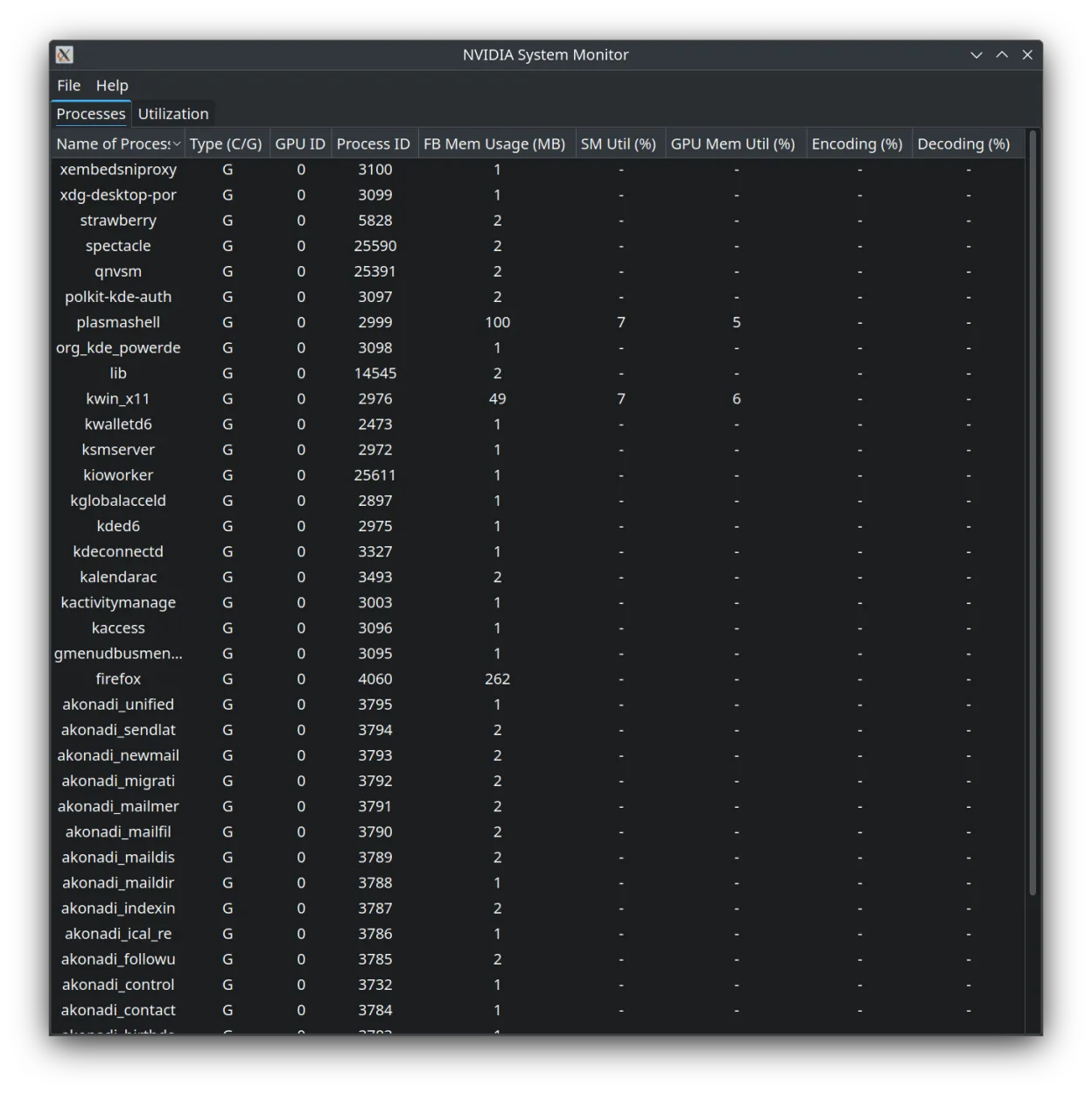
Nvidia System Monitor is a solid monitoring tool but not a full replacement for NVIDIA System Tools. It handles real-time graphs, temperature, and fan speed display well, which covers the diagnostic side of GPU management. However, it lacks the control features typical Windows users expect, such as manual fan curve editing, voltage adjustments, or power limit tweaking. If you only need to watch your GPU stats without changing hardware behavior, this is a lightweight, native Linux option. If you rely on overclocking or custom thermal profiles, you will need to look elsewhere or use command-line tools like nvidia-smi.
- Lizenz
- MIT
- Preis
- Kostenlos
- Aktuelle Version
- 1.6 (6. Januar 2025)
- Bewertung
- —
Was gleich funktioniert
- Real-time GPU utilization and temperature monitoring
- Fan speed display
- Support for multiple GPUs
- Graphical interface for visualizing performance metrics
Was anders ist
- No manual fan speed control or custom fan curve editing
- Lacks clock speed and voltage adjustment capabilities
- No power limit or performance state management features
- Focused solely on monitoring rather than active tweaking
Ihre NVIDIA System Tools-Dateien öffnen
Nvidia System Monitor does not import or export configuration files from NVIDIA System Tools. Since the Windows tool uses proprietary settings for fan curves and overclocking profiles, there is no direct file compatibility. You will need to manually reconfigure any specific monitoring preferences or thresholds within the Linux application, though most default views are automatic.
Von NVIDIA System Tools zu Nvidia System Monitor wechseln – Schritt für Schritt
- Install Nvidia System Monitor from Flathub or your distribution's package manager
- Launch the application to verify it detects your NVIDIA GPU
- Review the default graphs for utilization, memory, and temperature
- Check if multi-GPU setups are correctly displayed
- Note that you cannot transfer fan curves or clock settings; accept default monitoring behavior
- Set the application to start on login if you want persistent background monitoring
Wichtige Funktionen von Nvidia System Monitor
- Real-time GPU utilization graph
- Temperature and fan speed monitoring
- Memory usage tracking
- Multi-GPU support
- Lightweight Qt interface
- Available via Flathub
Nvidia System Monitor unter Linux installieren
flatpak install flathub io.github.congard.qnvsmHäufige Fragen
Can I change my fan speed with this app?
No, Nvidia System Monitor only displays the current fan speed. It does not allow you to set custom fan curves or manually override fan behavior.
Does it work with all recent NVIDIA drivers?
Yes, it relies on standard system interfaces to read GPU data, so it generally works with current NVIDIA driver versions on Linux.
Is it heavy on system resources?
It is described as lightweight and built with Qt, so it should have minimal impact on system performance compared to heavier monitoring suites.
2 weitere Alternativen zu NVIDIA System Tools
 fancontrolfancontrol ist ein Linux-Werkzeug zur automatischen Anpassung der Lüfterdrehzahlen basierend auf…Open SourceKostenlosFlatpakfancontrol vs. NVIDIA System Tools