

Linux · Office
Veusz
Veusz is a scientific plotting application for creating publication-ready graphs with precise control over visual elements.
- Lizenz
- GPL-2.0+
- Aktuelle Version
- 4.2.1 (4. April 2026)
- Entwickler
- Veusz developers
- Installationen
- 187 (Flathub, 30 Tage)
Was ist Veusz?
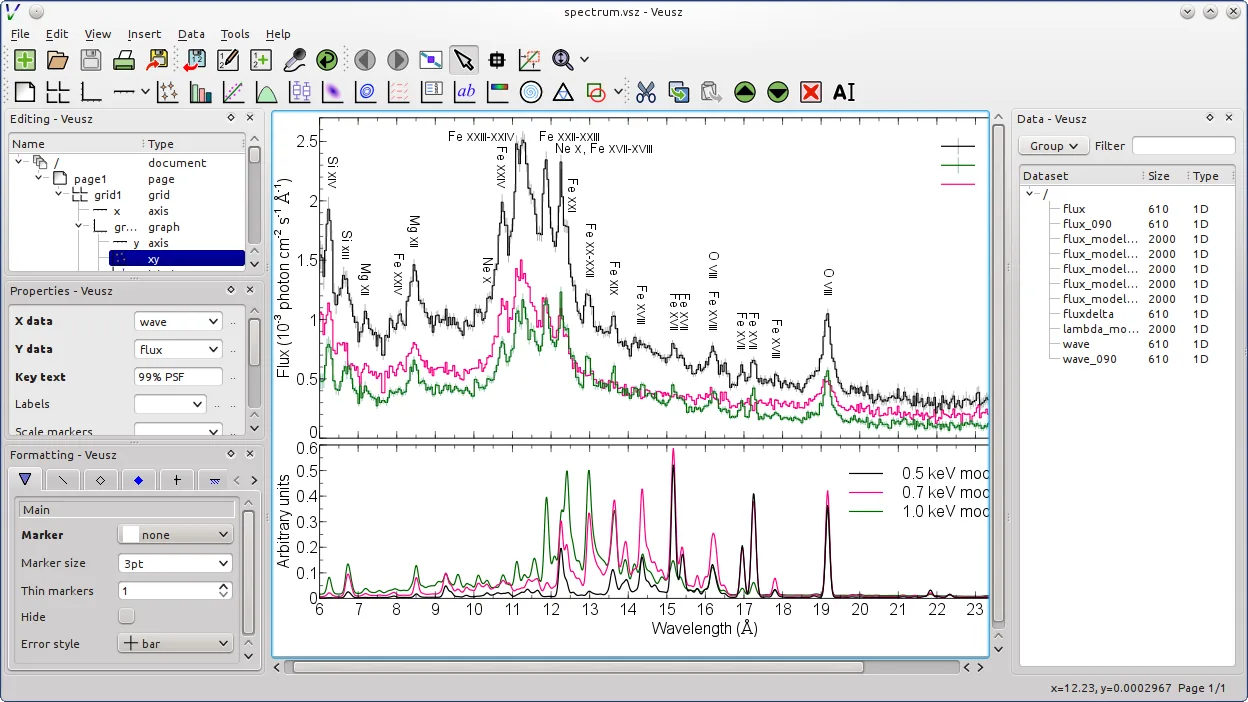
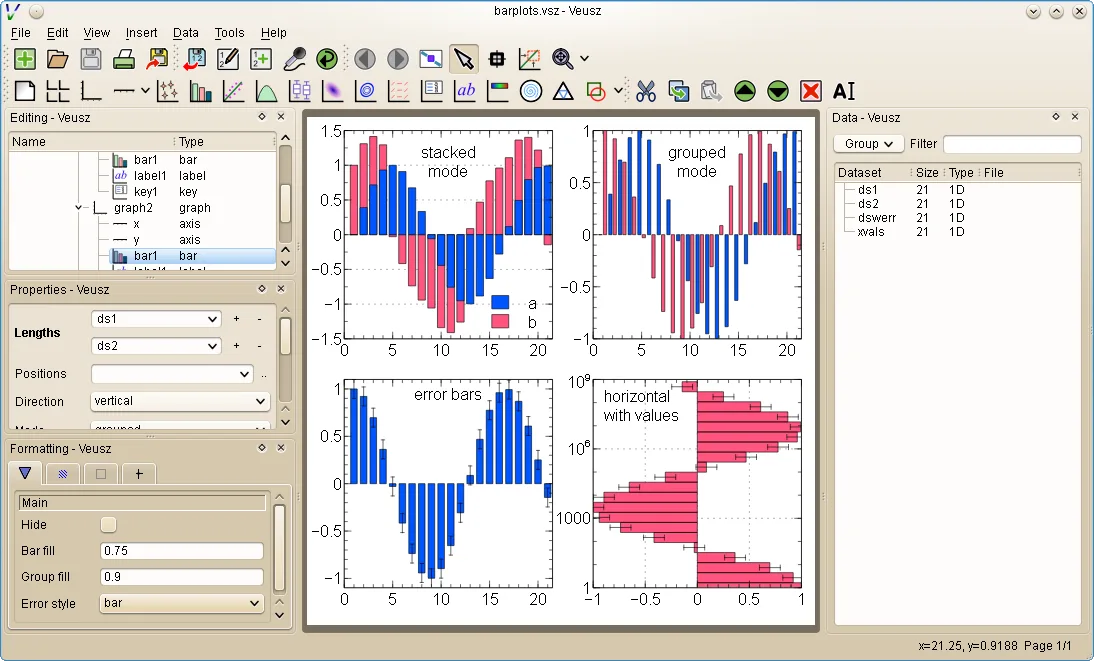
Veusz is a mature scientific plotting tool originally developed for researchers needing high-quality 2D and 3D graphs. First released in the mid-2000s, it has evolved into a stable, actively maintained application used in academic and technical fields. Its focus on accuracy, reproducibility, and export quality makes it a reliable choice for data visualization in science.
It's best suited for researchers, engineers, and students who need to generate precise, publication-ready plots from experimental or simulation data. Unlike general-purpose tools, Veusz emphasizes control over layout, fonts, axes, and styling—critical when figures must meet journal standards. Users comfortable with structured workflows will appreciate its object-based approach.
Compared to Tableau Desktop, Veusz feels less exploratory and more precision-oriented. Tableau excels at interactive dashboards and quick visual insights, while Veusz is built for crafting individual figures with exact formatting. If you're used to dragging fields onto canvases, Veusz’s widget hierarchy may feel rigid at first—but offers finer control over every visual detail.
Ideal für: Creating precise, publication-ready scientific graphs from structured data.
Wichtige Funktionen von Veusz
- Publication-quality PDF, SVG, EMF, and bitmap export
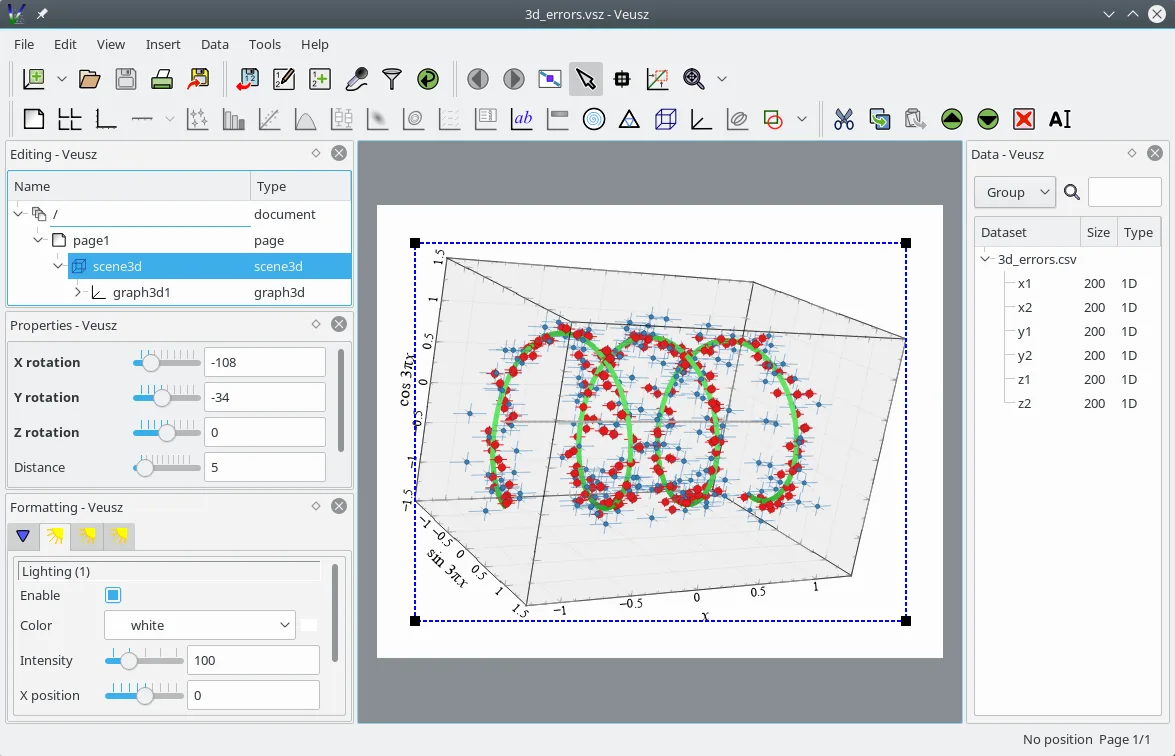
- Supports x-y, contour, image, polar, ternary, and 3D plots
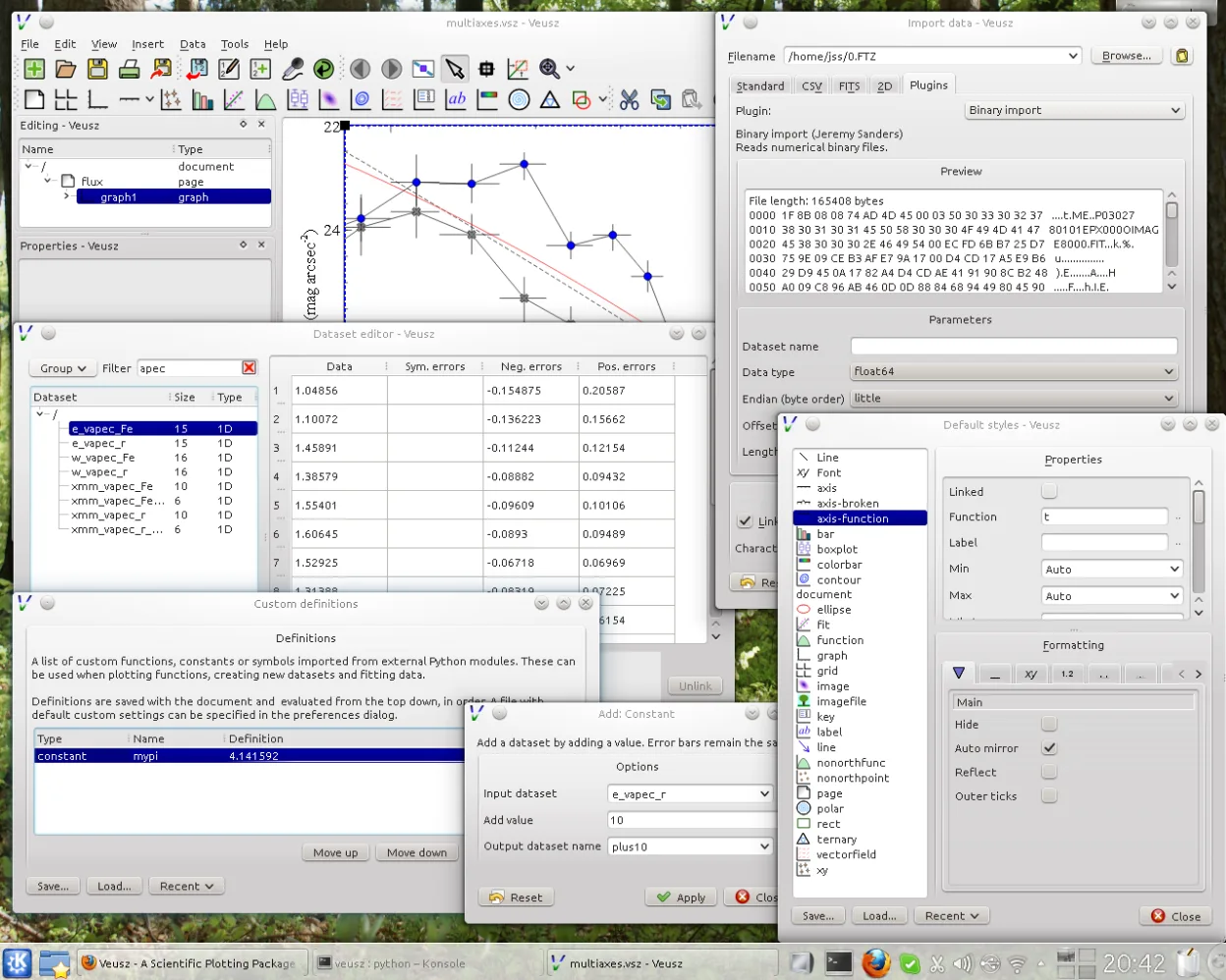
- Data import from CSV, text, HDF5, and FITS files
- Python scripting and command-line interface
- Object-based plotting interface with nested widgets
- Multiple axes, custom labels, and LaTeX support
- Real-time data manipulation and formula entry
- Cross-platform with native Linux integration
Vorteile
- Exports are print-ready with excellent typography and vector output
- Fine-grained control over every visual element
- Scriptable with Python for reproducible workflows
- Handles scientific file formats like HDF5 and FITS natively
- Lightweight and fast compared to larger data tools
Nachteile
- Steeper learning curve for users used to drag-and-drop tools
- Not designed for interactive dashboards or business reporting
- Limited support for real-time collaboration
- GUI can feel dated compared to modern commercial tools
Windows-Programme, die Veusz ersetzt
Veusz unter Linux installieren
flatpak install flathub io.github.veusz.Veuszsudo apt install veuszsudo apt install veuszsudo dnf install veuszsudo zypper install python-veuszTipps für Windows-Umsteiger
If you're coming from Tableau, expect a shift from interactive exploration to deliberate, layered construction. Veusz doesn’t use data connections or dashboards—instead, you build plots by adding and configuring widgets. Import CSV or text files directly, or use Python scripts to automate imports. Learn the object tree to master layout control. Shortcuts differ, so check the menu bindings; most actions are accessible through the sidebar or right-click menus.
Neueste Versionen
- 4.2.1 —
- 4.2 —
- 4.1 —
- 4.0 —
Veusz: häufige Fragen
Can Veusz replace Excel for making graphs?
Veusz is stronger than Excel for scientific plotting, especially for publication. It handles complex axes, vector output, and LaTeX labels better, but isn’t meant for spreadsheets or data entry. Use it when you need precision, not for quick charts.
Does Veusz support Python scripting?
Yes, Veusz has a full Python interface. You can control it from scripts, automate plot generation, or embed it in workflows. The application itself is written in Python and PyQt, making it easy to extend.
How do I import data from CSV in Veusz?
Go to Data > Import > Text, select your CSV, and configure delimiters and headers. You can preview the data before importing. Once loaded, columns appear as datasets for use in plots.
Is Veusz available in Ubuntu or other Linux distros?
Yes, Veusz is packaged in Debian, Ubuntu, Fedora, and openSUSE. You can install it via apt or dnf, or use the Flatpak from Flathub for a sandboxed, up-to-date version.
Aktualisiert am