

Linux · Office
ONLYOFFICE Desktop Editors
ONLYOFFICE Desktop Editors ist eine kostenlose, quelloffene Office-Suite für Linux, die Word, Excel, PowerPoint, PDF und mehr bearbeitet.
- Lizenz
- AGPL-3.0-only
- Aktuelle Version
- 10.0.0 (13. Oktober 2026)
- Entwickler
- ONLYOFFICE
- Installationen
- 84,801 (Flathub, 30 Tage)

Was ist ONLYOFFICE Desktop Editors?
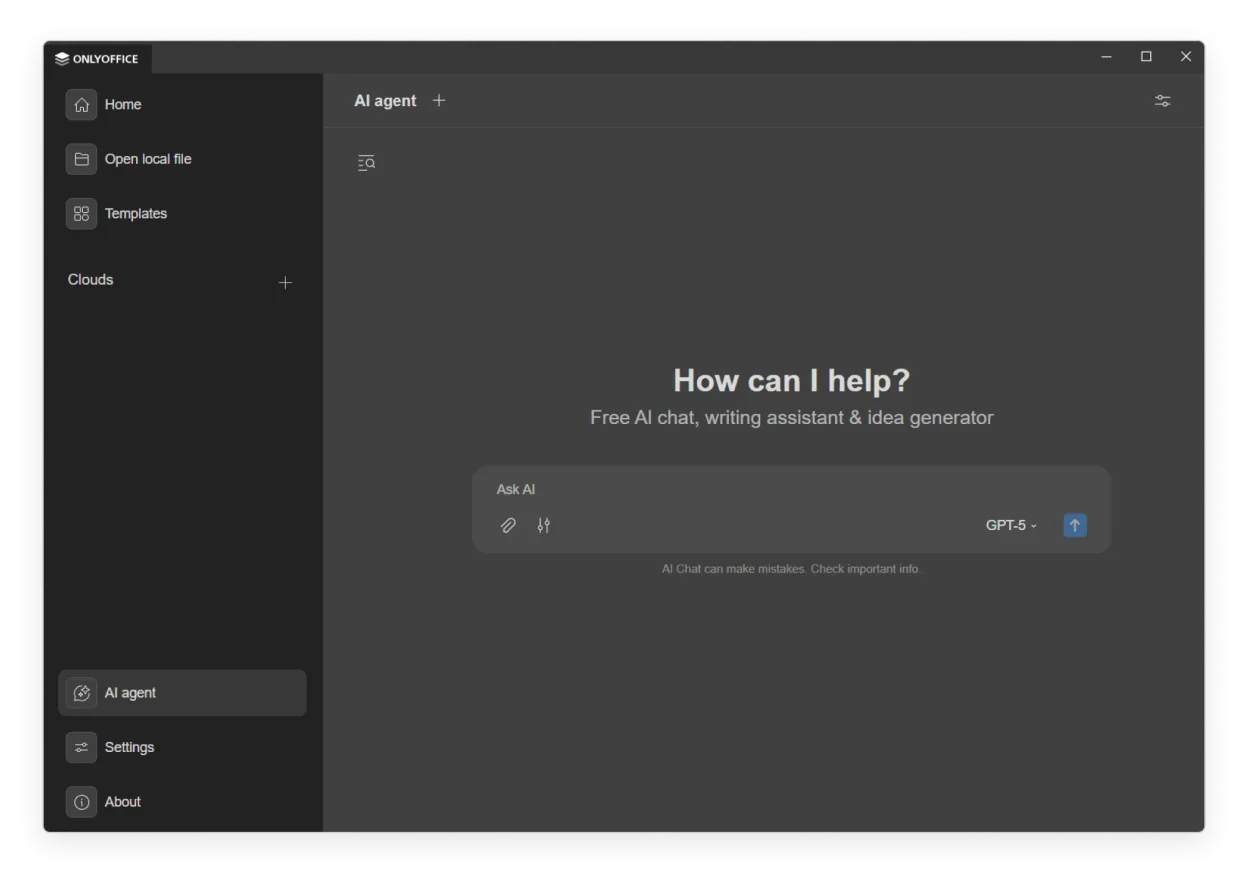
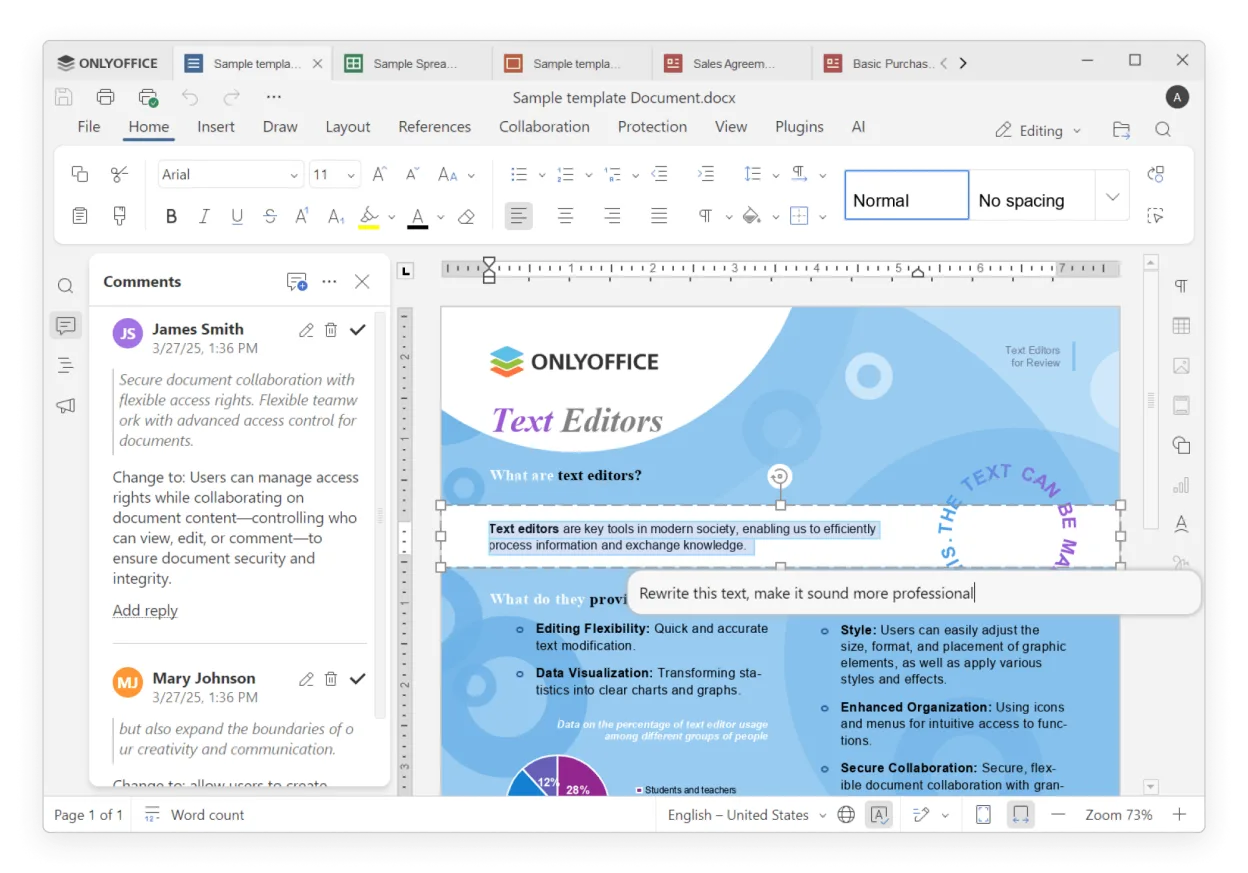
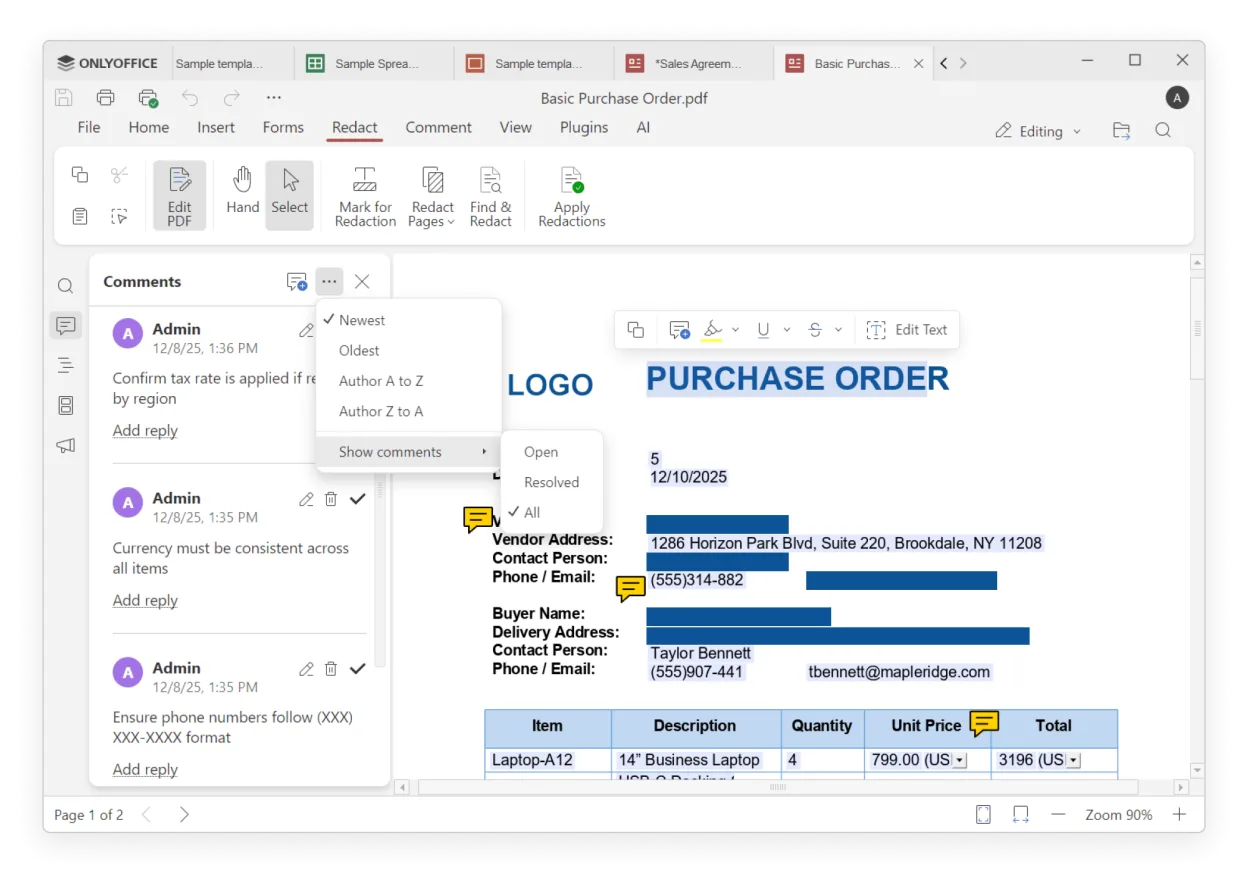
ONLYOFFICE Desktop Editors wurde 2014 als leichtgewichtige Alternative zu Microsoft Office für Linux gestartet. Im Laufe der Jahre wurde vollständige Unterstützung für Office Open XML, PDF-Formulare und eine tabbasierte Oberfläche hinzugefügt, die mehrere Dokumente in einem Fenster hält. Die neueste Version, 9.4.0, bringt KI‑gestützte Tools und ein Plugin‑System.
Die Suite richtet sich an Benutzer, die ein vertrautes Layout und Dateikompatibilität ohne Kosten für Office benötigen. Sie funktioniert gut für Studenten, kleine Unternehmen und jeden, der Dokumente offline bearbeiten möchte.
Im Vergleich zu den Windows Office‑Tools wirkt ONLYOFFICE schlanker. Die Benutzeroberfläche ist weniger überladen, Tastenkombinationen sind größtenteils kompatibel mit Office, und das Fehlen eines reinen Cloud-Modells bedeutet, dass Sie Dateien lokal behalten können. Es kann etwas langsamer bei sehr großen Tabellenkalkulationen sein, bietet aber insgesamt ein solides, unkompliziertes Erlebnis.
Ideal für: Users who need a free, cross‑platform office suite that works offline and supports Office formats.
Wichtige Funktionen von ONLYOFFICE Desktop Editors
- Full .docx/.xlsx/.pptx compatibility
- Tab‑based multi‑document workflow
- PDF and PDF‑form editing
- AI integration for translation, OCR, chatbot
- Plugin architecture for image editing, Markdown conversion
- Password protection and digital signatures
- Theme support (light/dark)
- Offline and cloud sync with Nextcloud, ownCloud, etc.
Vorteile
- Free and open‑source
- Cross‑platform with Windows and macOS compatibility
- AI tools add productivity
- Strong document security features
- Extensible via plugins
Nachteile
- AI features require extra setup
- Large spreadsheets may lag
- Limited advanced Excel functions
- Plugin ecosystem not as mature as Office
Windows-Programme, die ONLYOFFICE Desktop Editors ersetzt
 Microsoft Office Word
 Microsoft Office Excel
 Microsoft Office
 Microsoft Office PowerPoint
ONLYOFFICE Desktop Editors unter Linux installieren
flatpak install flathub org.onlyoffice.desktopeditorsTipps für Windows-Umsteiger
When moving from Microsoft Office, keep your .docx, .xlsx, and .pptx files – ONLYOFFICE opens them natively. Shortcuts are largely the same (Ctrl+S, Ctrl+Z, etc.), but the tabbed interface means you open files in the same window. For collaboration, set up a Nextcloud or ownCloud server; otherwise work locally. The AI tools can replace some manual tasks, but you’ll need to install the AI plugin and configure a model if you want chatbot or OCR features.
Neueste Versionen
- 10.0.0 —
- 9.4.0 —
ONLYOFFICE Desktop Editors: häufige Fragen
Ist ONLYOFFICE kostenlos unter Linux?
Ja, die Desktop‑Edition ist kostenlos und quelloffen unter AGPL‑3.0‑only.
Kann ich Office‑Dateien unter Linux bearbeiten?
ONLYOFFICE unterstützt vollständig .docx, .xlsx, .pptx und PDF‑Dateien und kann sie ohne Änderungen öffnen und speichern.
Unterstützt es Echtzeit‑Zusammenarbeit?
Ja, wenn Sie sich mit einem Cloud‑Dienst wie Nextcloud, ownCloud oder Seafile verbinden; andernfalls arbeiten Sie offline.
Wie steht es um fortgeschrittene Excel‑Funktionen?
Grundfunktionen funktionieren einwandfrei, komplexe Makros und einige Pivot‑Table‑Funktionen sind möglicherweise nicht vollständig unterstützt.
Aktualisiert am