
 Proton MailLinux
vs
Mozilla ThunderbirdWindows
Proton Mail als Linux-Alternative zu Mozilla Thunderbird
Aktualisiert am
Unser Fazit
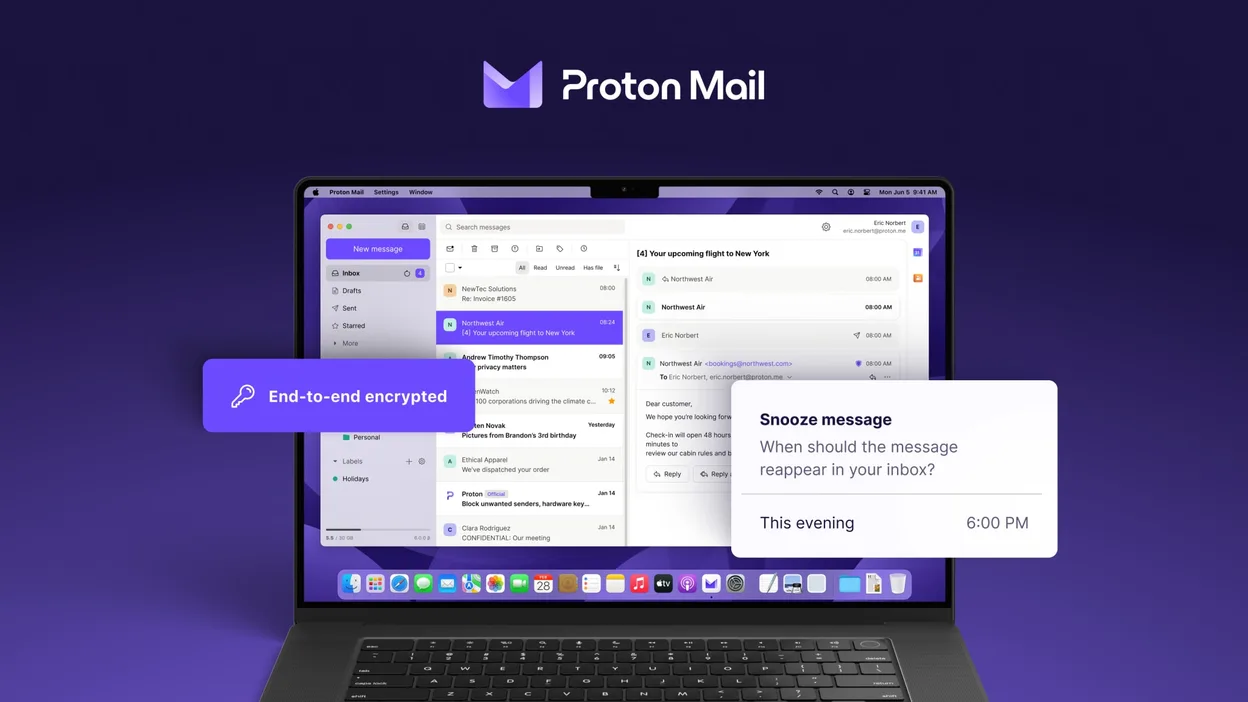
Proton Mail can replace Thunderbird for users who only need to handle Proton Mail accounts and value end‑to‑end encryption. It supports multiple accounts, folders, labels, a calendar‑like view, and add‑on‑like extensions, so day‑to‑day email work is covered. However, it does not support generic IMAP/POP connections, RSS feeds, or the full range of Thunderbird extensions. It is best for privacy‑focused users who are comfortable staying within the Proton ecosystem.
- Lizenz
- GPL-3.0
- Preis
- Kostenlos
- Aktuelle Version
- 1.16.1 (2. November 2026)
- Bewertung
- —
Was gleich funktioniert
- Multi‑account handling
- Folder and label organization
- Search and filtering
- Dark mode
- Calendar‑like view
Was anders ist
- No generic IMAP/POP support
- No RSS feed reader
- No full add‑on ecosystem
- No native support for non‑Proton domains
- No built‑in address book sync with external services
Ihre Mozilla Thunderbird-Dateien öffnen
Thunderbird stores mail in mbox or Maildir files under the profile folder. Proton Mail does not read Thunderbird profiles directly. To migrate, export Thunderbird messages to mbox or EML files and then import them into Proton Mail via the web interface or a compatible mail client that supports Proton Mail’s API. The process is manual and may lose some folder structure or tags.
Von Mozilla Thunderbird zu Proton Mail wechseln – Schritt für Schritt
- Export Thunderbird mail to mbox or EML files via File → Export or by copying the profile folder.
- Create a Proton Mail account and set up the Proton Mail app on Linux.
- Use Proton Mail’s web interface to import the exported mbox/EML files (if available) or forward emails to the Proton address.
- Reconfigure any email signatures, filters, or auto‑reply rules within Proton Mail.
- Delete or archive the old Thunderbird profile once you confirm all data is present.
Wichtige Funktionen von Proton Mail
- Erstellen und Verwalten von @proton.me‑ oder @protonmail.com‑Adressen
- End‑zu‑Ende‑Verschlüsselung für Nachrichten und Anhänge
- Mehrfach‑Konten‑Unterstützung mit einfachem Wechseln
- Konversationsansicht, Ordner und Labels
- Dark‑Mode und Swipe‑Gesten‑Navigation
- Passwortgeschütztes Versenden von E‑Mails
- Integrierter Phishing‑ und Spam‑Schutz
Proton Mail unter Linux installieren
flatpak install flathub me.proton.Mail5 weitere Alternativen zu Mozilla Thunderbird
 EvolutionEvolution ist ein vollwertiger persönlicher Informationsmanager, der E‑Mail, Kalender, Kontakte und Aufgaben…Open SourceKostenlosFlatpakEvolution vs. Mozilla Thunderbird
 KMailKMail ist der funktionsreiche E-Mail-Client von KDE und Teil der Kontact-Suite. Er unterstützt IMAP, POP3 und…Open SourceKostenlosKMail vs. Mozilla Thunderbird
 GearyGeary ist ein auf GNOME basierender E-Mail-Client für Linux, mit dem Sie E-Mails senden, empfangen und in der…Open SourceKostenlosFlatpakGeary vs. Mozilla Thunderbird
 MailspringEin schneller, funktionsreicher Desktop-E-Mail-Client für Linux mit einer C++-Synchronisierungseinheit und…Open SourceKostenlosFlatpakMailspring vs. Mozilla Thunderbird
 Claws MailClaws Mail ist ein schlanker, schneller E-Mail-Client für Linux auf Basis von GTK.Open SourceKostenlosFlatpakClaws Mail vs. Mozilla Thunderbird