
 Proton MailLinux
vs
Mozilla ThunderbirdWindows
Proton Mail as a Linux alternative to Mozilla Thunderbird
Updated
Our verdict
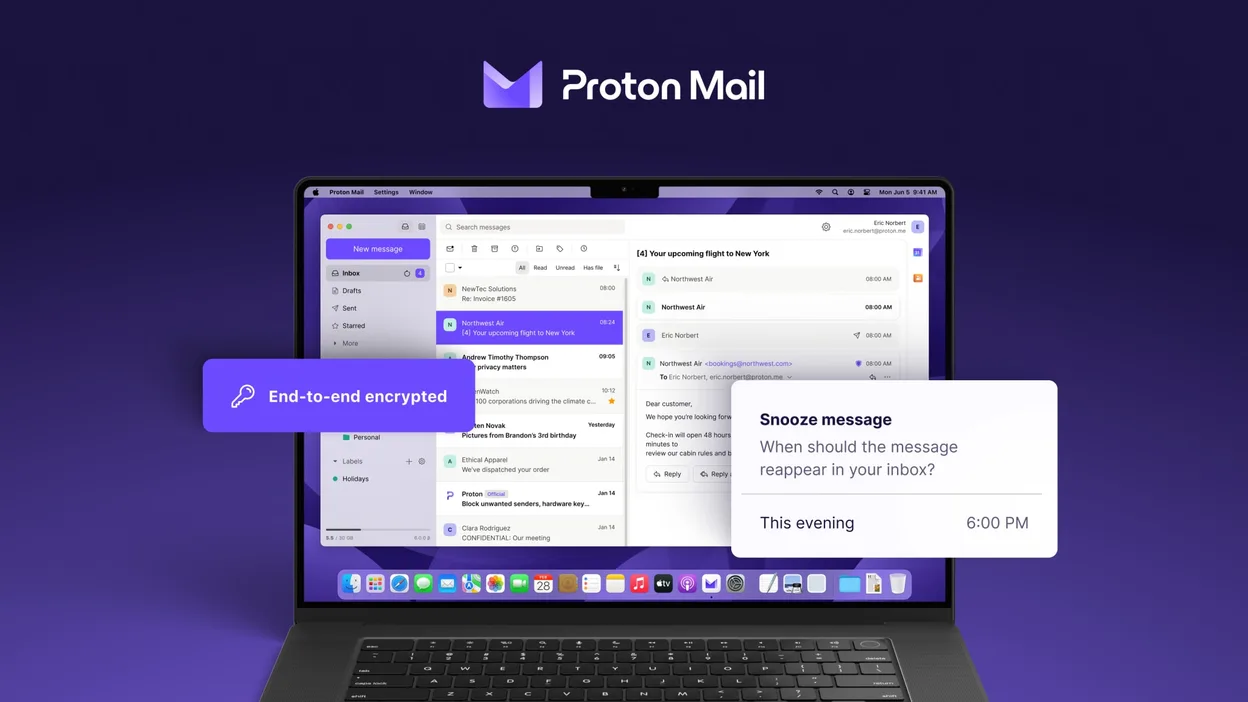
Proton Mail can replace Thunderbird for users who only need to handle Proton Mail accounts and value end‑to‑end encryption. It supports multiple accounts, folders, labels, a calendar‑like view, and add‑on‑like extensions, so day‑to‑day email work is covered. However, it does not support generic IMAP/POP connections, RSS feeds, or the full range of Thunderbird extensions. It is best for privacy‑focused users who are comfortable staying within the Proton ecosystem.
- License
- GPL-3.0
- Price
- Free
- Latest version
- 1.16.1 (November 2, 2026)
- Rating
- —
What works the same
- Multi‑account handling
- Folder and label organization
- Search and filtering
- Dark mode
- Calendar‑like view
What is different
- No generic IMAP/POP support
- No RSS feed reader
- No full add‑on ecosystem
- No native support for non‑Proton domains
- No built‑in address book sync with external services
Opening your Mozilla Thunderbird files
Thunderbird stores mail in mbox or Maildir files under the profile folder. Proton Mail does not read Thunderbird profiles directly. To migrate, export Thunderbird messages to mbox or EML files and then import them into Proton Mail via the web interface or a compatible mail client that supports Proton Mail’s API. The process is manual and may lose some folder structure or tags.
Switching from Mozilla Thunderbird to Proton Mail, step by step
- Export Thunderbird mail to mbox or EML files via File → Export or by copying the profile folder.
- Create a Proton Mail account and set up the Proton Mail app on Linux.
- Use Proton Mail’s web interface to import the exported mbox/EML files (if available) or forward emails to the Proton address.
- Reconfigure any email signatures, filters, or auto‑reply rules within Proton Mail.
- Delete or archive the old Thunderbird profile once you confirm all data is present.
Key features of Proton Mail
- Create and manage @proton.me or @protonmail.com addresses
- End‑to‑end encryption for messages and attachments
- Multiple account support with easy switching
- Conversation view, folders, and labels
- Dark mode and swipe‑gesture navigation
- Password‑protected email sending
- Built‑in phishing and spam protection
How to install Proton Mail on Linux
flatpak install flathub me.proton.Mail5 other alternatives to Mozilla Thunderbird
 EvolutionEvolution is a full‑featured personal information manager that combines email, calendar, contacts and tasks…Open sourceFreeFlatpakEvolution vs Mozilla Thunderbird
 KMailKMail is KDE's full-featured email client, part of the Kontact suite, supporting IMAP, POP3, and local…Open sourceFreeKMail vs Mozilla Thunderbird
 GearyGeary is a GNOME‑based email client for Linux that lets you send, receive, and organize mail in conversation…Open sourceFreeFlatpakGeary vs Mozilla Thunderbird
 MailspringA fast, feature-rich desktop email client for Linux with a C++ sync engine and unified inbox.Open sourceFreeFlatpakMailspring vs Mozilla Thunderbird
 Claws MailClaws Mail is a lightweight, fast GTK‑based email client for Linux.Open sourceFreeFlatpakClaws Mail vs Mozilla Thunderbird