
 Proton PassLinux
vs
KeePassWindows
Proton PassLinux
vs
KeePassWindows
Proton Pass als Linux-Alternative zu KeePass
Aktualisiert am
Unser Fazit
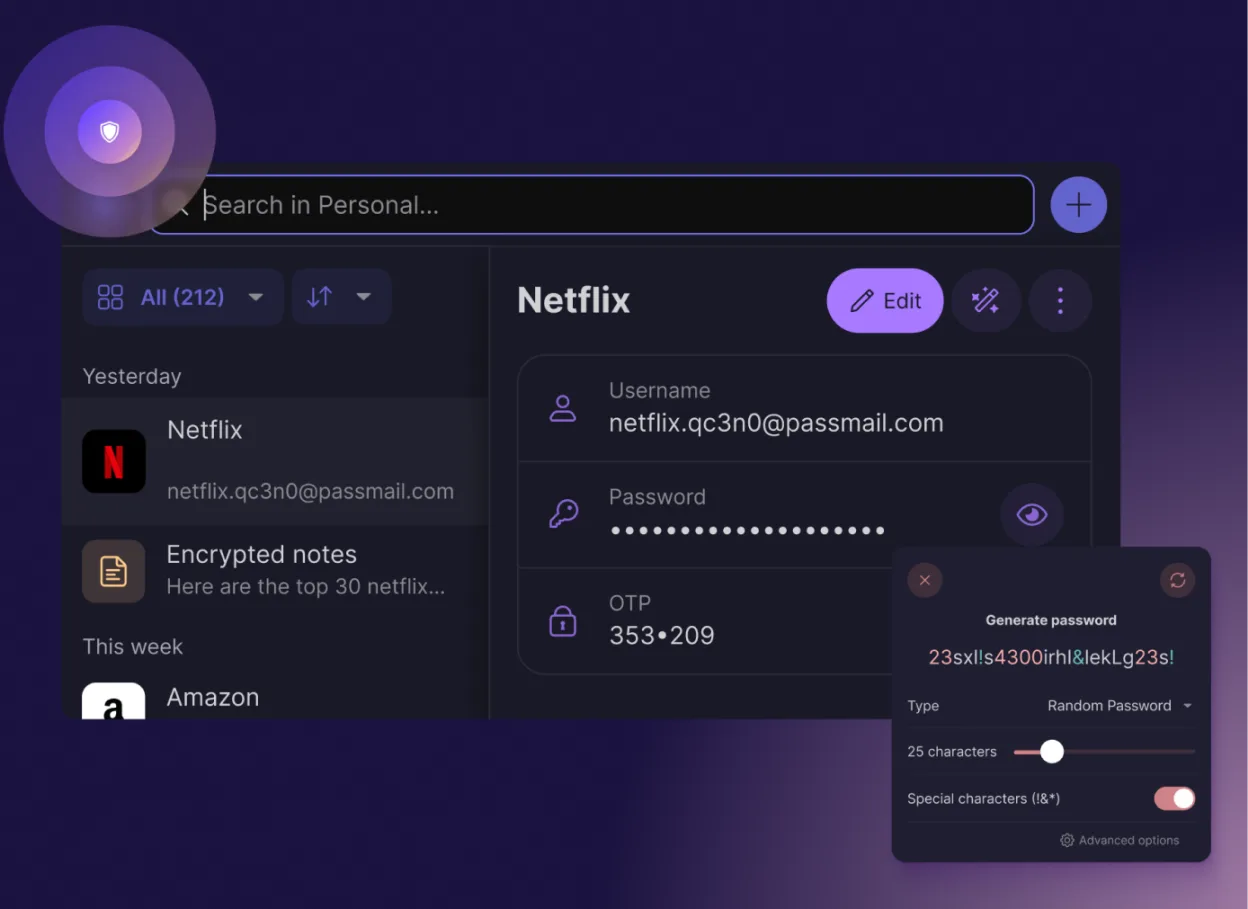
Proton Pass is a strong replacement for KeePass users who prioritize cloud sync and convenience over local file control. It offers end-to-end encryption, password generation, and auto-fill features that match KeePass's core utility. However, it is not a direct drop-in replacement for power users who rely on offline-only database files or complex macro scripting. If you want a managed, synced experience with Swiss privacy standards and don't mind an account-based system, Proton Pass works well. For strict offline purists, KeePass remains the better choice due to its local-first architecture.
- Lizenz
- GPL-3.0
- Preis
- Kostenlos
- Aktuelle Version
- 1.42.0 (13. Oktober 2026)
- Bewertung
- —
Was gleich funktioniert
- Open-source codebase available for community audit
- Strong encryption standards for credential storage
- Password generation and strength checking tools
- Cross-platform support including Linux, Windows, and mobile
- Free tier available for basic usage
Was anders ist
- Proton Pass requires an online account for sync; KeePass works entirely offline
- Proton Pass encrypts all metadata (usernames, URLs); KeePass encrypts data but file location is visible
- KeePass supports advanced macros and scripting; Proton Pass does not
- Proton Pass includes built-in 2FA and email aliases; KeePass requires plugins for these
- KeePass allows direct file sharing; Proton Pass relies on Proton Drive for sharing
Ihre KeePass-Dateien öffnen
Proton Pass does not natively open .kdbx files directly in the same way KeePass does. You must import your KeePass database into Proton Pass. This process involves exporting your KeePass entries (often via CSV or XML, depending on your KeePass version and plugins) and then importing them into Proton Pass. Direct binary compatibility is not supported, so manual import steps are required to transfer your credentials.
Von KeePass zu Proton Pass wechseln – Schritt für Schritt
- Create a Proton Pass account and set up your master password.
- In KeePass, select all entries and export them to a CSV or XML file.
- Open Proton Pass on Linux and navigate to the import section.
- Upload the exported file and map the fields (username, password, URL) correctly.
- Verify that all entries imported correctly and test auto-fill functionality.
- Securely delete the exported file from your local storage.
Wichtige Funktionen von Proton Pass
- Ende-zu-Ende-Verschlüsselung aller Felder
- Plattformübergreifende Synchronisierung über Proton Drive
- Integrierter 2FA-Code-Generator
- Prüfung der Passwortstärke und auf Datenlecks
- Sichere Notizen und Erstellung von E-Mail-Aliassen
- Quelloffener Code, der von der Community geprüft wurde
- Keine Werbung oder Datenerhebung
- Dauerhaft kostenlos mit optionalem Bezahlplan
Proton Pass unter Linux installieren
flatpak install flathub me.proton.PassHäufige Fragen
Is Proton Pass truly free?
Yes, the core password manager features are free forever. Proton offers a paid plan for additional features like more email aliases or larger storage, but basic password storage and sync are included in the free tier.
Can I use Proton Pass offline?
Yes, you can access your cached credentials offline. However, syncing changes and accessing new data require an internet connection. Unlike KeePass, which is fully functional offline without any account, Proton Pass relies on its cloud infrastructure for synchronization.
Does Proton Pass support auto-type on Linux?
Yes, Proton Pass supports auto-fill and auto-type capabilities on Linux, allowing you to insert credentials into web forms and applications automatically, similar to KeePass's auto-type feature.
4 weitere Alternativen zu KeePass
 KeePassXCKeePassXC ist ein quelloffener, plattformübergreifender Passwort-Manager, der verschlüsselte Datenbanken…Open SourceKostenlosFlatpakKeePassXC vs. KeePass
 BitwardenBitwarden ist ein Open-Source-Passwortmanager, der verschlüsselte Tresore über alle Ihre Geräte…FlatpakBitwarden vs. KeePass
 KeePassXCKeePassXC ist ein kostenloser, quelloffener Passwort‑Manager, der verschlüsselte Anmeldedaten in einer…Open SourceKostenlosFlatpakKeePassXC vs. KeePassVaultwardenVaultwarden ist ein leichter, selbstgehosteter Passwortmanager, der mit KeePass-Datenbanken kompatibel ist.Open SourceKostenlosVaultwarden vs. KeePass