
 Rocket.ChatLinux
vs
Microsoft Teams (newer versions with advanced features)Windows
Rocket.ChatLinux
vs
Microsoft Teams (newer versions with advanced features)Windows
Rocket.Chat als Linux-Alternative zu Microsoft Teams (newer versions with advanced features)
Aktualisiert am
Unser Fazit
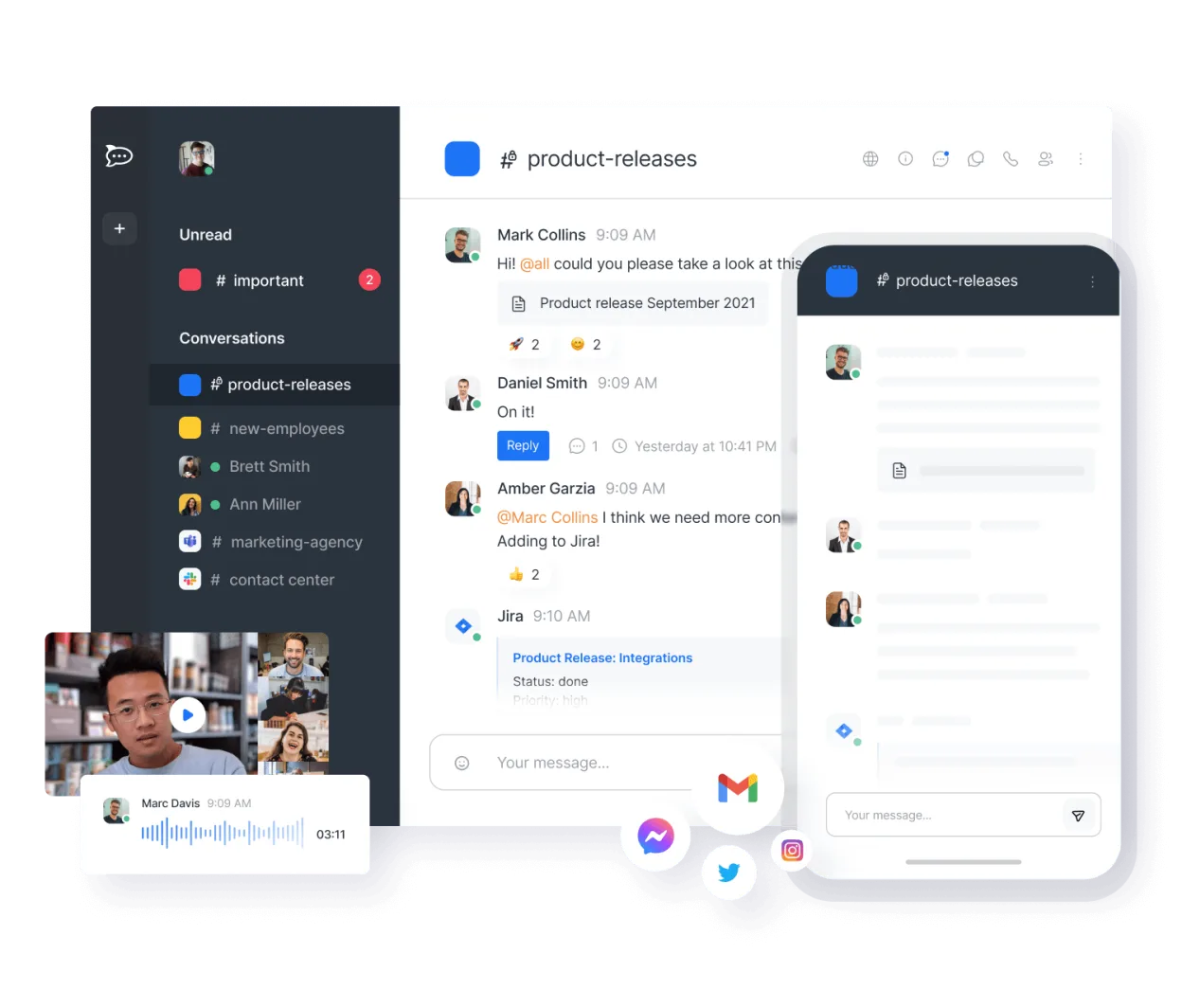
Rocket.Chat is a strong, self-hosted alternative for teams prioritizing data ownership and open standards. It covers core chat, video, and file sharing well. However, it lacks deep native integration with Microsoft 365 calendar and email, which is a major drawback if you rely on Outlook. It is ideal for Linux-centric organizations or those leaving the Microsoft ecosystem, but less suitable for businesses deeply embedded in the Microsoft cloud stack.
- Lizenz
- MIT
- Preis
- Kostenlos
- Aktuelle Version
- 4.18.4 (21. Oktober 2026)
- Bewertung
- —
Was gleich funktioniert
- Real-time threaded messaging and channels
- Video and audio conferencing with screen sharing
- File sharing and collaborative document editing
- Mobile apps for iOS and Android
Was anders ist
- No native, deep integration with Microsoft Outlook calendar and email
- Self-hosted or cloud-hosted model requires more infrastructure management than Microsoft's managed service
- Lack of enterprise-grade compliance features specific to Microsoft 365 (e.g., Azure AD conditional access integration)
- Different user interface and workflow logic compared to the Microsoft ecosystem
Ihre Microsoft Teams (newer versions with advanced features)-Dateien öffnen
Rocket.Chat does not natively open Microsoft Teams-specific chat history or meeting recordings. However, it supports standard file formats (PDF, DOCX, XLSX, etc.) for sharing and collaborative editing. You can export chat logs as text or JSON, but migrating structured Teams data requires third-party scripts or manual re-entry.
Von Microsoft Teams (newer versions with advanced features) zu Rocket.Chat wechseln – Schritt für Schritt
- Set up a Rocket.Chat instance (Docker, Kubernetes, or cloud provider).
- Configure SSO if using an external identity provider, or create user accounts.
- Install necessary integrations or bots for calendar/email if available.
- Export Teams chat history and files to a shared drive or archive.
- Test video conferencing and screen sharing in your specific network environment.
- Migrate users gradually, starting with pilot teams.
Wichtige Funktionen von Rocket.Chat
- Unbegrenzte Benutzer und Kanäle in der Standardkonfiguration
- Video- und Audiokonferenzen
- Dateifreigabe und Live-Dokumentenbearbeitung
- Umfassende API- und Bot-Integrationen
- Ende-zu-Ende-Verschlüsselung für private Kanäle
- Optionen für Self-Hosting oder Cloud-Hosting
- Mobile Apps für iOS und Android
- Anpassbare Themes und Layouts
Rocket.Chat unter Linux installieren
flatpak install flathub chat.rocket.RocketChatHäufige Fragen
Does Rocket.Chat integrate with Outlook?
Not natively in the same way Teams does. You can use calendar bots or third-party integrations, but it is not a seamless, built-in experience like Microsoft's ecosystem.
Is Rocket.Chat free?
Yes, the core software is open-source under the MIT license. You pay for your own hosting infrastructure or use their paid cloud service.
Can I migrate my Teams history?
There is no direct one-click importer. You must export data from Teams and manually or script-import it into Rocket.Chat, which is a significant effort.
3 weitere Alternativen zu Microsoft Teams (newer versions with advanced features)
 Jitsi MeetJitsi Meet ist ein quelloffener Videokonferenz-Client, der eine Verbindung zu jedem Jitsi-Server ermöglicht…Open SourceKostenlosFlatpakJitsi Meet vs. Microsoft Teams (newer versions with advanced features)
 ElementElement ist ein Open‑Source, matrixbasierter Chat- und Videokonferenz-Client für Linux.Open SourceKostenlosFlatpakElement vs. Microsoft Teams (newer versions with advanced features)
 MattermostMattermost ist eine Open-Source, selbst gehostete Kollaborationsplattform für Entwicklerteams, die eine…Open SourceKostenlosFlatpakMattermost vs. Microsoft Teams (newer versions with advanced features)
Alle Alternativen zu Microsoft Teams (newer versions with advanced features)