
 SlackLinux
vs
Microsoft Teams (newer versions)Windows
SlackLinux
vs
Microsoft Teams (newer versions)Windows
Slack als Linux-Alternative zu Microsoft Teams (newer versions)
Aktualisiert am
Unser Fazit
Slack can replace Microsoft Teams for many small‑to‑medium teams that need chat, file sharing, and basic video calls, but it lacks the deep integration with Azure AD, Office 365, and the advanced meeting controls that Teams offers. Teams users who rely on scheduled meetings, calendar sync, or large‑scale enterprise features may find Slack’s video and scheduling tools insufficient. For teams that prioritize a flexible, app‑centric chat environment and are comfortable using external calendar apps, Slack is a solid choice.
- Lizenz
- LicenseRef-proprietary
- Preis
- freemium
- Aktuelle Version
- 4.52.182 (20. Oktober 2026)
- Bewertung
- —
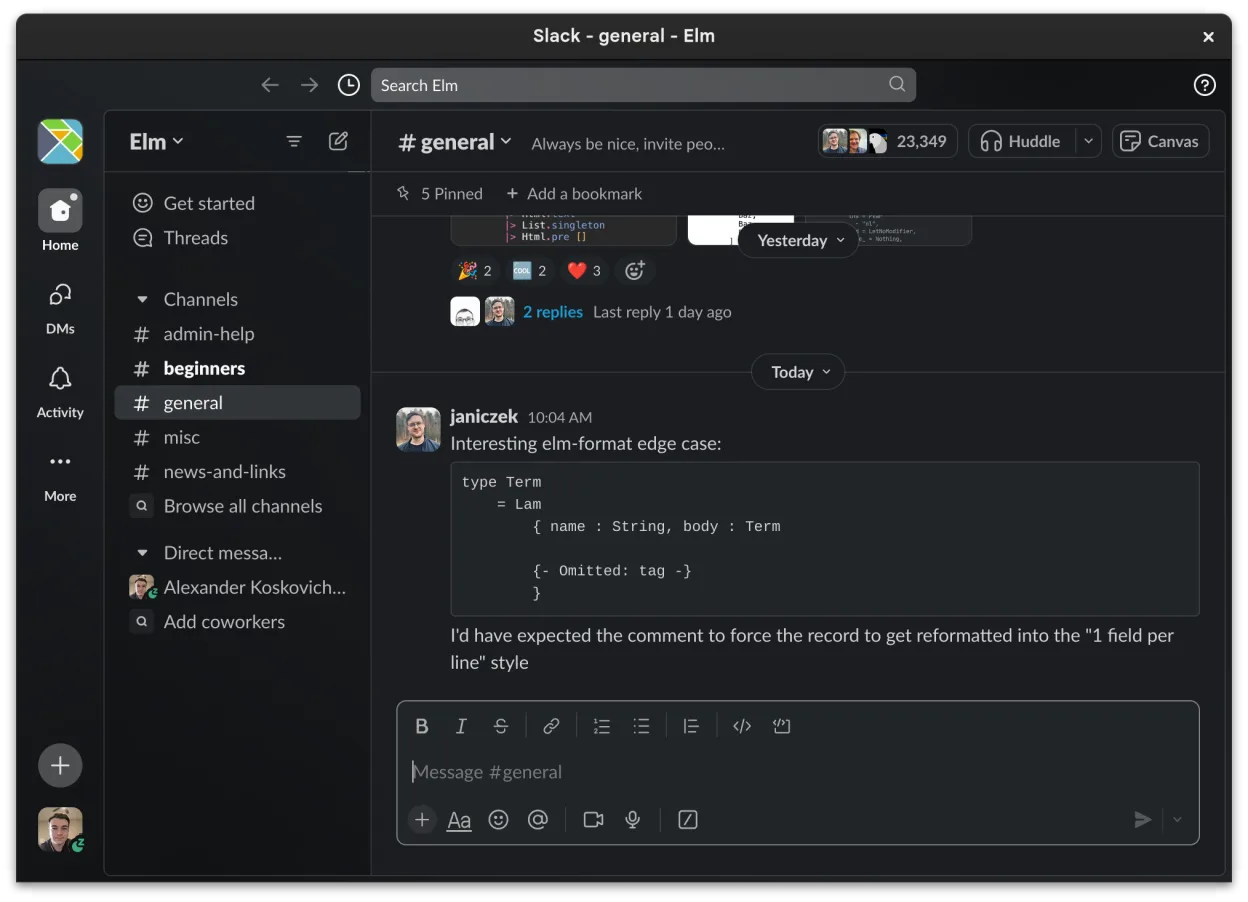
Was gleich funktioniert
- Both provide channel‑based organization for topics and projects
- Both support direct messaging with reactions and read receipts
- Both allow file sharing with preview for common formats
- Both integrate with third‑party tools via apps
- Both sync messages and notifications across devices
Was anders ist
- Slack’s video conferencing is basic and lacks the full meeting controls of Teams
- Teams offers native calendar/meeting scheduling and Outlook integration, Slack does not
- Teams supports single sign‑on via Azure AD; Slack requires separate login or SSO setup
- Teams has stronger compliance and security controls for large enterprises
- Teams provides richer meeting features like meeting notes, live captions, and meeting recordings
- Slack is still in beta on Linux, which may affect stability
Ihre Microsoft Teams (newer versions)-Dateien öffnen
Opening or exporting files created in Microsoft Teams (such as Word, Excel, or PowerPoint documents) is handled by the underlying Office apps or OneDrive integration, not by Slack. Slack can share and preview these files, but it does not convert or edit them. If you need to edit a Teams‑specific file, you must use the appropriate Office or OneDrive client.
Von Microsoft Teams (newer versions) zu Slack wechseln – Schritt für Schritt
- Export your Teams data (chat history, files) via the Teams admin center or third‑party export tools.
- Create a new Slack workspace and invite all team members using their email addresses.
- Set up Slack channels that mirror your existing Teams channels and move files into the appropriate channels.
- Configure Slack Apps for any external services you used in Teams (e.g., Google Drive, Jira).
- Adjust notification settings and train users on Slack’s workflow and threading model.
- Verify that all critical integrations (calendar, file storage) are functioning before decommissioning Teams.
- faq
Wichtige Funktionen von Slack
- Kanalspezifische Organisation für Themen und Projekte
- Direktnachrichten mit Lesebestätigungen und Reaktionen
- Dateifreigabe mit Vorschausupport für gängige Formate
- Integration mit Drittanbieter-Tools über Slack Apps
- Threaded Conversations, um Hauptkanäle übersichtlich zu halten
- Synchronisation über Geräte hinweg für Nachrichten und Benachrichtigungen
- Anpassbare Benachrichtigungseinstellungen pro Kanal oder DM
- Beta Linux‑Client mit fortlaufenden Funktionshinzufügungen
Slack unter Linux installieren
flatpak install flathub com.slack.Slack5 weitere Alternativen zu Microsoft Teams (newer versions)
 ElementElement ist ein Open‑Source, matrixbasierter Chat- und Videokonferenz-Client für Linux.Open SourceKostenlosFlatpakElement vs. Microsoft Teams (newer versions)
 Jitsi MeetJitsi Meet ist ein quelloffener Videokonferenz-Client, der eine Verbindung zu jedem Jitsi-Server ermöglicht…Open SourceKostenlosFlatpakJitsi Meet vs. Microsoft Teams (newer versions)
 MattermostMattermost ist eine Open-Source, selbst gehostete Kollaborationsplattform für Entwicklerteams, die eine…Open SourceKostenlosFlatpakMattermost vs. Microsoft Teams (newer versions)
 Rocket.ChatOpen-Source-Plattform für Teamkommunikation mit Chat, Video und Kollaboration, häufig als Alternative zu…Open SourceKostenlosFlatpakRocket.Chat vs. Microsoft Teams (newer versions)
 DiscordEin plattformübergreifender Messaging-, Sprach- und Video-Client für Communities, Gaming und informelle…FlatpakDiscord vs. Microsoft Teams (newer versions)