 ZoteroLinux
vs
ZoteroWindows
Zotero als Linux-Alternative zu Zotero
Aktualisiert am
Unser Fazit
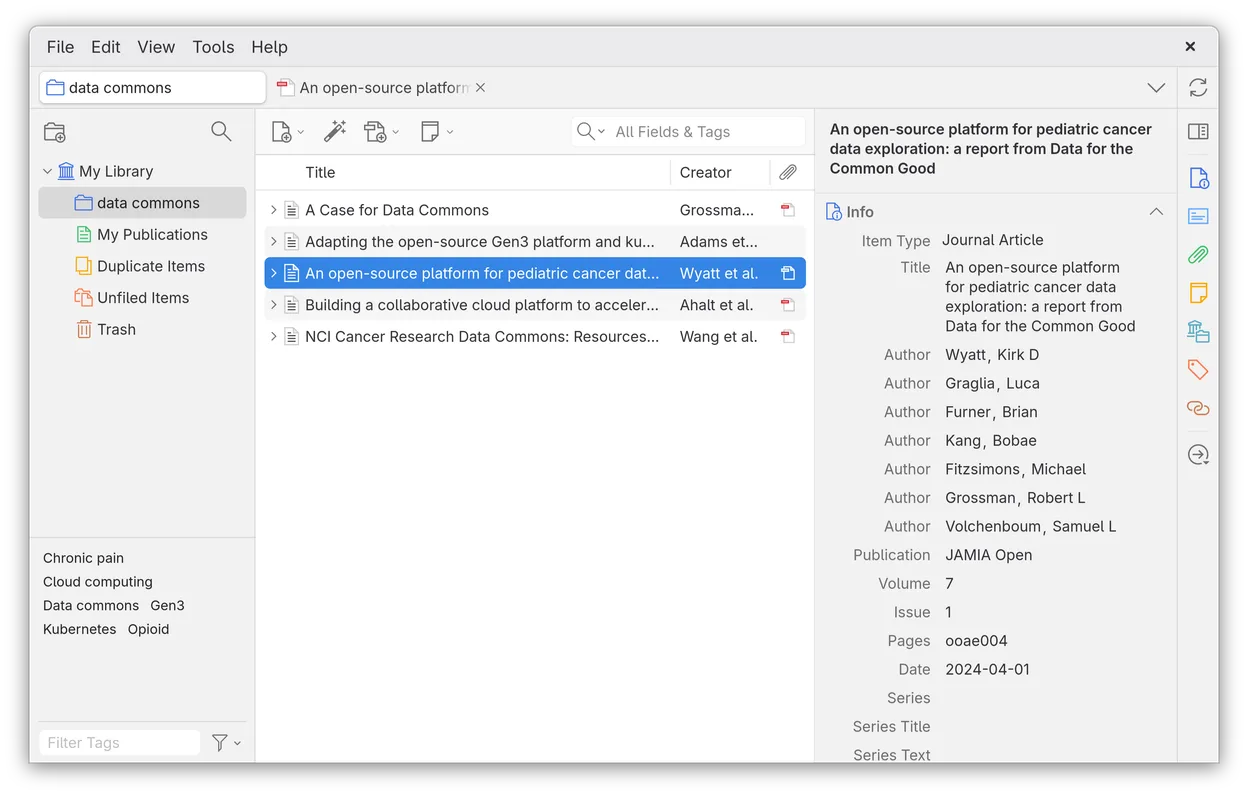
Zotero on Linux is the same product as the Windows version, so it is an excellent replacement for Windows users who want to keep using Zotero. It runs natively on most distributions via native packages, Flatpak, or Snap, and offers the full feature set: web‑capture, PDF storage, in‑text citation, style export, group collaboration, and word‑processor integration. It is ideal for researchers, students, and academics who need a cross‑platform reference manager without extra cost.
- Lizenz
- AGPL-3.0
- Preis
- Kostenlos
- Aktuelle Version
- 10.0.8 (6. November 2026)
- Bewertung
- —
Was gleich funktioniert
- Collects bibliographic data via browser connector
- Stores PDFs and notes in a single library
- Generates citations in 10,000+ styles
- Syncs libraries across devices with Zotero Cloud
- Exports to RIS, BibTeX, and other formats
Was anders ist
- Windows‑only installer is replaced by native Linux packages (deb, rpm, flatpak)
- Some users report minor performance lag on very large libraries in the Flatpak build
- Word‑processor integration relies on the LibreOffice or MS Word plugin, which may need manual installation
- The Windows‑specific Zotero Connector for Edge is not available; Chrome/Firefox connectors work the same
Ihre Zotero-Dateien öffnen
Zotero libraries are stored in a local SQLite database (.zotero.sqlite) and attachments in a folder. Importing a .zotero.sqlite file or a .csv/RIS/BibTeX export from another Zotero instance works on Linux the same as on Windows. Exporting to the same formats is supported. Unknown: whether the Windows‑specific .zotero.db file format is fully compatible, but standard exports are safe.
Von Zotero zu Zotero wechseln – Schritt für Schritt
- Export your Windows Zotero library to a .csv or .bib file via File → Export Library.
- Close Zotero on Windows and uninstall the Windows app if desired.
- Install Zotero on Linux (native package, Flatpak, or Snap).
- Launch Zotero and import the exported file via File → Import Library.
Wichtige Funktionen von Zotero
- Collect bibliographic data from web pages with a browser connector
- Store PDFs, notes, and attachments in a single library
- Generate citations in 10,000+ styles
- Sync libraries across devices via Zotero Cloud
- Export libraries in RIS, BibTeX, and other formats
- Collaborate with groups and share libraries
Zotero unter Linux installieren
flatpak install flathub org.zotero.Zoterosudo pacman -S zotero