
 DelugeLinux
vs
DelugeLinux
vs
 Vuze (Azureus)Windows
Deluge como alternativa Linux a Vuze (Azureus)
Actualizado el
Nuestra opinión
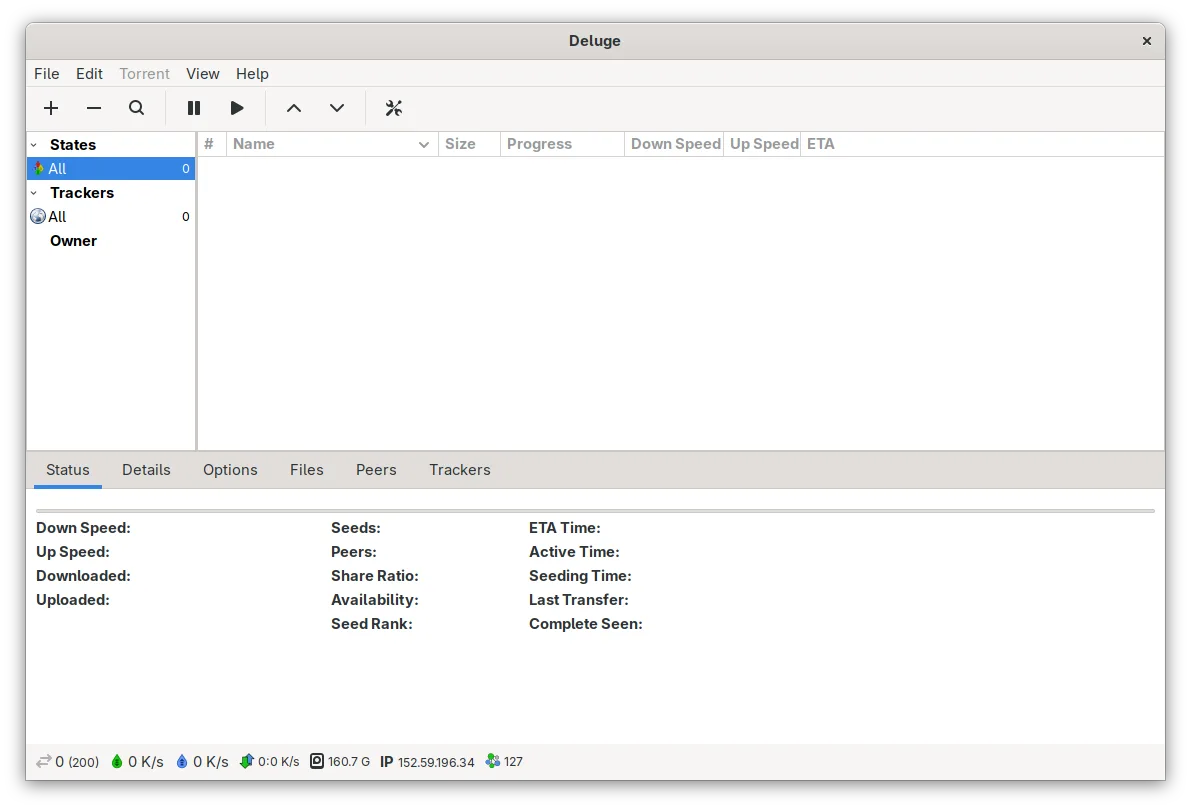
Deluge is a solid replacement for Vuze (Azureus) for users who need a lightweight, open‑source BitTorrent client on Linux. It supports .torrent files, magnet links, bandwidth limits, sequential download and streaming, and has a GTK interface that feels native to most desktop environments. It lacks Vuze’s channel‑based content discovery and built‑in media player, but for the core torrenting tasks it covers the same ground with fewer resources.
Cobertura de funciones
- Licencia
- GPL-3.0
- Precio
- Gratis
- Última versión
- 2.2.0 (28 de abril de 2025)
- Valoración
- —
Lo que funciona igual
- Supports .torrent files and magnet links
- Provides global and per‑torrent bandwidth limits
- Offers protocol encryption, DHT, PEX, and LSD
- Includes UPnP/NAT‑PMP port forwarding
- Supports proxy and web seed connections
Lo que cambia
- No channel or content discovery feature
- No integrated media player for playback
- No Java‑based UI, uses GTK/Python
- No built‑in torrent search or community plugins
- No separate “Vuze”‑style UI for advanced users
Abrir tus archivos de Vuze (Azureus)
Deluge can open standard .torrent files and magnet links created by Vuze. It does not import Vuze‑specific .vuze or .vuze‑channel files; users must convert or re‑create torrents in Deluge. Exporting from Vuze to Deluge is straightforward via the .torrent file.
Pasar de Vuze (Azureus) a Deluge, paso a paso
- Export your torrents from Vuze as .torrent files or copy magnet links.
- Install Deluge from your distribution’s package manager or Flathub.
- Launch Deluge’s GTK client and use ‘File → Add Torrent’ to import the .torrent files or paste magnet links.
- Configure bandwidth limits and proxy settings under ‘Preferences → Bandwidth’ and ‘Preferences → Proxy’.
- Enable sequential download or streaming via ‘Preferences → Downloads’ if needed.
Funciones clave de Deluge
- Arquitectura cliente/daemon para control remoto
- Interfases de usuario web, GTK y de consola
- Soporte para cifrado de protocolo, DHT, PEX y LSD
- Reenvío de puertos UPnP y NAT-PMP
- Límites de ancho de banda globales y por torrent
- Soporte para proxy y semillas web
- Descarga secuencial y streaming
- Sistema de complementos para funcionalidad extendida
Cómo instalar Deluge en Linux
Flatpak (Flathub)
flatpak install flathub org.deluge_torrent.delugeUbuntu / Mint
sudo apt install delugeDebian
sudo apt install delugeFedora
sudo dnf install delugeArch / Manjaro
sudo pacman -S delugeopenSUSE
sudo zypper install delugeOtras 5 alternativas a Vuze (Azureus)
 qBittorrentqBittorrent es un cliente BitTorrent gratuito y de código abierto con una interfaz pulida y un conjunto de…Código abiertoGratisFlatpakqBittorrent vs Vuze (Azureus)
 TransmissionTransmission es un cliente BitTorrent ligero y de código abierto para Linux, macOS y Windows, con controles…Código abiertoGratisFlatpakTransmission vs Vuze (Azureus)
 KTorrentKTorrent es un cliente BitTorrent completo para KDE que admite DHT, cifrado y webseeds con fuerte…Código abiertoGratisFlatpakKTorrent vs Vuze (Azureus)
 VuzeVuze is a feature‑rich BitTorrent client that runs natively on Linux.GratisAbandonadoVuze vs Vuze (Azureus)
 BitTornadoBitTornado is a lightweight, open‑source BitTorrent client for Linux.Código abiertoGratisAbandonadoBitTornado vs Vuze (Azureus)
Valora Deluge
Sé el primero en valorar
¿Es un buen sustituto de Vuze (Azureus)?
1