

Linux · Programación
Bazaar
A fast, modern app store for Linux that lets you discover and install Flatpak apps and add‑ons directly from GNOME Shell.
- Licencia
- GPL-3.0-or-later
- Última versión
- 0.9.9 (16 de octubre de 2026)
- Desarrollador
- The Bazaar Contributors
- Instalaciones
- 48,034 (Flathub, 30 días)
¿Qué es Bazaar?
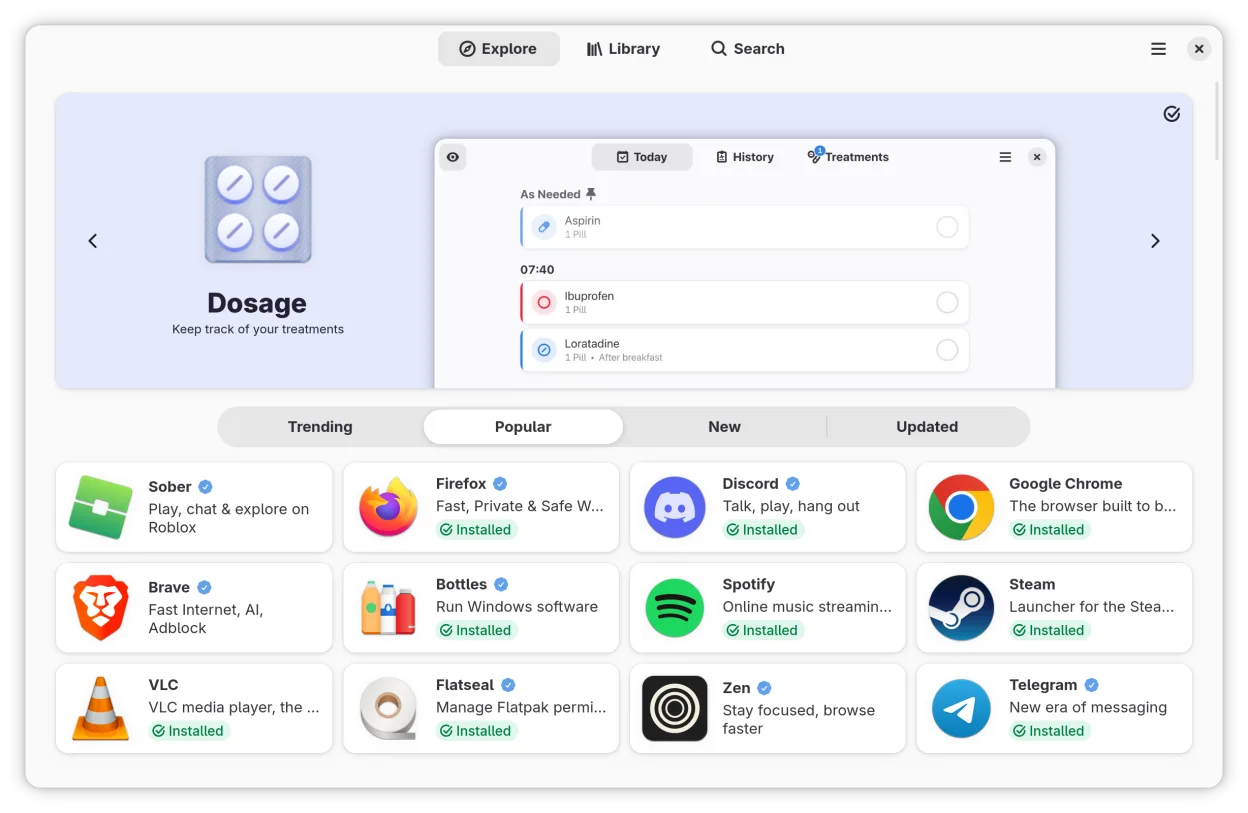
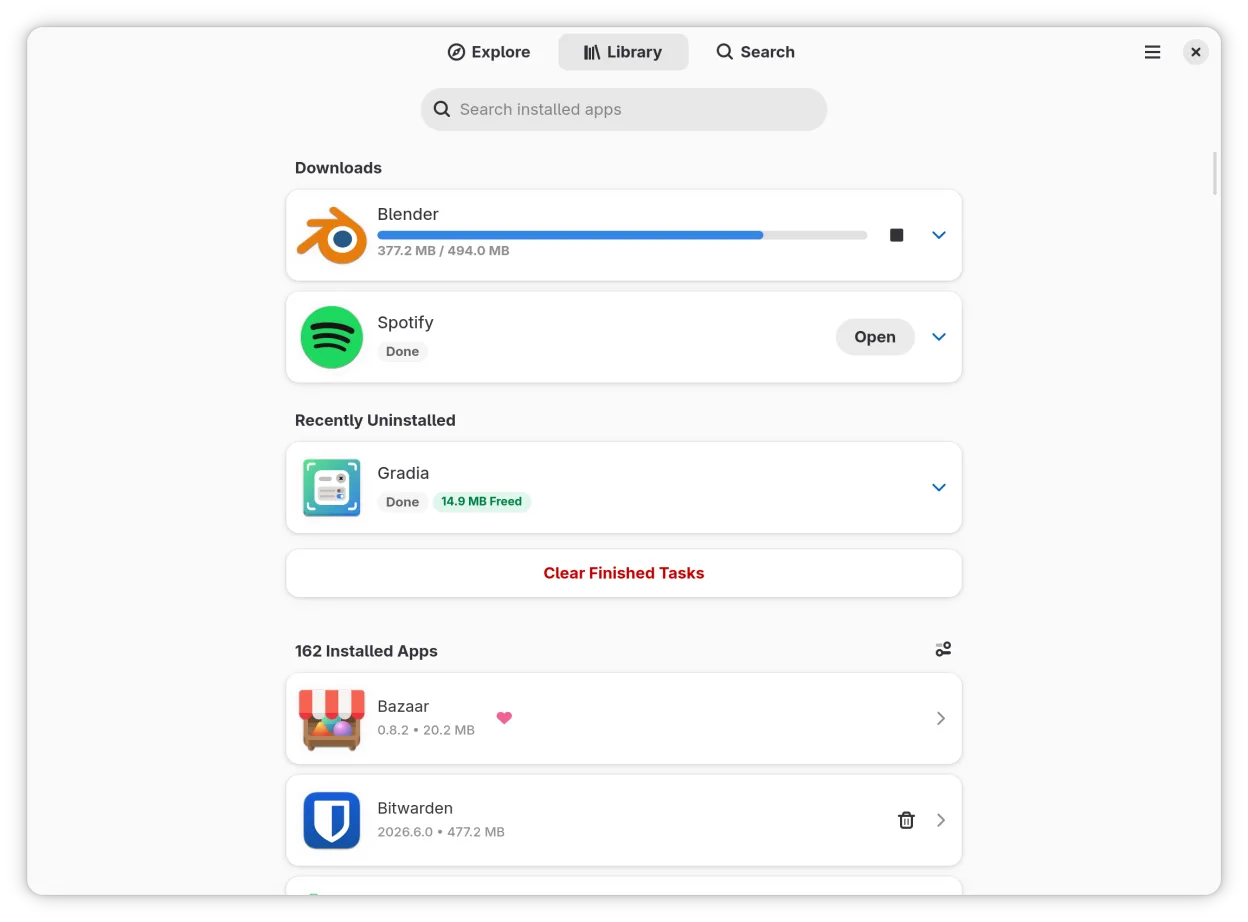
Bazaar is a lightweight app store built by the Bazaar Contributors. It focuses on Flatpak distribution, allowing users to browse, install, and manage apps from Flathub and other Flatpak repositories. The project is mature enough to handle multiple simultaneous installs and to display app permissions clearly.
The target audience is Linux users who prefer a graphical interface for app discovery, similar to how Windows users use the Microsoft Store or GitHub Desktop for code management.
Compared to Git or GitHub Desktop, Bazaar feels more like an app marketplace than a version‑control tool. It offers a straightforward browsing experience, but lacks the deep code‑management features that Git provides.
Ideal para: Linux users who want a simple way to find and install Flatpak applications without using command‑line tools.
Funciones clave de Bazaar
- Browse Flatpak apps from Flathub
- Queue multiple installs
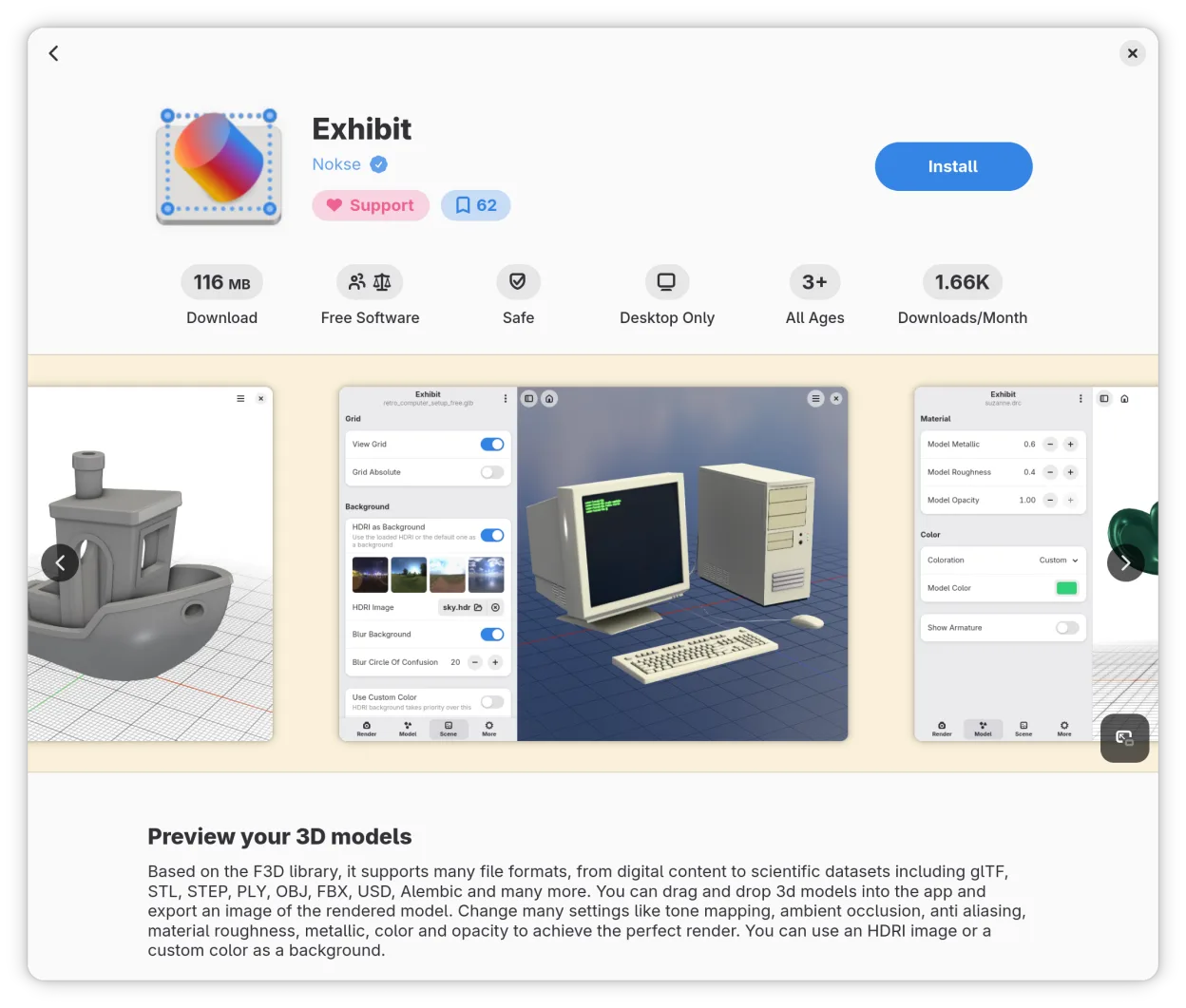
- View app permissions
- Manage favorites after signing in
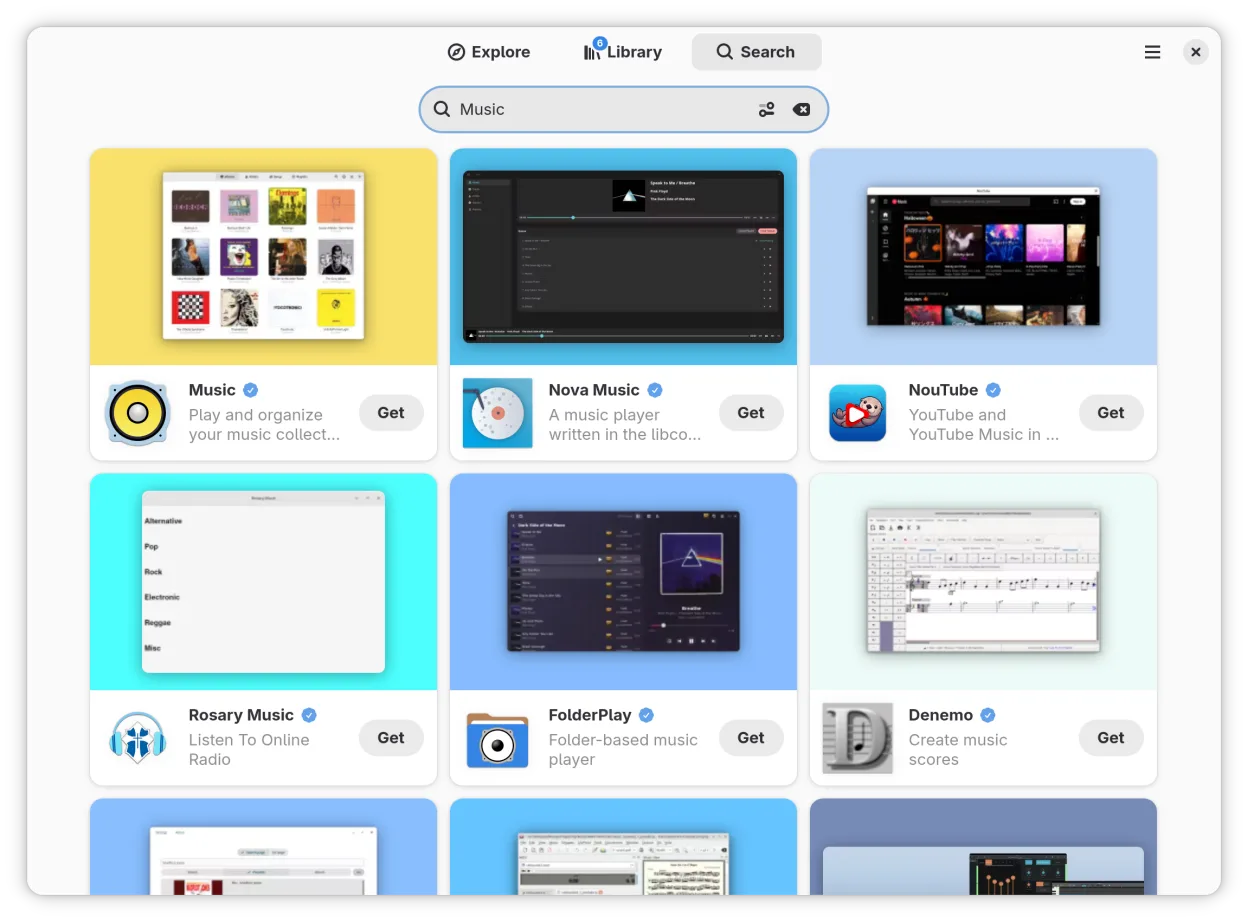
- Search directly from GNOME Shell
- Fast installation process
- Supports add‑ons and extensions
Ventajas
- User‑friendly interface
- Quick multi‑install queue
- Clear permission overview
- Integrated with GNOME Shell
- Free and open source
Inconvenientes
- Only Flatpak apps (no native deb/rpm support)
- No built‑in code‑review features
- Limited to Flathub by default
- Requires Flatpak to be installed
Cómo instalar Bazaar en Linux
flatpak install flathub io.github.kolunmi.BazaarConsejos para usuarios de Windows
If you’re coming from Git or GitHub Desktop, think of Bazaar as a place to find and install applications, not to manage source code. File formats are standard Flatpak bundles (.flatpakref or .appimage). Shortcuts are the same as any GNOME app; you can launch via the Activities overview. Workflow differs: instead of cloning repositories, you install pre‑built binaries, so you won’t edit code directly in Bazaar.
Versiones recientes
- 0.9.9 —
Changes - Added a "Finishing Up" label on transaction tiles in the library view to clarify what is happening during the period between the end of a download and the conclusion of the full transaction - Reduced download worker subprocess count while increasing…
- 0.9.8 —
Changes - Improved startup time - Closing the screenshot viewer now returns to the screenshot you were viewing - System remotes are now preferred over user remotes Bug Fixes - Fixed an issue where two windows could open when launching the app - Fixed app…
- 0.9.7 —
Changes - Updated to the GNOME 51 Flatpak runtime - Reworked the screenshot opening animation - Added a warning dialog before updating when an app requests new permissions Thanks for reading, and have a great day!
- 0.9.6 —
Changes - Added support for installing COSMIC applets - Added a new "Made for COSMIC" category for users on that DE Bug Fixes - Fixed an issue where you could not click anything on the add-ons page - Fixed an issue where installing apps straight from search…
Bazaar: preguntas frecuentes
Does Bazaar support non‑Flatpak apps?
No, Bazaar only handles Flatpak packages. For deb/rpm you’ll need another tool like GNOME Software or apt.
Can I install an app from a custom Flatpak repository?
Yes, add the repository to Flatpak first, then Bazaar will list its apps.
Is there a way to update all installed apps at once?
Bazaar shows available updates in the UI; you can click the update button to refresh all selected apps.
How do I remove an installed app?
Use the "Remove" button in Bazaar, which calls Flatpak to uninstall the bundle.
Actualizado el