
 LogseqLinux
vs
AnytypeWindows
LogseqLinux
vs
AnytypeWindows
Logseq como alternativa Linux a Anytype
Actualizado el
Nuestra opinión
Logseq can replace Anytype for users who need a local‑first, block‑based editor and want to keep data in plain text. It supports drag‑and‑drop outlines, a graph view, and daily notes, but it lacks Anytype’s object‑oriented model and native cross‑platform file format. If you’re comfortable with Markdown/Org and prefer open‑source, Logseq is a solid choice. If you rely on Anytype’s advanced linking and export options, you’ll need to adjust workflows.
- Licencia
- AGPL-3.0-or-later
- Precio
- Gratis
- Última versión
- 0.10.15 (5 de diciembre de 2025)
- Valoración
- —
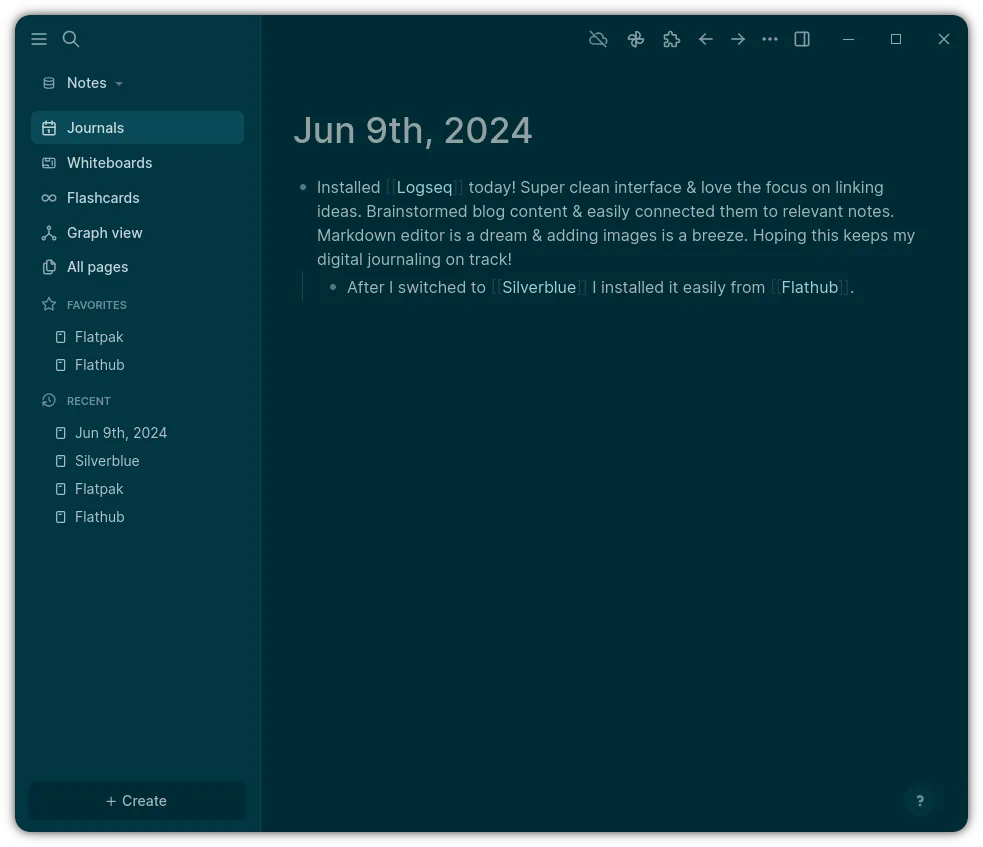
Lo que funciona igual
- Both are local‑first and privacy‑first, storing data locally;
- Both use block‑based editing with drag‑and‑drop;
- Both offer a graph view to visualize connections;
- Both support daily notes and agenda integration;
- Both are open‑source and cross‑platform
Lo que cambia
- Logseq stores data as plain Markdown/Org files, while Anytype uses a proprietary object model;
- Logseq lacks Anytype’s built‑in object linking and advanced export formats;
- Anytype provides a richer set of block types (e.g., tables, code blocks) natively;
- Logseq’s collaboration is via Git or shared folders, not real‑time sync;
- Anytype offers a dedicated desktop app with a richer UI, while Logseq is a lightweight Electron app.
Abrir tus archivos de Anytype
Anytype files are stored in a custom binary format that cannot be opened directly by Logseq. To migrate, you would need to export from Anytype to Markdown or plain text (if supported) and then import those files into Logseq. If Anytype does not provide such an export, manual copy‑paste of content is required.
Pasar de Anytype a Logseq, paso a paso
- Export Anytype notes to Markdown or plain text if the app offers it;
- Create a new folder for Logseq and copy the exported files into it;
- Open Logseq and point it to the folder containing the Markdown/Org files;
- Verify that links and blocks appear correctly and adjust any formatting;
- If any data is missing, manually recreate it in Logseq using its block editor;
- Backup both the original Anytype data and the new Logseq folder before starting.
Funciones clave de Logseq
- Almacenamiento local primero en archivos Markdown/Org
- Vista de grafo para visualizar conexiones
- Notas diarias e integración con agenda
- Navegación centrada en el teclado
- Colaboración mediante Git o carpetas compartidas
- Temas y complementos personalizables
Cómo instalar Logseq en Linux
flatpak install flathub com.logseq.LogseqPreguntas frecuentes
Does Logseq support Anytype’s block types like tables and code blocks?
Logseq supports tables and code blocks in Markdown and Org syntax, but the visual rendering may differ from Anytype’s native block styles.
Can I keep my Anytype data in the same format after moving to Logseq?
No. Logseq stores data in plain text files; Anytype’s proprietary format cannot be preserved without exporting to Markdown.
Is there a way to sync Logseq with Anytype in real time?
Logseq does not offer real‑time sync with Anytype. You would need to use a shared folder or Git to sync files manually.
Otras 5 alternativas a Anytype
 JoplinJoplin es una aplicación de código abierto y multiplataforma para tomar notas y tareas que almacena los datos…Código abiertoGratisFlatpakJoplin vs Anytype
 Standard NotesStandard Notes es una aplicación de notas multiplataforma con cifrado de extremo a extremo que se sincroniza…Código abiertoGratisFlatpakStandard Notes vs Anytype
 ObsidianObsidian es una aplicación de base de conocimientos basada en markdown que almacena las notas como archivos…FlatpakObsidian vs Anytype
 Trilium NotesTrilium Notes es una aplicación de toma de notas jerárquica y autoalojada para construir bases de…Código abiertoGratisFlatpakTrilium Notes vs Anytype
 ZettlrZettlr es un editor de Markdown rápido, de código abierto, con soporte para Zettelkasten y citas.Código abiertoGratisFlatpakZettlr vs Anytype