
 MakeMKVLinux
vs
WinX DVD RipperWindows
MakeMKV como alternativa Linux a WinX DVD Ripper
Actualizado el
Nuestra opinión
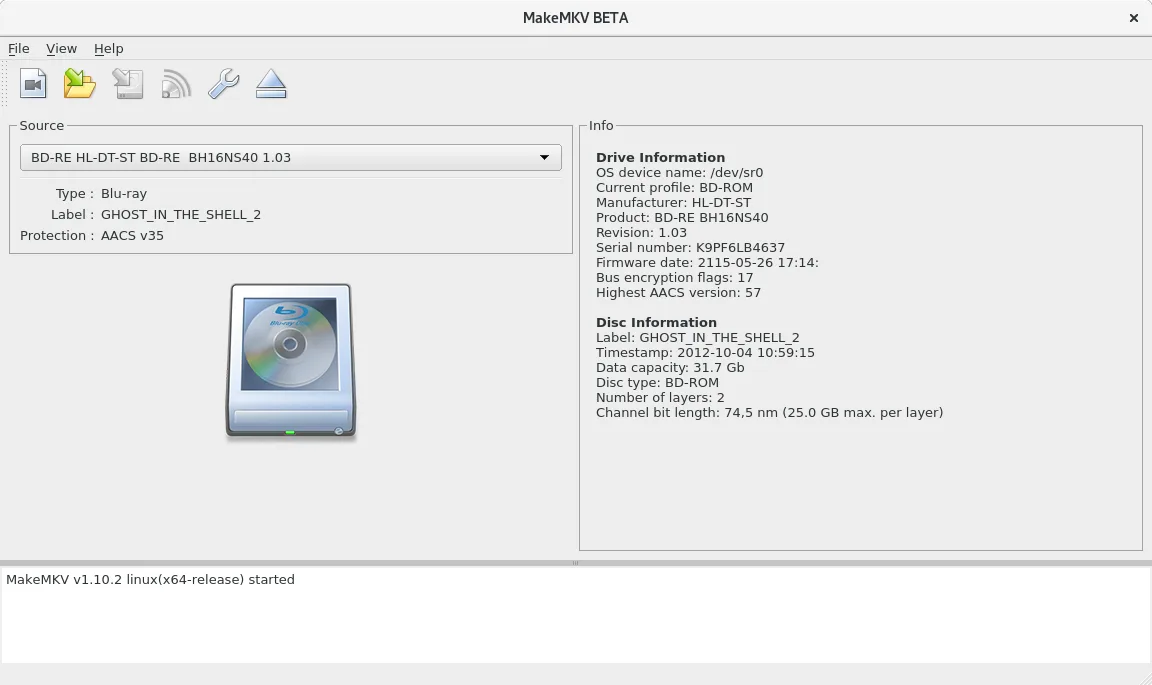
MakeMKV is a solid replacement for WinX DVD Ripper on Linux, especially for users who want to back up DVDs and Blu-rays without re-encoding. It handles encrypted discs, preserves audio tracks, subtitles, and chapters, and outputs to MKV without quality loss. While it lacks hardware acceleration and only outputs to MKV (not MP4), it’s reliable and simple for straightforward ripping. Best suited for users who prioritize fidelity over format flexibility and don’t need batch processing or advanced encoding options.
- Licencia
- LicenseRef-proprietary AND GPL-2.0 AND…
- Precio
- freemium
- Última versión
- 2.0.0 (20 de septiembre de 2026)
- Valoración
- —
Lo que funciona igual
- Both decrypt and rip commercial DVDs
- Preserve multiple audio tracks and subtitles
- Support ISO and folder-based DVD images
- Offer a simple, beginner-friendly interface
- Automatically detect and suggest titles to rip
Lo que cambia
- MakeMKV only outputs MKV files, not MP4 or other formats
- No hardware acceleration support, making it slower on some systems
- No built-in batch processing for multiple discs
- No re-encoding — file sizes are larger
- Streaming decrypted content over network is a unique MakeMKV feature
Abrir tus archivos de WinX DVD Ripper
MakeMKV does not import or convert files created by WinX DVD Ripper. However, if those files are standard MP4 or MKV files, they can be played or remuxed using other tools like mkvtoolnix or ffmpeg. MakeMKV’s output is pure MKV with original streams, so it won’t merge or reprocess existing files. Compatibility depends on the container and codecs used by WinX, but most common outputs should be playable outside MakeMKV.
Pasar de WinX DVD Ripper a MakeMKV, paso a paso
- Install MakeMKV via Flathub or official package
- Insert DVD or mount ISO image
- Wait for automatic disc detection and title scan
- Select desired title and output directory
- Click 'Make MKV' to start ripping
- Use mkvmerge or ffmpeg to convert to MP4 if needed
Funciones clave de MakeMKV
- Decrypts and rips DVDs and Blu-rays to MKV
- Preserves multiple audio tracks, subtitles, and chapters
- Streams decrypted content over network without conversion
- Supports 4K UHD discs (with compatible drive)
- Cross-platform: runs on Linux, Windows, macOS
- Minimal user interface focused on ripping workflow
- Retains original quality with no re-encoding
- Automatically detects discs and suggests titles to rip
Cómo instalar MakeMKV en Linux
flatpak install flathub com.makemkv.MakeMKVPreguntas frecuentes
Can MakeMKV convert to MP4 like WinX DVD Ripper?
No, MakeMKV only outputs MKV files. To get MP4, you must use a separate tool like ffmpeg or HandBrake to re-encode the MKV output.
Does MakeMKV support hardware acceleration?
No, MakeMKV does not use hardware acceleration. It reads and copies streams directly without re-encoding, so GPU decoding isn’t utilized.
Is MakeMKV free on Linux?
The Linux version is free during beta, but technically requires a license key after one year. However, the beta has not ended, so most users continue using it at no cost.
Otras 4 alternativas a WinX DVD Ripper
 HandBrakeHandBrake es un transcodificador de video gratuito y de código abierto que convierte casi cualquier formato…Código abiertoGratisFlatpakHandBrake vs WinX DVD Ripper
 VLCVLC es un reproductor multimedia gratuito y de código abierto que maneja prácticamente cualquier formato de…Código abiertoGratisFlatpakVLC vs WinX DVD RipperFFmpegFFmpeg es un potente kit de herramientas de línea de comandos para convertir, transmitir y procesar archivos…Código abiertoGratisFFmpeg vs WinX DVD Ripper
 K9CopyK9Copy es una utilidad de KDE para hacer copias de seguridad y comprimir DVDs en Linux.Código abiertoGratisAbandonadoK9Copy vs WinX DVD Ripper