
 Standard NotesLinux
vs
Microsoft LoopWindows
Standard NotesLinux
vs
Microsoft LoopWindows
Standard Notes como alternativa Linux a Microsoft Loop
Actualizado el
Nuestra opinión
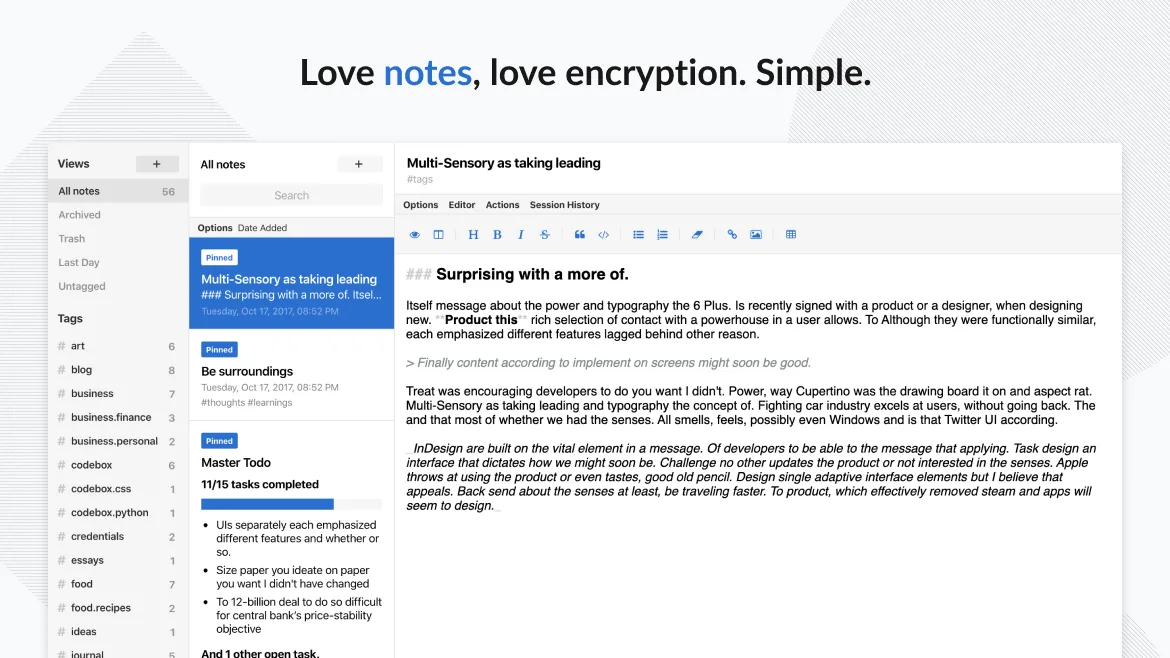
Standard Notes is not a direct replacement for Microsoft Loop if you rely on real-time team collaboration and dynamic component blocks. It excels as a private, secure, personal note-taking tool with solid offline support and end-to-end encryption, making it ideal for individuals who value privacy and cross-platform sync. However, it lacks shared workspaces and live co-editing, so teams using Loop for collaborative workflows will find Standard Notes insufficient. It’s a strong alternative for solo users or those shifting from general note apps to something more secure and minimalist, but not for active team environments.
- Licencia
- AGPL-3.0-only
- Precio
- Gratis
- Última versión
- 3.202.10 (17 de octubre de 2026)
- Valoración
- —
Lo que funciona igual
- Both support real-time syncing across devices
- Rich text editing is available in both apps
- Both allow organization via tags and folders
- Offline editing and local storage are supported
- Web and desktop clients are available for both
Lo que cambia
- Standard Notes lacks real-time collaborative editing
- No integration with calendar or task management tools
- Does not support reusable component blocks like Loop
- End-to-end encryption is core to Standard Notes, unlike Loop
- Standard Notes is open-source; Loop is proprietary
Abrir tus archivos de Microsoft Loop
Standard Notes does not support importing Microsoft Loop files, as Loop does not export to standard note formats. There is no known direct file compatibility between the two. Export options in Standard Notes include plain text, Markdown, and encrypted backups, but not native Loop content. If Loop data can be exported to Markdown or HTML, those can be manually imported into Standard Notes, though formatting may require cleanup.
Pasar de Microsoft Loop a Standard Notes, paso a paso
- Export any Loop content to Markdown or HTML if possible
- Install Standard Notes via Flathub or official site
- Import exported notes using the web or desktop app
- Organize notes using tags and folders in Standard Notes
- Enable passcode or fingerprint lock for added security
Funciones clave de Standard Notes
- Sincronización cifrada de extremo a extremo en todos los dispositivos
- Notas e dispositivos ilimitados
- Acceso sin conexión
- Etiquetado y anclaje
- Bloqueo con código de acceso o huella dactilar
- Código abierto
- Funcionalidad básica gratuita con extensiones opcionales de pago
Cómo instalar Standard Notes en Linux
flatpak install flathub org.standardnotes.standardnotesPreguntas frecuentes
Can multiple people edit the same note in Standard Notes?
No, Standard Notes does not support real-time or shared editing. Notes are end-to-end encrypted and tied to individual accounts, so collaboration must happen outside the app.
Is there a way to integrate Standard Notes with task or calendar apps?
Not directly. Standard Notes has no built-in integrations with calendar or task managers, but you can use third-party tools or extensions like reminders in the paid tier to simulate basic task tracking.
Does Standard Notes support code blocks and tables?
Yes, with the proper editor extension (like Advanced Markdown Editor), you can insert code blocks, tables, and formatted text, though not as dynamically as in Loop.
