
 Trilium NotesLinux
vs
NotionWindows
Trilium NotesLinux
vs
NotionWindows
Trilium Notes como alternativa Linux a Notion
Actualizado el
Nuestra opinión
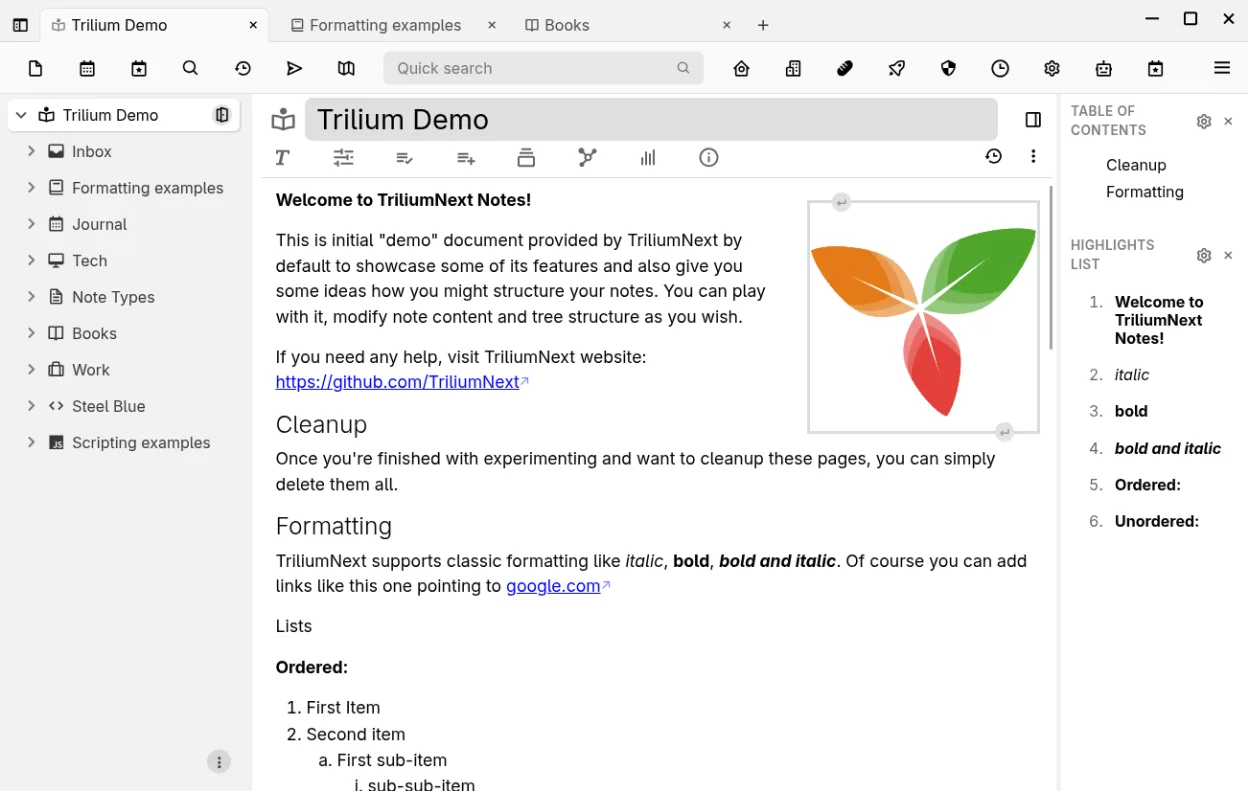
Trilium Notes can replace Notion for users who need a local, hierarchical note system with markdown support, full‑text search, and offline access. It works well for personal knowledge bases, technical documentation, or small project tracking. However, it lacks Notion’s native database grid view, collaborative editing, and integrated task boards. If you mainly use Notion for simple note‑taking and light project management, Trilium is a solid alternative. For teams or heavy database use, consider other tools.
- Licencia
- AGPL-3.0-only
- Precio
- Gratis
- Última versión
- 0.106.0 (25 de septiembre de 2026)
- Valoración
- —
Lo que funciona igual
- Both support markdown and tables
- Both allow linking between notes
- Both offer export to markdown or other formats
- Both provide offline local storage
- Both have web clipper functionality
Lo que cambia
- Trilium is hierarchical, Notion is flat with pages and sub‑pages
- Trilium lacks native database grid and relational tables
- Trilium has no real‑time collaboration or shared workspaces
- Trilium’s task management is basic, no Kanban boards
- Trilium requires self‑hosted sync for multi‑device access
Abrir tus archivos de Notion
Trilium can import Markdown files, but it does not natively read Notion’s internal .notion files or database exports. To bring data into Trilium, export your Notion content as Markdown or HTML, then create new notes and paste the content. Trilium will preserve markdown formatting, tables, and links, but complex Notion databases will need manual reconstruction.
Pasar de Notion a Trilium Notes, paso a paso
- Export each Notion page as Markdown from the page menu.
- Download the exported Markdown files to your Linux machine.
- Open Trilium, create a new note, and paste or drag the Markdown file into the editor.
- Use Trilium’s import tool or copy‑paste to rebuild any tables or databases manually.
- Recreate any task lists or boards using Trilium’s to‑do lists or external tools.
- Verify links and backlinks after migration.
Funciones clave de Trilium Notes
- Editor WYSIWYG con tablas, imágenes, matemáticas y autoformato markdown
- Árbol jerárquico de profundidad arbitraria con clonación de notas
- Búsqueda de texto completo, elevación de notas y mapas de relaciones/enlaces
- Versionado por nota y cifrado granular
- Servidor de sincronización autoalojado y publicación pública
- Edición de código con resaltado de sintaxis y soporte de scripting
- Importación‑exportación Evernote/Markdown y recortador web
- API REST para automatización
Cómo instalar Trilium Notes en Linux
flatpak install flathub org.triliumnotes.TriliumPreguntas frecuentes
Does Trilium support real‑time collaboration like Notion?
No, Trilium is designed for single‑user or self‑hosted sync. Collaborative editing is not available out of the box.
Can I sync Trilium notes across devices?
Yes, by setting up the self‑hosted sync server or using the built‑in sync feature with a remote server. It requires manual configuration.
Is Trilium free?
Trilium is open source under AGPL‑3.0‑only and can be downloaded from Flathub or compiled from source at no cost.
Otras 5 alternativas a Notion
 ObsidianObsidian es una aplicación de base de conocimientos basada en markdown que almacena las notas como archivos…FlatpakObsidian vs Notion
 LogseqLogseq es una herramienta local primero para bases de conocimiento no lineales que almacena notas como…Código abiertoGratisFlatpakLogseq vs Notion
 JoplinJoplin es una aplicación de código abierto y multiplataforma para tomar notas y tareas que almacena los datos…Código abiertoGratisFlatpakJoplin vs Notion
 Standard NotesStandard Notes es una aplicación de notas multiplataforma con cifrado de extremo a extremo que se sincroniza…Código abiertoGratisFlatpakStandard Notes vs Notion
 ZettlrZettlr es un editor de Markdown rápido, de código abierto, con soporte para Zettelkasten y citas.Código abiertoGratisFlatpakZettlr vs Notion