
 FirefoxLinux
vs
FirefoxLinux
vs
 OperaWindows
Firefox, alternative Linux à Opera
Mis à jour le
Notre avis
Firefox is a solid replacement for Opera for users who value speed, privacy, and extension support. It covers most everyday browsing tasks and offers a customizable interface, but it lacks Opera’s built‑in VPN and ad blocker. If you rely on those features, you’ll need a separate VPN and ad‑blocking extension. For users who prioritize open source and cross‑platform sync, Firefox is a good fit.
Couverture fonctionnelle
- Licence
- MPL-2.0
- Prix
- Gratuit
- Dernière version
- 158.0.1 (19 octobre 2026)
- Note
- —
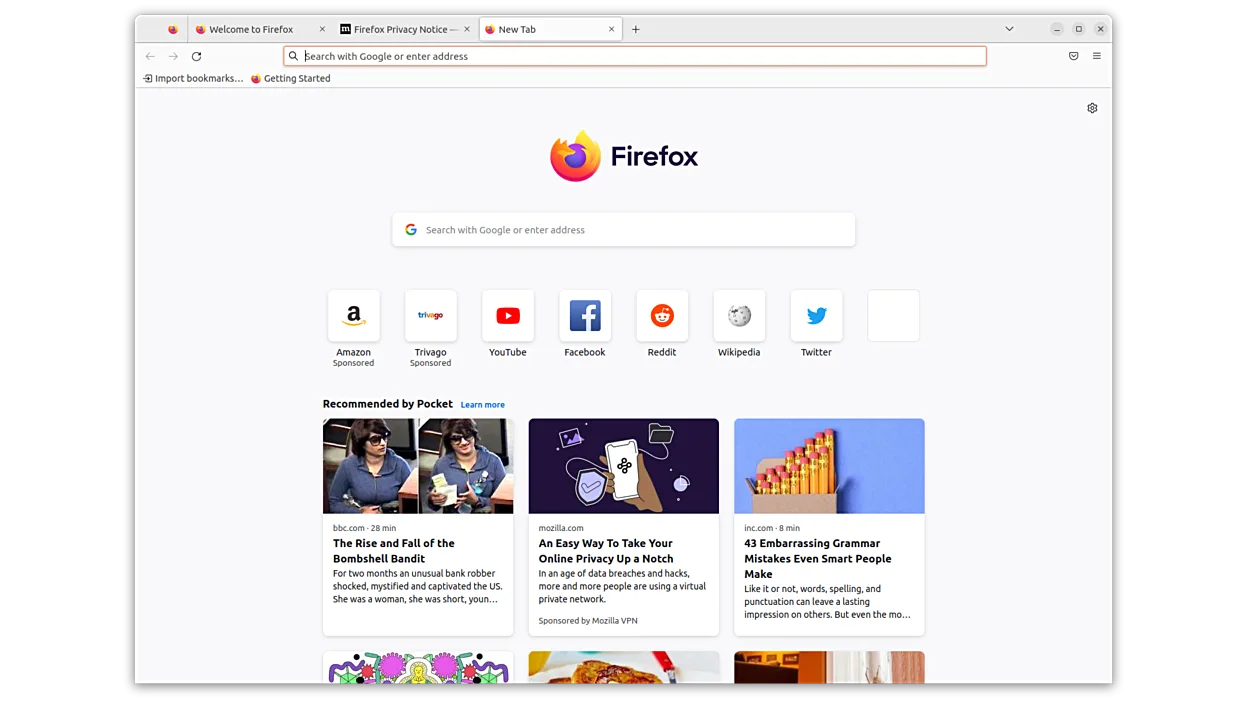
Ce qui fonctionne pareil
- Fast page loading
- Customizable UI
- Support for extensions/add‑ons
- Cross‑platform availability
- Regular security updates
Ce qui change
- No built‑in VPN
- No built‑in ad blocker
- Different default privacy settings
- Different user interface design
- Opera’s integrated media controls
- Opera’s sidebar features
Ouvrir vos fichiers Opera
Opera uses its own profile format; Firefox cannot directly read Opera bookmarks or history. You can export Opera bookmarks to HTML and import them into Firefox. For saved passwords, use Opera’s export to CSV and then import via Firefox’s password manager. No direct migration of extensions or settings is possible.
Passer de Opera à Firefox, étape par étape
- Export Opera bookmarks to HTML via Settings > Privacy & Security > Bookmarks > Export Bookmarks to HTML.
- Export Opera passwords to CSV using the Password Manager and save the file securely.
- Install Firefox from your distro’s package manager or Flathub.
- Open Firefox, go to Bookmarks > Show All Bookmarks > Import & Backup > Import Bookmarks from HTML to load bookmarks.
- Open Firefox’s Logins & Passwords, choose Import from CSV to load passwords.
- Adjust Firefox privacy settings to match your preferences, and install desired add‑ons.
Fonctionnalités clés de Firefox
- Chargement rapide des pages
- Contrôles de confidentialité solides
- Interface personnalisable
- Extensible avec des add‑ons
- Synchronisation multiplateforme
- Open source
- Mises à jour de sécurité régulières
Installer Firefox sous Linux
Flatpak (Flathub)
flatpak install flathub org.mozilla.firefoxUbuntu / Mint
sudo apt install firefoxDebian
sudo apt install firefox-esrFedora
sudo dnf install firefoxArch / Manjaro
sudo pacman -S firefox-i18n-es-mxopenSUSE
sudo zypper install MozillaFirefox8 autres alternatives à Opera
 SeaMonkeySeaMonkey est une suite internet gratuite comprenant un navigateur, un client de messagerie et un éditeur…Open sourceGratuitSeaMonkey ou Opera
 Mozilla FirefoxMozilla Firefox is an open‑source web browser that runs natively on Linux, providing a fast, secure browsing…Open sourceGratuitMozilla Firefox ou Opera
 KonquerorKonqueror est un navigateur web et un gestionnaire de fichiers KDE prenant en charge les systèmes de fichiers…Open sourceGratuitKonqueror ou Opera
 EpiphanyEpiphany (GNOME Web) is a lightweight GNOME‑based web browser built on WebKit.Open sourceGratuitEpiphany ou Opera
 OperaOpera GX est un navigateur Linux propriétaire conçu pour les joueurs, offrant des contrôles de performance…FlatpakOpera ou Opera
 Google ChromeGoogle Chrome est le navigateur web propriétaire de Google, basé sur Chromium, disponible pour Linux.GratuitFlatpakGoogle Chrome ou Opera
 BraveBrave est un navigateur web rapide et axé sur la confidentialité qui bloque les publicités et les traceurs…Open sourceGratuitFlatpakBrave ou Opera
 ChromiumChromium est le projet de navigateur open source derrière Chrome et Edge, offrant une expérience web rapide…Open sourceGratuitFlatpakChromium ou Opera
Notez Firefox
Soyez le premier à noter
Bon remplaçant de Opera ?
3