
 FreeCADLinux
vs
Cinema 4DWindows
FreeCAD, alternative Linux à Cinema 4D
Mis à jour le
Notre avis
FreeCAD is not a suitable replacement for Cinema 4D. It is a parametric CAD tool focused on engineering and product design, not on the animation, rendering, or motion‑graphics workflow that Cinema 4D provides. Users who need realistic rendering, keyframe animation, or advanced motion‑graphics tools will find FreeCAD lacking. It may serve hobbyists who want to create simple 3D models for printing, but it does not cover the core tasks of a Cinema 4D professional.
- Licence
- LGPL-2.1
- Prix
- Gratuit
- Dernière version
- 1.1.4 (28 septembre 2026)
- Note
- —
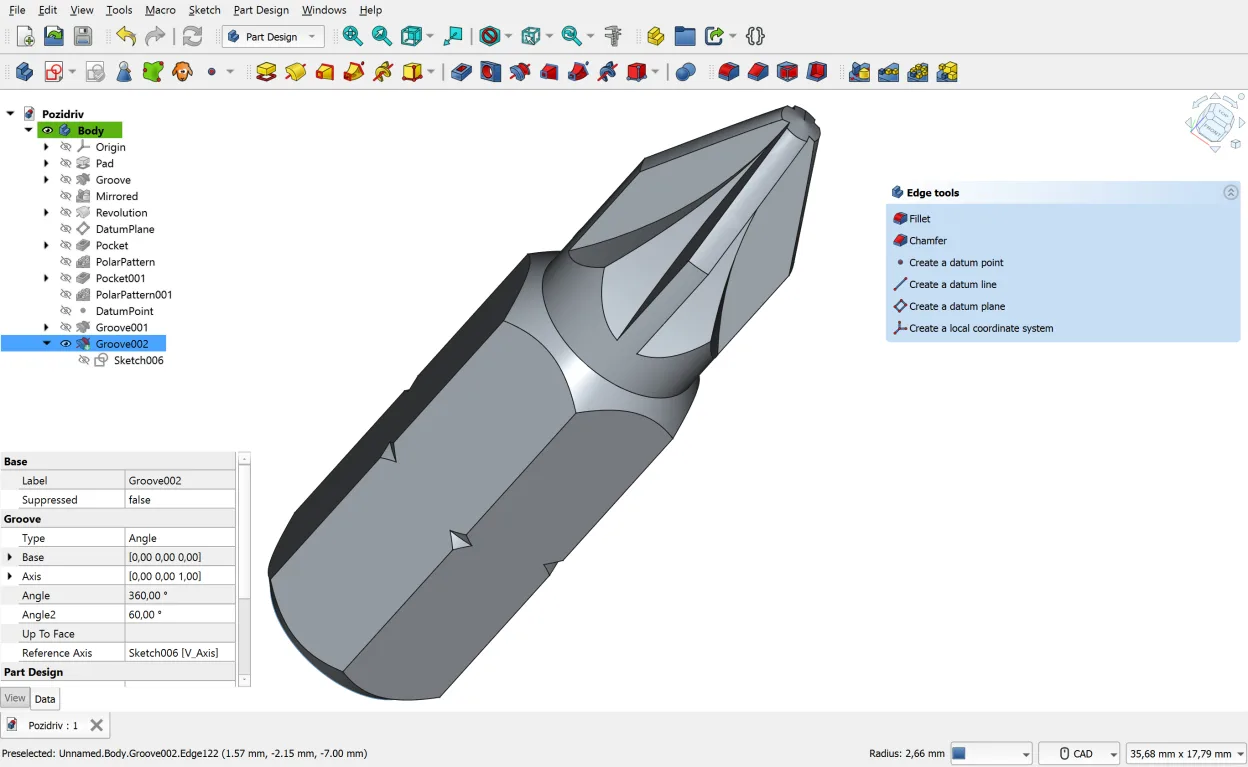
Ce qui fonctionne pareil
- Both run natively on Linux
- Both support importing and exporting common 3D formats (OBJ, STL, DXF)
- Both have scripting interfaces (Python)
- Both allow creation of 3D geometry
- Both can be extended with add‑ons
Ce qui change
- FreeCAD lacks a dedicated animation timeline and keyframe system
- No built‑in GPU‑accelerated renderer or advanced shading pipeline
- No motion‑graphics tools like MoGraph or effects layers
- Primarily a CAD environment with parametric history, not a modeling/animation suite
- Rendering is limited to basic OpenGL or external engines, not Cinema 4D’s high‑end renderer
Ouvrir vos fichiers Cinema 4D
Cinema 4D uses the proprietary .c4d format, which FreeCAD cannot import or export. Users can export from Cinema 4D to a common format such as OBJ or STL and then import that into FreeCAD, but the conversion will lose animation data, materials, and advanced scene hierarchy. No direct conversion tool is available.
Passer de Cinema 4D à FreeCAD, étape par étape
- Export your Cinema 4D project to a neutral format such as OBJ or FBX.
- Open the exported file in FreeCAD using the Import command.
- Re‑create any animation or motion‑graphics elements manually, as FreeCAD does not support keyframes.
- Adjust materials and textures using FreeCAD’s material editor, noting that complex shaders will be simplified.
- Export the finished model to the desired format for 3D printing or further processing.
- If you need advanced rendering, consider exporting to an external renderer like Blender or using FreeCAD’s built‑in OpenGL preview.
Fonctionnalités clés de FreeCAD
- Modélisation paramétrique avec arbre d’historique
- Support STEP, IGES, STL, DXF, OBJ, IFC, SVG
- Esquisse 2D intégrée avec contraintes
- Programmation Python pour l’automatisation
- Bancs de travail FEA, BIM, CAM, simulation robotique
- Add‑ons et macros de la communauté
- Installation multiplateforme via Flatpak, AUR, Debian, OpenSUSE
Installer FreeCAD sous Linux
flatpak install flathub org.freecad.FreeCADsudo apt install freecadsudo pacman -S freecadsudo zypper install FreeCADQuestions fréquentes
Can I use FreeCAD for product visualization like Cinema 4D?
FreeCAD can display 3D models and basic lighting, but it lacks the advanced rendering engine and material system that Cinema 4D offers for high‑quality product shots.
Does FreeCAD support animation?
FreeCAD has a very limited animation capability, mainly for simple object movement in the GUI; it does not provide a full keyframe timeline or motion‑graphics tools.
Is there a way to import .c4d files directly into FreeCAD?
No, FreeCAD does not support the Cinema 4D .c4d format. You must export to a common format first.
4 autres alternatives à Cinema 4D
 BlenderBlender est une suite 3D libre et open-source pour la modélisation, l’animation, le rendu et le montage vidéo.Open sourceGratuitFlatpakBlender ou Cinema 4D
 Wings 3DWings 3D est un modélisateur de subdivision avancé open source pour Linux.Open sourceGratuitFlatpakWings 3D ou Cinema 4D
 BforartistsBforartists is a fork of Blender that replaces the default interface with a cleaner, icon-heavy UX designed…Open sourceGratuitFlatpakBforartists ou Cinema 4D
 K-3DK-3D est un outil de modélisation et d'animation 3D gratuit et open source, doté d'un flux de travail…Open sourceGratuitAbandonnéK-3D ou Cinema 4D