
 Proton MailLinux
vs
Mozilla ThunderbirdWindows
Proton Mail, alternative Linux à Mozilla Thunderbird
Mis à jour le
Notre avis
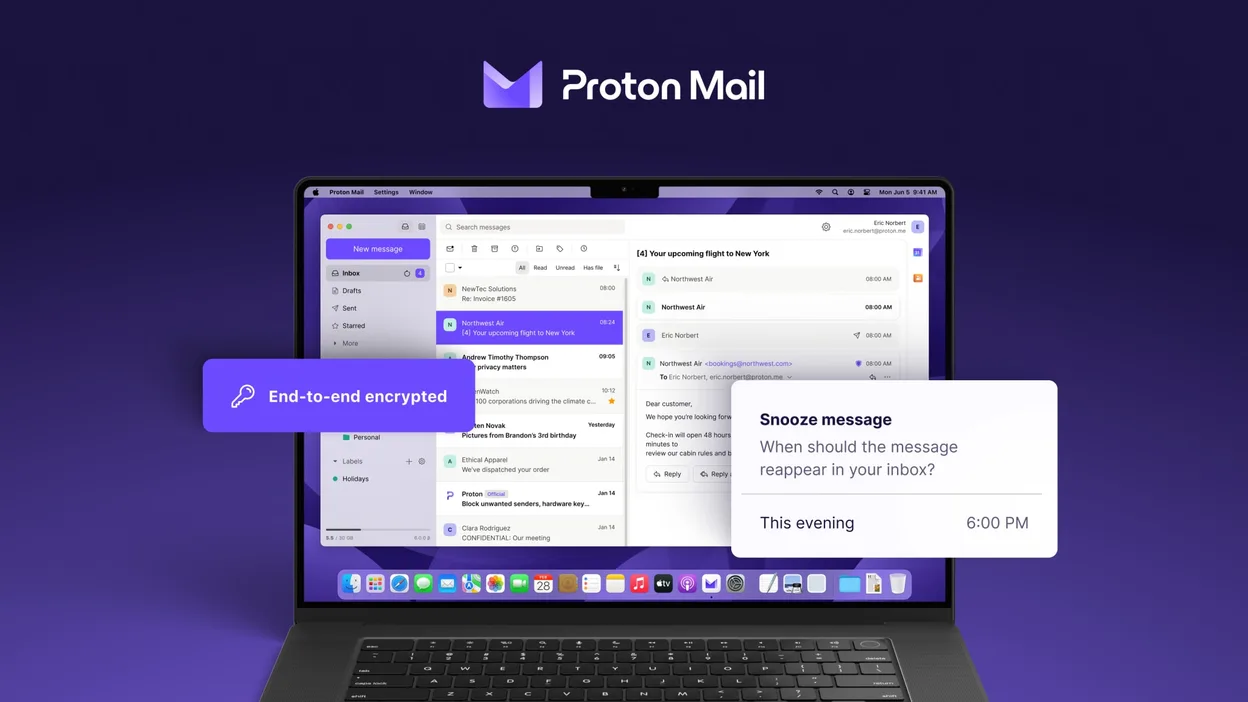
Proton Mail can replace Thunderbird for users who only need to handle Proton Mail accounts and value end‑to‑end encryption. It supports multiple accounts, folders, labels, a calendar‑like view, and add‑on‑like extensions, so day‑to‑day email work is covered. However, it does not support generic IMAP/POP connections, RSS feeds, or the full range of Thunderbird extensions. It is best for privacy‑focused users who are comfortable staying within the Proton ecosystem.
- Licence
- GPL-3.0
- Prix
- Gratuit
- Dernière version
- 1.16.1 (2 novembre 2026)
- Note
- —
Ce qui fonctionne pareil
- Multi‑account handling
- Folder and label organization
- Search and filtering
- Dark mode
- Calendar‑like view
Ce qui change
- No generic IMAP/POP support
- No RSS feed reader
- No full add‑on ecosystem
- No native support for non‑Proton domains
- No built‑in address book sync with external services
Ouvrir vos fichiers Mozilla Thunderbird
Thunderbird stores mail in mbox or Maildir files under the profile folder. Proton Mail does not read Thunderbird profiles directly. To migrate, export Thunderbird messages to mbox or EML files and then import them into Proton Mail via the web interface or a compatible mail client that supports Proton Mail’s API. The process is manual and may lose some folder structure or tags.
Passer de Mozilla Thunderbird à Proton Mail, étape par étape
- Export Thunderbird mail to mbox or EML files via File → Export or by copying the profile folder.
- Create a Proton Mail account and set up the Proton Mail app on Linux.
- Use Proton Mail’s web interface to import the exported mbox/EML files (if available) or forward emails to the Proton address.
- Reconfigure any email signatures, filters, or auto‑reply rules within Proton Mail.
- Delete or archive the old Thunderbird profile once you confirm all data is present.
Fonctionnalités clés de Proton Mail
- Créer et gérer des adresses @proton.me ou @protonmail.com
- Chiffrement de bout en bout pour les messages et pièces jointes
- Support de plusieurs comptes avec basculement facile
- Vue conversation, dossiers et libellés
- Mode sombre et navigation par gestes de balayage
- Envoi d’e‑mails protégé par mot de passe
- Protection intégrée contre le phishing et le spam
Installer Proton Mail sous Linux
flatpak install flathub me.proton.Mail5 autres alternatives à Mozilla Thunderbird
 EvolutionEvolution est un gestionnaire d’informations personnelles complet qui combine courriel, agenda, contacts et…Open sourceGratuitFlatpakEvolution ou Mozilla Thunderbird
 KMailKMail est le client de messagerie complet de KDE, faisant partie de la suite Kontact, prenant en charge IMAP…Open sourceGratuitKMail ou Mozilla Thunderbird
 GearyGeary est un client de messagerie basé sur GNOME pour Linux qui vous permet d'envoyer, de recevoir et…Open sourceGratuitFlatpakGeary ou Mozilla Thunderbird
 MailspringUn client de messagerie de bureau rapide et complet pour Linux, doté d'un moteur de synchronisation C++ et…Open sourceGratuitFlatpakMailspring ou Mozilla Thunderbird
 Claws MailClaws Mail est un client de messagerie GTK léger et rapide pour Linux.Open sourceGratuitFlatpakClaws Mail ou Mozilla Thunderbird