
 MeshLabLinux
vs
ZBrushWindows
MeshLabLinux
vs
ZBrushWindows
MeshLab, alternative Linux à ZBrush
Mis à jour le
Notre avis
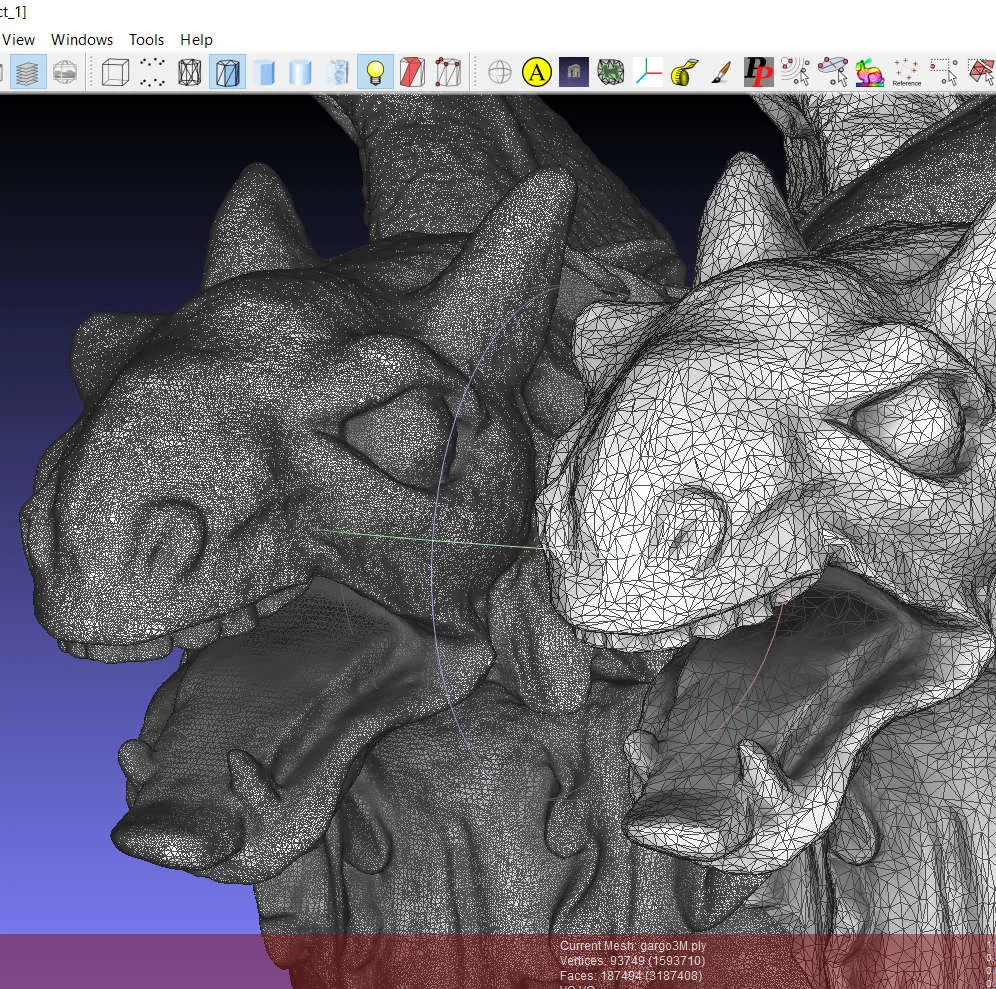
MeshLab is not a suitable replacement for ZBrush. It can clean and simplify meshes and perform basic texture mapping, but it lacks the high‑resolution sculpting, dynamic topology, and advanced painting tools that ZBrush provides. Artists who only need mesh cleanup, retopology, or 3D‑printing prep may find MeshLab useful, but serious sculptors or game‑asset pipelines will need a dedicated sculpting program.
- Licence
- GPL-3.0-only
- Prix
- Gratuit
- Dernière version
- 2025.07 (22 juillet 2025)
- Note
- —
Ce qui fonctionne pareil
- Mesh cleaning and healing
- Polygon reduction and simplification
- Texture mapping and UV unwrapping
- File format conversion
- Basic rendering and visualization
Ce qui change
- No high‑resolution sculpting or pixol‑based brush system
- No dynamic topology subdivision
- No direct material and texture painting
- No retopology or retargeting tools
- No decimation tailored for game-ready assets
Ouvrir vos fichiers ZBrush
MeshLab does not natively open ZBrush .ZTL or .ZPR files. You can export from ZBrush to a common format such as OBJ or FBX and then import into MeshLab, but any sculpt‑specific data will be lost.
Passer de ZBrush à MeshLab, étape par étape
- Export your ZBrush model to OBJ or FBX with all textures applied.
- Launch MeshLab and use "Import" to load the exported file.
- Use MeshLab’s cleaning tools to repair any geometry issues.
- Apply simplification or decimation if needed for your target platform.
- Export the processed mesh back to a format suitable for your next workflow.
- Verify the result in a previewer or downstream application.
Fonctionnalités clés de MeshLab
- Outils de nettoyage et de réparation de maillages pour corriger la géométrie cassée
- Algorithmes de réduction et de simplification de polygones
- Capacités de projection de textures et de dépliage UV
- Support pour la préparation et l’analyse d’impression 3D
- Traitement de données brutes provenant d’appareils de numérisation 3D
- Rendu et visualisation de modèles 3D
- Conversion entre divers formats de fichiers 3D
- Support de script pour le traitement par lots
Installer MeshLab sous Linux
flatpak install flathub net.meshlab.MeshLabsudo apt install meshlabsudo apt install meshlabsudo dnf install meshlabsudo zypper install meshlabQuestions fréquentes
Can MeshLab replace ZBrush for sculpting high‑poly models?
No. MeshLab lacks the sculpting brushes and dynamic topology that ZBrush offers for high‑poly work.
Does MeshLab support texture painting directly on the mesh?
It can apply textures via UV maps, but it does not provide a paint‑brush interface for painting directly onto the surface.
Can I use MeshLab to prepare a ZBrush model for 3D printing?
Yes. After exporting the model from ZBrush, MeshLab can clean, repair, and reduce the mesh, making it suitable for printing.
