
 MeshLabLinux
vs
ZBrushWindows
MeshLabLinux
vs
ZBrushWindows
MeshLab as a Linux alternative to ZBrush
Updated
Our verdict
MeshLab is not a suitable replacement for ZBrush. It can clean and simplify meshes and perform basic texture mapping, but it lacks the high‑resolution sculpting, dynamic topology, and advanced painting tools that ZBrush provides. Artists who only need mesh cleanup, retopology, or 3D‑printing prep may find MeshLab useful, but serious sculptors or game‑asset pipelines will need a dedicated sculpting program.
- License
- GPL-3.0-only
- Price
- Free
- Latest version
- 2025.07 (July 22, 2025)
- Rating
- —
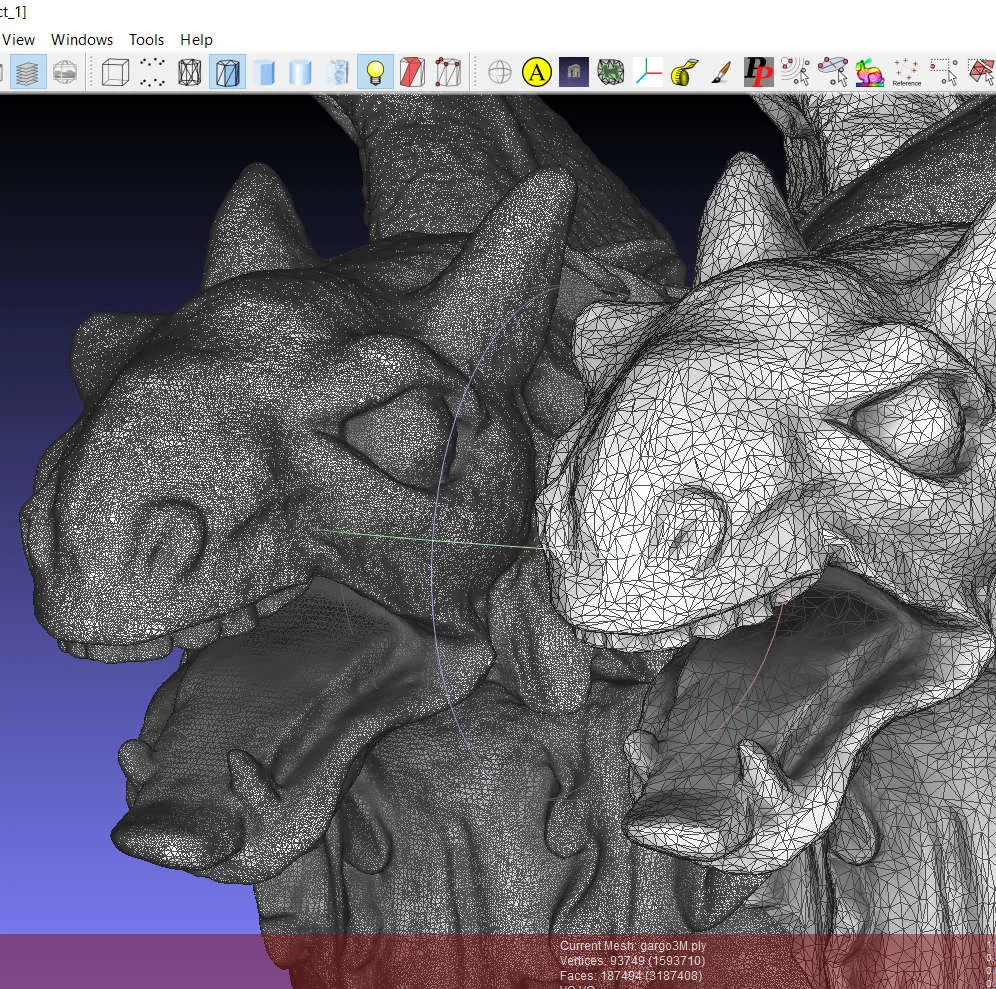
What works the same
- Mesh cleaning and healing
- Polygon reduction and simplification
- Texture mapping and UV unwrapping
- File format conversion
- Basic rendering and visualization
What is different
- No high‑resolution sculpting or pixol‑based brush system
- No dynamic topology subdivision
- No direct material and texture painting
- No retopology or retargeting tools
- No decimation tailored for game-ready assets
Opening your ZBrush files
MeshLab does not natively open ZBrush .ZTL or .ZPR files. You can export from ZBrush to a common format such as OBJ or FBX and then import into MeshLab, but any sculpt‑specific data will be lost.
Switching from ZBrush to MeshLab, step by step
- Export your ZBrush model to OBJ or FBX with all textures applied.
- Launch MeshLab and use "Import" to load the exported file.
- Use MeshLab’s cleaning tools to repair any geometry issues.
- Apply simplification or decimation if needed for your target platform.
- Export the processed mesh back to a format suitable for your next workflow.
- Verify the result in a previewer or downstream application.
Key features of MeshLab
- Mesh cleaning and healing tools to fix broken geometry
- Polygon reduction and simplification algorithms
- Texture mapping and UV unwrapping capabilities
- Support for 3D printing preparation and analysis
- Processing of raw data from 3D digitization devices
- Rendering and visualization of 3D models
- Conversion between various 3D file formats
- Scripting support for batch processing
How to install MeshLab on Linux
flatpak install flathub net.meshlab.MeshLabsudo apt install meshlabsudo apt install meshlabsudo dnf install meshlabsudo zypper install meshlabFrequently asked questions
Can MeshLab replace ZBrush for sculpting high‑poly models?
No. MeshLab lacks the sculpting brushes and dynamic topology that ZBrush offers for high‑poly work.
Does MeshLab support texture painting directly on the mesh?
It can apply textures via UV maps, but it does not provide a paint‑brush interface for painting directly onto the surface.
Can I use MeshLab to prepare a ZBrush model for 3D printing?
Yes. After exporting the model from ZBrush, MeshLab can clean, repair, and reduce the mesh, making it suitable for printing.
