
 nomacs - Image LoungeLinux
vs
Windows Photo ViewerWindows
nomacs - Image LoungeLinux
vs
Windows Photo ViewerWindows
nomacs - Image Lounge, alternative Linux à Windows Photo Viewer
Mis à jour le
Notre avis
nomacs is a good replacement for Windows Photo Viewer if you want a lightweight, fast image viewer with basic navigation and support for common formats. It starts quickly, uses little memory, and handles fullscreen, zoom, and keyboard controls well. The clean interface focuses on single images, and it includes a basic slideshow. While it has extra features like metadata and archive browsing, they don’t get in the way. Ideal for users who want simple viewing with optional advanced tools available.
- Licence
- GPL-3.0
- Prix
- Gratuit
- Dernière version
- 3.23 (11 novembre 2011)
- Note
- —
Ce qui fonctionne pareil
- Supports common image formats like JPEG, PNG, BMP, and GIF
- Fast startup and low memory footprint
- Full-screen mode with simple zoom and pan controls
- Keyboard navigation using arrow keys, spacebar, and Enter
- Basic slideshow functionality with adjustable delay
Ce qui change
- Includes optional panels (thumbnails, metadata, histogram) that are hidden by default
- Can browse images inside ZIP and Office archives
- Allows adding notes to images, which Windows Photo Viewer doesn’t support
- Has a file explorer panel for folder navigation
- Missing direct printing support — not a core feature but present in Windows Photo Viewer
Ouvrir vos fichiers Windows Photo Viewer
nomacs opens all image formats supported by Windows Photo Viewer, including JPEG, PNG, BMP, and GIF, without issues. It can also extract and display images from ZIP archives and some Office files, which adds flexibility. There's no export or conversion feature, but that’s not typically needed for basic viewing. If you only view standard photo files, compatibility is complete.
Passer de Windows Photo Viewer à nomacs - Image Lounge, étape par étape
- Install nomacs via your package manager (e.g., sudo apt install nomacs) or Flatpak
- Launch nomacs and drag an image folder into the window
- Press F11 for full-screen or use arrow keys to navigate
- Enable cache in Settings > View > Cache for faster image switching
- Hide thumbnails or metadata panels if you prefer a cleaner look
Fonctionnalités clés de nomacs - Image Lounge
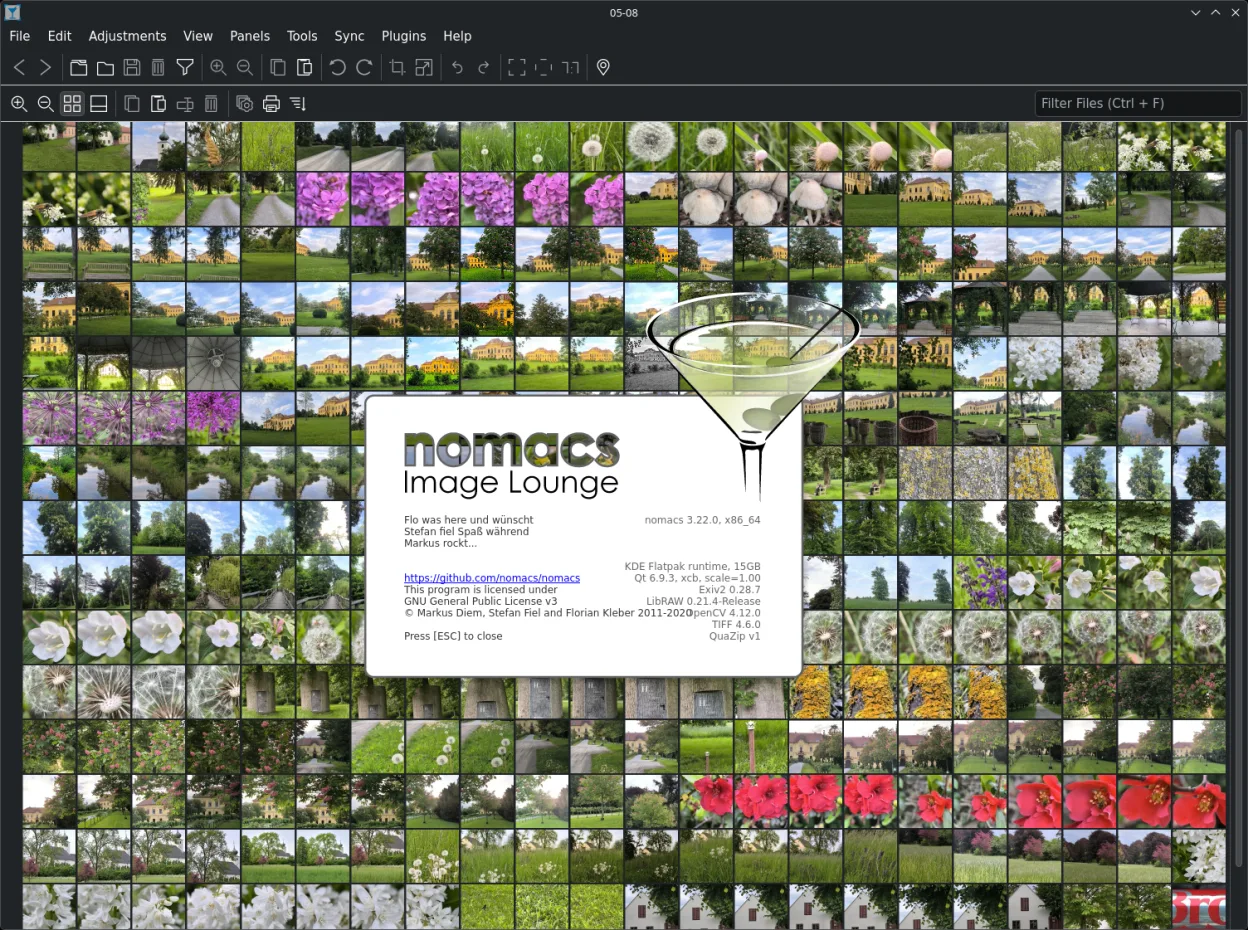
- Widgets semi-transparents pour les vignettes, les métadonnées et l'histogramme
- Navigation dans les images au sein d'archives ZIP ou Office
- Ajout de notes aux images
- Panneau d'explorateur de fichiers pour la navigation dans les dossiers
- Filtrage des images par nom de fichier ou expression régulière
- Cache pour un changement d'image instantané
- Aperçu des vignettes du dossier actuel
- Licence open source GPL-3.0
Installer nomacs - Image Lounge sous Linux
flatpak install flathub org.nomacs.ImageLoungesudo apt install nomacssudo apt install nomacssudo dnf install nomacssudo zypper install nomacsQuestions fréquentes
Does nomacs work offline?
Yes, nomacs works fully offline and doesn’t require internet access.
Can I use nomacs without seeing thumbnails or metadata?
Yes, the panels are optional and can be hidden via View menu or shortcuts.
Is nomacs actively maintained?
Yes, it's actively developed and packaged in major distributions like Debian, Fedora, and Ubuntu.
5 autres alternatives à Windows Photo Viewer
 gThumb Image ViewergThumb est un visionneuse, un éditeur et un organisateur d'images intégré à GNOME pour Linux.Open sourceGratuitFlatpakgThumb Image Viewer ou Windows Photo Viewer
 Eye of GNOMEEye of GNOME est un visionneur d'images léger pour GNOME, conçu pour parcourir et faire pivoter des images…Open sourceGratuitFlatpakEye of GNOME ou Windows Photo Viewer
 GwenViewGwenView est le visionneur d’images rapide de KDE, doté d’outils d’édition et d’annotation de base, idéal…Open sourceGratuitFlatpakGwenView ou Windows Photo ViewermirageMirage est un visionneur d'images léger pour Linux, conçu pour une navigation rapide avec un minimum de…Open sourceGratuitmirage ou Windows Photo Viewer
 ShotwellShotwell est un gestionnaire de photos GNOME pour l'importation, l'organisation et l'édition légère d'images.Open sourceGratuitFlatpakShotwell ou Windows Photo Viewer