
 SunshineLinux
vs
NVIDIA GeForce NOWWindows
SunshineLinux
vs
NVIDIA GeForce NOWWindows
Sunshine, alternative Linux à NVIDIA GeForce NOW
Mis à jour le
Notre avis
Sunshine is a good replacement for NVIDIA GeForce NOW if you own a gaming PC and want to stream from it over a local network or remotely. Unlike GeForce NOW, it doesn’t provide cloud-hosted games—you need your own game library and host machine. Latency is low with proper hardware encoding, and it supports controllers and high-resolution streaming. Best for technically inclined users comfortable with self-hosting. Not ideal for those wanting plug-and-play cloud gaming without a powerful local machine.
- Licence
- GPL-3.0-only
- Prix
- Gratuit
- Dernière version
- 2026.914.233613 (14 septembre 2026)
- Note
- —
Ce qui fonctionne pareil
- Both stream games with low latency to client devices
- Support high-resolution video output
- Work with gamepads and controllers
- Allow access from multiple devices including mobile
- Enable cross-device gameplay using Moonlight clients
Ce qui change
- Sunshine requires a self-hosted PC; GeForce NOW uses NVIDIA's cloud servers
- No built-in game library—Sunshine streams only locally installed games
- GeForce NOW supports internet-only streaming; Sunshine works best locally
- Sunshine needs manual setup including certificate handling and pairing
- GeForce NOW offers automatic progress sync via NVIDIA account; Sunshine relies on game-specific or third-party sync
Ouvrir vos fichiers NVIDIA GeForce NOW
Sunshine does not interact with GeForce NOW files or accounts, so there's no direct file compatibility. Game saves and settings remain tied to the host system or game platform (like Steam). You must manually sync save data using cloud platforms (e.g., Steam Cloud, Epic) or external tools. If your games support cross-platform saves, moving from GeForce NOW to Sunshine won't break progress—as long as the underlying game does.
Passer de NVIDIA GeForce NOW à Sunshine, étape par étape
- Install Sunshine on your gaming PC running Linux
- Run the additional-install.sh script if using Flatpak
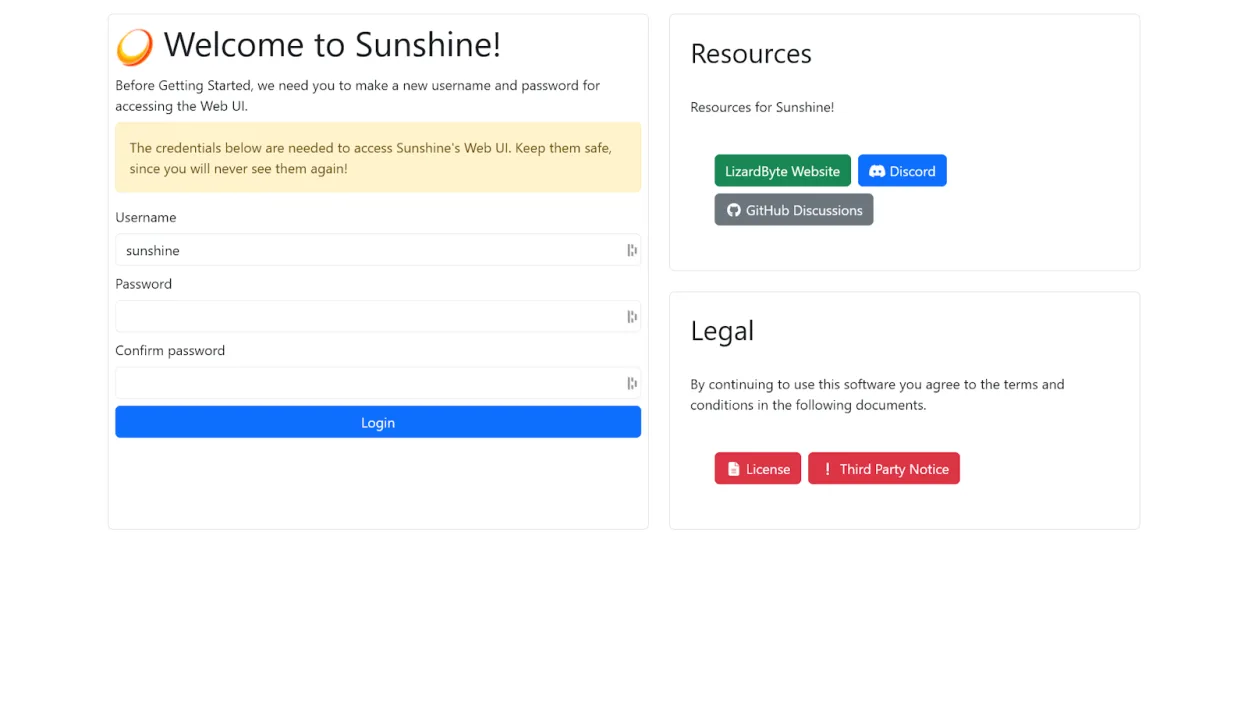
- Configure GPU encoding and set up user accounts in the web UI
- Pair your Moonlight clients (mobile, TV, other devices)
- Launch games from your local library via Moonlight
Fonctionnalités clés de Sunshine
- Serveur de diffusion pour clients Moonlight
- Prise en charge du codage matériel sur GPU AMD, Intel, Nvidia
- Alternative au codage logiciel disponible
- Configuration et gestion via navigateur web
- Appairage des clients via navigateur ou mobile
- Diffusion à faible latence sur réseau local
- TLS auto-signé pour des connexions locales sécurisées
- Prise en charge Flatpak avec script post-installation
Installer Sunshine sous Linux
flatpak install flathub dev.lizardbyte.app.SunshineQuestions fréquentes
Can I use Sunshine without a powerful gaming PC?
No, Sunshine requires a capable host machine to run games locally. It streams from your own PC, not from the cloud.
Does Sunshine work over the internet like GeForce NOW?
Yes, but it requires manual port forwarding or a VPN. It's less user-friendly than GeForce NOW for remote access.
Is gamepad input supported?
Yes, controllers connected to the client device are passed through to the host via Moonlight.
3 autres alternatives à NVIDIA GeForce NOW
 LutrisLutris est une plateforme gratuite et open‑source qui centralise l’installation et le lancement des jeux PC…Open sourceGratuitFlatpakLutris ou NVIDIA GeForce NOW
 ParsecParsec est un outil de bureau à distance à faible latence conçu principalement pour diffuser des jeux depuis…FlatpakParsec ou NVIDIA GeForce NOW
 MoonlightMoonlight diffuse des jeux et des applications depuis un PC Windows ou Linux exécutant Sunshine ou GeForce…Open sourceGratuitFlatpakMoonlight ou NVIDIA GeForce NOW