
 CarlaLinux
vs
Elgato Wave LinkWindows
Carla como alternativa Linux ao Elgato Wave Link
Atualizado em
Nossa avaliação
Carla can be a viable replacement for Elgato Wave Link on Linux, but only if you're comfortable with JACK and advanced audio setup. It excels at modular audio routing and plugin hosting, allowing you to mix and monitor multiple sources—including system audio and mics—with low latency. However, it lacks native support for Elgato Wave mics, which are Windows-only. You’ll need to rely on generic ALSA or JACK drivers for audio devices. Carla is best suited for Linux-native workflows, especially for users already using JACK-based setups for streaming or music production.
- Licença
- GPL-2.0
- Preço
- Grátis
- Versão mais recente
- 2.5.10 (31 de julho de 2025)
- Avaliação
- —
O que funciona igual
- Supports virtual audio routing using JACK
- Allows mixing of multiple audio inputs (mic, system, etc.)
- Provides real-time level monitoring and metering
- Enables persistent routing configurations via project saving
- Compatible with OBS through JACK or PulseAudio bridges
O que muda
- No native support for Elgato Wave mics—those are Windows-only
- Requires JACK setup, which is more complex than Wave Link’s GUI
- No built-in device-specific controls for Elgato hardware
- Routing is more manual and less streamlined than Wave Link
- Lacks a simplified, beginner-friendly interface
Abrindo seus arquivos do Elgato Wave Link
Carla does not support Elgato Wave Link configuration files. There is no known converter or import functionality for .json or .xml files from Wave Link. You’ll need to manually recreate routing and mixing setups in Carla using its patchbay and project system. Carla saves its own project files in XML format, which are not interchangeable with any Elgato software.
Trocando o Elgato Wave Link pelo Carla, passo a passo
- Install Carla via your distro’s package manager or Flatpak
- Set up JACK with QjackCtl or systemd-jack to route audio sources
- Connect your microphone and system audio as JACK inputs
- Use Carla’s patchbay to route and mix sources
- Save the Carla project for persistent configuration
- Route JACK output to OBS or other streaming software
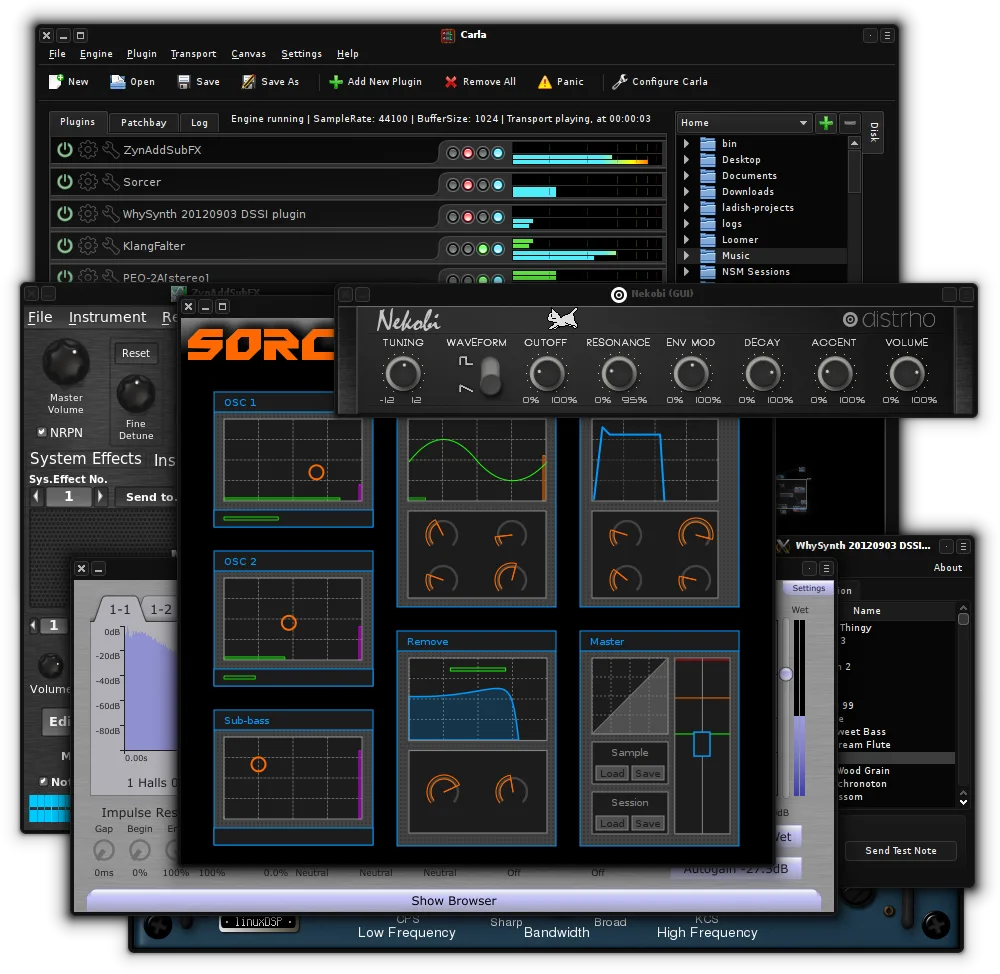
Principais recursos do Carla
- Hosts VST2, VST3, LV2, and SF2 plugins
- Supports JACK, ALSA, and other audio drivers
- Modular signal routing with patchable connections
- Plugin bridge for running Windows VSTs
- Customizable UI with themes and skins
- MIDI learn and automation support
- Real-time audio monitoring and metering
- Standalone and DAW plugin modes
Como instalar o Carla no Linux
flatpak install flathub studio.kx.carlasudo apt install carlasudo dnf install Carlasudo pacman -S carlasudo zypper install carlaPerguntas frequentes
Can Carla control Elgato Wave mics directly?
No. Elgato Wave mics rely on Windows-only drivers and software. On Linux, they may work as basic USB audio devices via ALSA, but without firmware-level control for gain, monitoring, or presets.
Is JACK required to use Carla effectively?
Yes. For routing multiple audio sources like mic and system sound, JACK is essential. Carla can run with ALSA, but complex mixing and low-latency performance depend on JACK.
Can I automate level changes in Carla like in Wave Link?
Yes, but not in the same way. Carla supports MIDI learn and automation via plugins or external controllers, but it doesn’t offer per-channel faders with presets like Wave Link’s GUI.