
 GeoGebraLinux
vs
GeoGebraLinux
vs
 MapleWindows
GeoGebra como alternativa Linux ao Maple
Atualizado em
Nossa avaliação
GeoGebra is not a direct replacement for Maple if you rely on heavy symbolic manipulation or advanced numerical analysis. It handles basic calculus, equation solving, and graphing well, making it suitable for high school or early undergraduate use. However, it lacks the depth of Maple’s CAS for complex algebraic simplifications, rigorous proof verification, or large-scale numerical simulations. If your workflow involves custom scripting for research-grade mathematics, GeoGebra’s limited scripting and proprietary nature will feel restrictive compared to Maple’s robust environment.
- Licença
- LicenseRef-proprietary
- Preço
- Grátis
- Versão mais recente
- 6-0-804-0 (4 de outubro de 2023)
- Avaliação
- —
O que funciona igual
- Both support symbolic equation solving and algebraic manipulation.
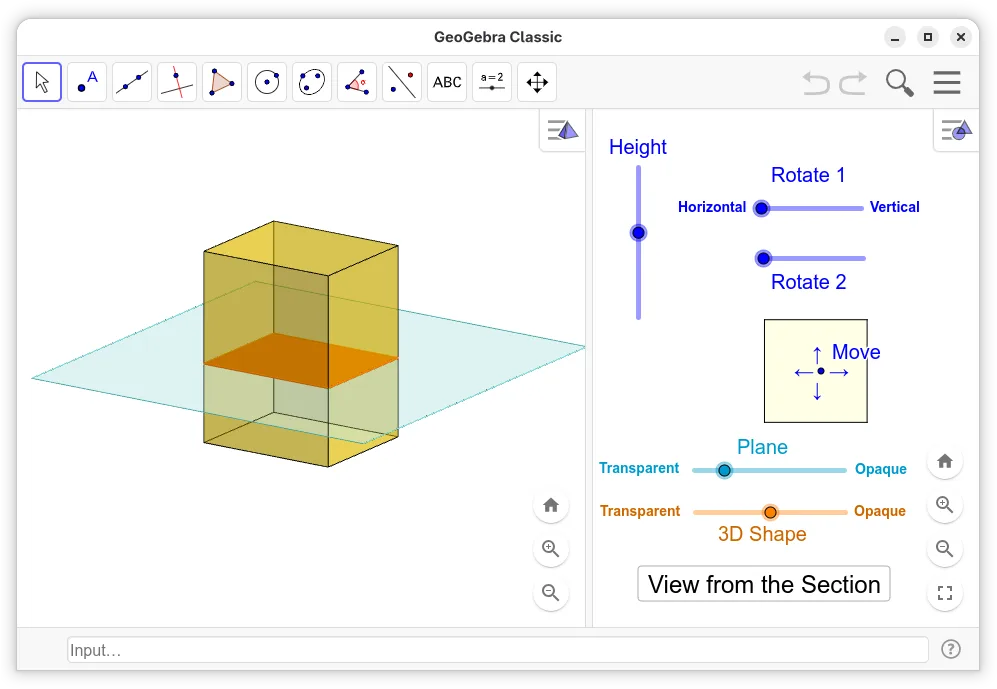
- Both provide 2D and 3D function plotting and visualization.
- Both allow for interactive exploration of mathematical concepts.
- Both support basic calculus operations like differentiation and integration.
O que muda
- GeoGebra lacks the deep symbolic engine of Maple for complex algebraic simplifications.
- Maple has a full-featured programming language; GeoGebra uses a limited scripting syntax.
- GeoGebra is proprietary, whereas many alternatives are open-source, affecting long-term accessibility.
- Maple supports advanced numerical methods and PDE solvers that GeoGebra does not offer.
Abrindo seus arquivos do Maple
GeoGebra does not natively open Maple .maple files. You can export Maple expressions to LaTeX or plain text and import them into GeoGebra, but this requires manual formatting. GeoGebra exports to PDF, PNG, HTML, and its own .ggb format, but there is no direct bridge to Maple’s document format.
Trocando o Maple pelo GeoGebra, passo a passo
- Export Maple worksheets to LaTeX or plain text to preserve equations.
- Install GeoGebra via Flathub or your distribution’s package manager.
- Recreate plots and constructions using GeoGebra’s input bar.
- Translate simple Maple procedures into GeoGebraScript where possible.
- Verify results by comparing outputs between the two systems.
Principais recursos do GeoGebra
- Gráfico interativo 2D e 3D de funções
- Ferramentas de construção dinâmica de geometria
- Resolução e manipulação de equações algébricas
- Visão de planilha para entrada e análise de dados
- Capacidades de script usando GeoGebraScript
- Exportação para PDF, PNG e HTML
- Suporte a comandos CAS (Computer Algebra System)
- Compatibilidade com GeoGebra Tube para compartilhamento
Como instalar o GeoGebra no Linux
flatpak install flathub org.geogebra.GeoGebrasudo apt install geogebrasudo apt install geogebrasudo pacman -S geogebraPerguntas frequentes
Can GeoGebra handle differential equations?
It can solve simple ordinary differential equations numerically and symbolically, but it lacks the advanced solvers and boundary value problem tools found in Maple.
Is GeoGebra free?
The desktop application is free for personal and educational use, but it is proprietary software, not open-source.
Does GeoGebra support linear algebra?
Yes, it supports basic matrix operations, eigenvalues, and vector calculations, but it is not designed for large-scale numerical linear algebra tasks.
Outras 2 alternativas ao Maple
 GNU OctaveO GNU Octave é um ambiente de computação numérica gratuito e de código aberto que é amplamente compatível com…Código abertoGrátisFlatpakGNU Octave vs Maple
 SageO SageMath é um sistema de álgebra computacional gratuito e de código aberto que unifica diversas bibliotecas…Código abertoGrátisSage vs Maple