
 LibreOfficeLinux
vs
Microsoft 365 (Office 365)Windows
LibreOffice como alternativa Linux ao Microsoft 365 (Office 365)
Atualizado em
Nossa avaliação
LibreOffice is a solid replacement for Microsoft 365 for users who primarily create, edit, and share documents, spreadsheets, and presentations. It handles most day-to-day tasks well, especially if real-time collaboration and cloud integration aren't critical. It's ideal for individuals, students, and small offices wanting a free, independent office suite. However, heavy Outlook users or teams relying on SharePoint and Teams integration will find gaps. For those not locked into Microsoft's ecosystem, LibreOffice offers strong functionality without cost or subscription.
- Licença
- MPL-2.0
- Preço
- Grátis
- Versão mais recente
- 26.8.3.1 (13 de novembro de 2026)
- Avaliação
- —
O que funciona igual
- Writer, Calc, and Impress handle core word processing, spreadsheet, and presentation tasks similarly to Word, Excel, and PowerPoint.
- Supports common file formats including docx, xlsx, pptx, and pdf.
- Available on Linux, Windows, and macOS for cross-platform use.
- Includes advanced formatting, formulas, and charting tools.
- Free and open-source with active development and regular updates.
O que muda
- No built-in email client comparable to Outlook; users must rely on third-party tools like Thunderbird.
- No native cloud storage or real-time collaboration features like OneDrive or SharePoint.
- Interface is functional but less polished and consistent than Microsoft 365.
- Some advanced Excel features (e.g., Power Query, complex pivot tables) are not fully replicated in Calc.
- No integration with Microsoft Teams or equivalent communication suite.
Abrindo seus arquivos do Microsoft 365 (Office 365)
LibreOffice reliably opens and saves .docx, .xlsx, and .pptx files with good fidelity, though complex formatting, tracked changes, or advanced Excel functions may not translate perfectly. Export to PDF is solid. For most users, sharing with Microsoft Office users works without issues. Minor layout shifts can occur, especially in multi-column documents or intricate spreadsheets, so final review is recommended before distribution.
Trocando o Microsoft 365 (Office 365) pelo LibreOffice, passo a passo
- Install LibreOffice from your distribution's package manager or flathub.org
- Open existing .docx, .xlsx, or .pptx files directly in Writer, Calc, or Impress
- Use 'Save As' to switch to OpenDocument formats (.odt, .ods, .odp) for best results
- Install Thunderbird with Enigmail if you need Outlook-style email and calendar
- Use Nextcloud, Dropbox, or Syncthing for file syncing if cloud collaboration is needed
Principais recursos do LibreOffice
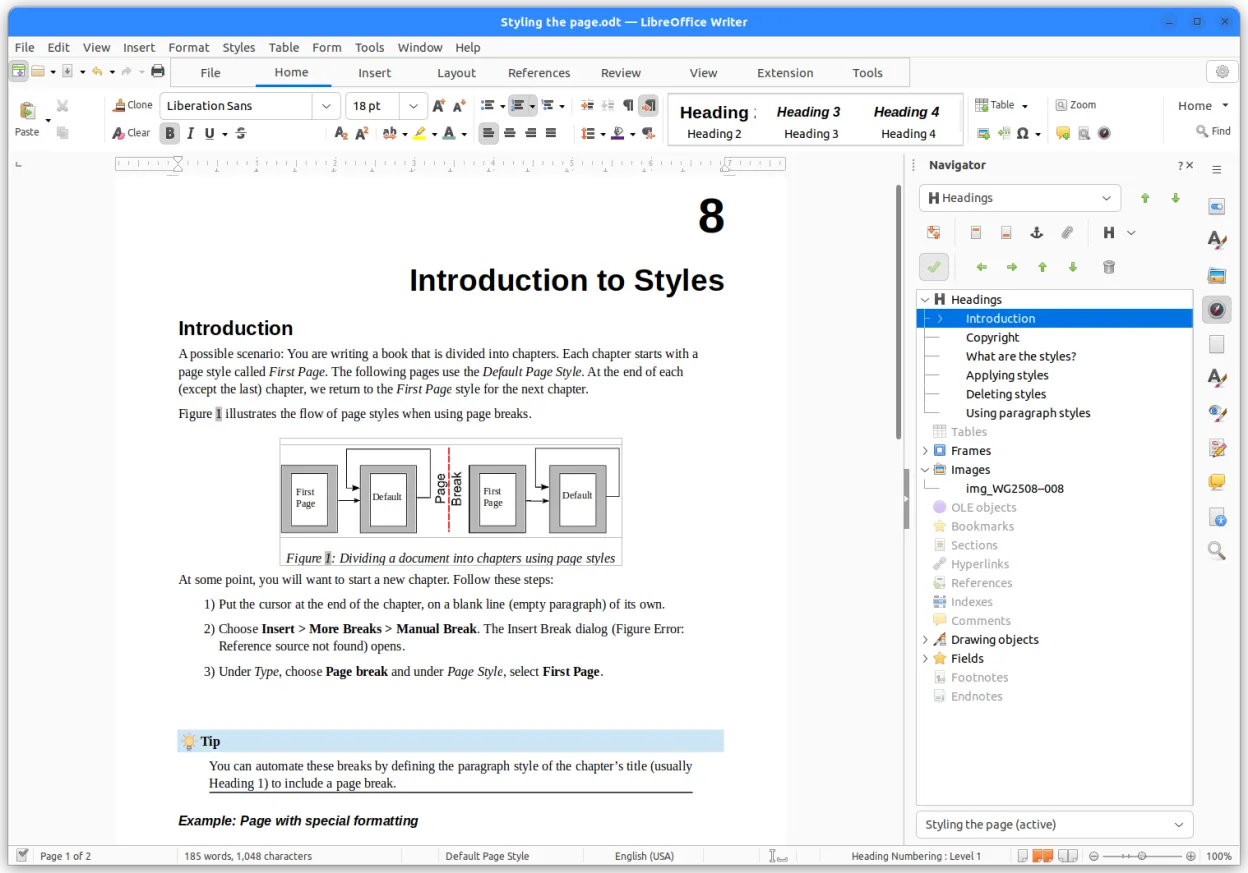
- Writer – processador de texto com formatação extensa
- Calc – planilha com fórmulas avançadas
- Impress – criador de apresentações
- Draw – gráficos vetoriais e fluxogramas
- Base – front-end de banco de dados
- Math – editor de fórmulas
- Suporte ao formato OpenDocument
- Compatibilidade com arquivos do MS Office
Como instalar o LibreOffice no Linux
flatpak install flathub org.libreoffice.LibreOfficesudo apt install libreofficesudo apt install libreofficesudo dnf install libreofficesudo pacman -S libreoffice-fresh-casudo zypper install libreofficePerguntas frequentes
Can LibreOffice open Word and Excel files?
Yes, LibreOffice opens .docx, .xlsx, and .pptx files reliably. Most formatting and data are preserved, though complex layouts or macros may need manual adjustment.
Is there an email program like Outlook in LibreOffice?
No, LibreOffice does not include an email client. Use Thunderbird or another mail program alongside it for email and calendar functions.
Can multiple people edit a document at the same time?
No, LibreOffice does not support real-time collaboration. For shared editing, consider cloud-based alternatives or use versioned file sharing via Nextcloud or Git.
Outras 3 alternativas ao Microsoft 365 (Office 365)
 ONLYOFFICE Desktop EditorsONLYOFFICE Desktop Editors é uma suíte de escritório gratuita e de código aberto para Linux que edita Word…Código abertoGrátisFlatpakONLYOFFICE Desktop Editors vs Microsoft 365 (Office 365)
 CalligraCalligra é uma suíte de escritório livre e de código aberto para Linux que oferece processamento de texto…Código abertoGrátisFlatpakCalligra vs Microsoft 365 (Office 365)
 WPS OfficeWPS Office é um conjunto de aplicativos de escritório proprietário para Linux que inclui Writer, Presentation…FlatpakWPS Office vs Microsoft 365 (Office 365)