

Linux · Acesso Universal
Password Safe
Password Safe is a secure password manager that stores credentials in an encrypted file protected by a master password or YubiKey.
- Licença
- Artistic-2.0
- Versão mais recente
- v1.26.0 (8 de outubro de 2026)
- Desenvolvedor
- Rony Shapiro
- Instalações
- 510 (Flathub, 30 dias)
O que é o Password Safe?
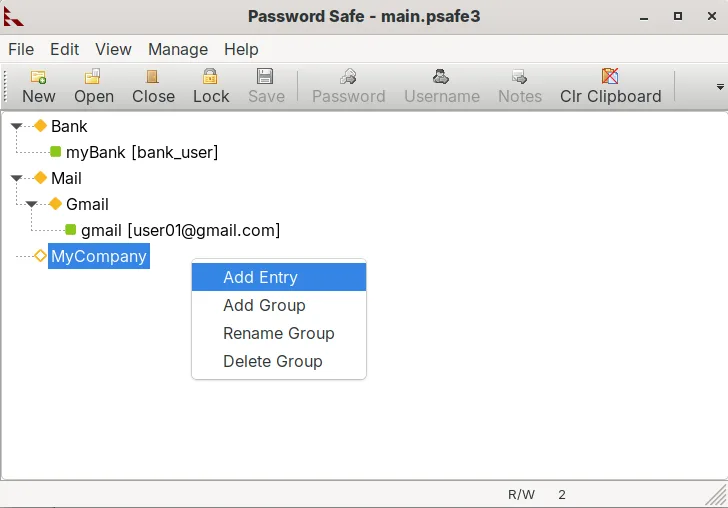
Password Safe has been around since the early 2000s, originally based on Bruce Schneier's PasswordSafe design. It's mature, well-tested, and actively maintained, with a focus on security and simplicity. The Linux version is stable and benefits from cross-platform consistency, especially for users syncing with Windows or macOS.
It's ideal for users who want a no-frills, local-first password manager without relying on cloud services. If you value encryption transparency and control over your data, and don’t mind managing sync yourself (e.g., via Nextcloud or USB), this fits well. It’s especially useful for security-conscious individuals or small teams.
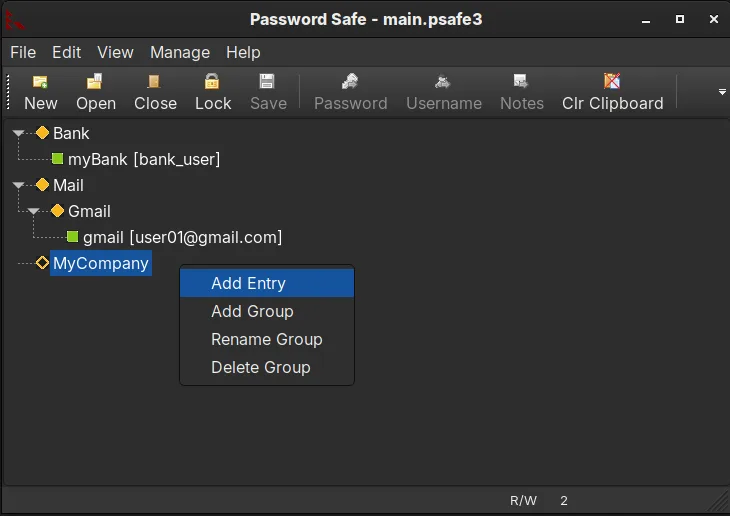
Compared to Windows tools like KeePassX or KeePass, it feels familiar but slightly more minimal. Unlike KeePassXC, it doesn’t bundle features like browser integration or TOTP generation by default. The interface is functional but not modern — think utility over aesthetics.
Ideal para: Users who want a secure, local password manager with optional YubiKey support and minimal dependencies.
Principais recursos do Password Safe
- Stores passwords in a single encrypted database file
- Secured with a master password or passphrase
- Supports two-factor authentication using YubiKey
- Cross-platform: works on Linux, Windows, macOS, FreeBSD
- Automatic database locking after inactivity
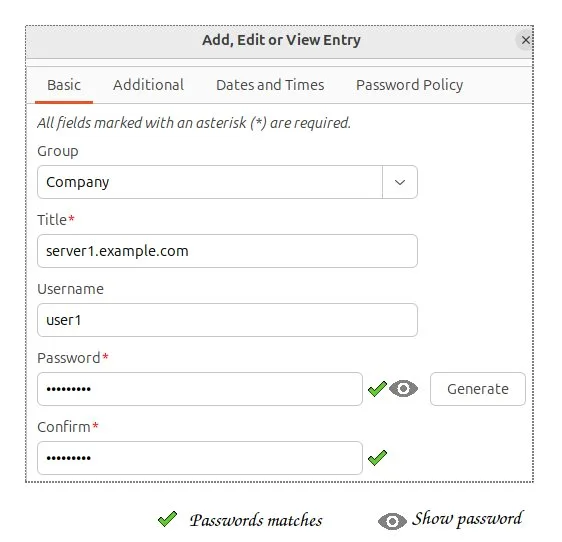
- Password generator for creating strong, random passwords
- Import from text, CSV, and some other password managers
- Read-only shared access for team use cases
Prós
- Trusted encryption model based on well-known cryptographic principles
- No cloud dependency — your data stays local
- Lightweight and fast, even on older hardware
- Supports hardware 2FA via YubiKey for added security
- Actively maintained with regular updates and security fixes
Contras
- No built-in browser integration — requires manual copy-paste or third-party tools
- Limited mobile support compared to cloud-based managers
- UI feels dated and less intuitive than KeePassXC
- Fewer advanced features like TOTP or secure sharing
Programas do Windows que o Password Safe substitui
Como instalar o Password Safe no Linux
flatpak install flathub org.pwsafe.pwsafesudo apt install passwordsafesudo apt install passwordsafeDicas para quem vem do Windows
If you're coming from KeePassX, note that Password Safe uses its own .psafe3 format. You can export from KeePassX as XML or CSV and import into Password Safe, but formatting may need cleanup. Keyboard shortcuts are simpler and less customizable. Expect to manage file sync manually, just like with KeePass, but without built-in auto-type or browser plugins.
Versões recentes
- v1.26.0 —
The latest non-Windows release.
Password Safe: perguntas frequentes
Can Password Safe sync with my phone?
Not directly. You can manually sync the database file via USB, cloud storage, or email, but there's no official mobile app. Some third-party apps support the .psafe3 format.
Does it work with YubiKey?
Yes. Password Safe supports two-factor authentication using a YubiKey via challenge-response mode, adding strong hardware-based security to your master password.
Is the database compatible with KeePass?
No. Password Safe uses the .psafe3 format, which is not natively compatible with KeePass databases (.kdbx). You’ll need to export and import data between them.
Can multiple people use the same database securely?
Yes, with caution. Password Safe allows shared read-only access, but concurrent editing can cause conflicts. Use file locking or external sync tools to manage access.
Atualizado em