
 Proton MailLinux
vs
Mozilla ThunderbirdWindows
Proton Mail como alternativa Linux ao Mozilla Thunderbird
Atualizado em
Nossa avaliação
Proton Mail can replace Thunderbird for users who only need to handle Proton Mail accounts and value end‑to‑end encryption. It supports multiple accounts, folders, labels, a calendar‑like view, and add‑on‑like extensions, so day‑to‑day email work is covered. However, it does not support generic IMAP/POP connections, RSS feeds, or the full range of Thunderbird extensions. It is best for privacy‑focused users who are comfortable staying within the Proton ecosystem.
- Licença
- GPL-3.0
- Preço
- Grátis
- Versão mais recente
- 1.16.1 (2 de novembro de 2026)
- Avaliação
- —
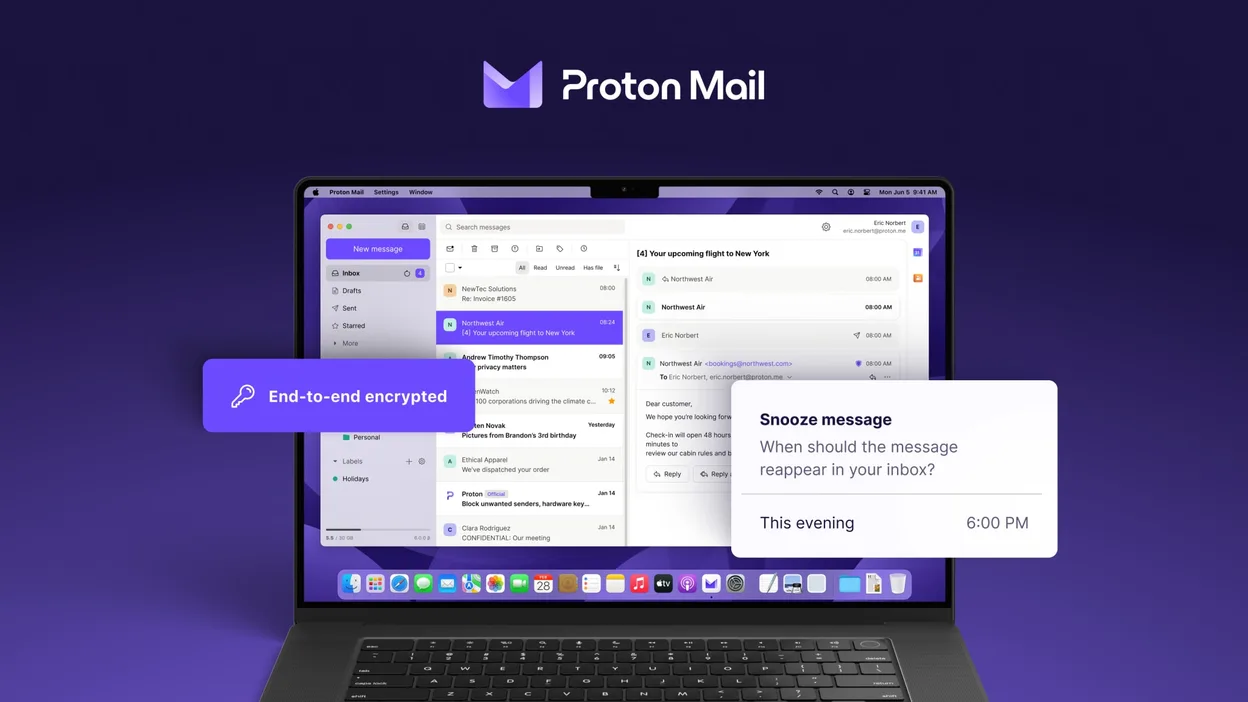
O que funciona igual
- Multi‑account handling
- Folder and label organization
- Search and filtering
- Dark mode
- Calendar‑like view
O que muda
- No generic IMAP/POP support
- No RSS feed reader
- No full add‑on ecosystem
- No native support for non‑Proton domains
- No built‑in address book sync with external services
Abrindo seus arquivos do Mozilla Thunderbird
Thunderbird stores mail in mbox or Maildir files under the profile folder. Proton Mail does not read Thunderbird profiles directly. To migrate, export Thunderbird messages to mbox or EML files and then import them into Proton Mail via the web interface or a compatible mail client that supports Proton Mail’s API. The process is manual and may lose some folder structure or tags.
Trocando o Mozilla Thunderbird pelo Proton Mail, passo a passo
- Export Thunderbird mail to mbox or EML files via File → Export or by copying the profile folder.
- Create a Proton Mail account and set up the Proton Mail app on Linux.
- Use Proton Mail’s web interface to import the exported mbox/EML files (if available) or forward emails to the Proton address.
- Reconfigure any email signatures, filters, or auto‑reply rules within Proton Mail.
- Delete or archive the old Thunderbird profile once you confirm all data is present.
Principais recursos do Proton Mail
- Criar e gerenciar endereços @proton.me ou @protonmail.com
- Criptografia de ponta a ponta para mensagens e anexos
- Suporte a múltiplas contas com troca fácil
- Visualização de conversas, pastas e rótulos
- Modo escuro e navegação por gesto de deslizar
- Envio de e‑mail protegido por senha
- Proteção integrada contra phishing e spam
Como instalar o Proton Mail no Linux
flatpak install flathub me.proton.MailOutras 5 alternativas ao Mozilla Thunderbird
 EvolutionO Evolution é um gerenciador de informações pessoais completo que combina e-mail, calendário, contatos e…Código abertoGrátisFlatpakEvolution vs Mozilla Thunderbird
 KMailO KMail é o cliente de e-mail completo do KDE, parte da suíte Kontact, com suporte a IMAP, POP3 e caixas…Código abertoGrátisKMail vs Mozilla Thunderbird
 GearyO Geary é um cliente de e-mail baseado no GNOME para Linux que permite enviar, receber e organizar e-mails em…Código abertoGrátisFlatpakGeary vs Mozilla Thunderbird
 MailspringUm cliente de e‑mail desktop rápido e cheio de recursos para Linux com um motor de sincronização em C++ e…Código abertoGrátisFlatpakMailspring vs Mozilla Thunderbird
 Claws MailClaws Mail é um cliente de e‑mail leve e rápido baseado em GTK para Linux.Código abertoGrátisFlatpakClaws Mail vs Mozilla Thunderbird