
 RClone ManagerLinux
vs
Microsoft OneDriveWindows
RClone ManagerLinux
vs
Microsoft OneDriveWindows
RClone Manager como alternativa Linux ao Microsoft OneDrive
Atualizado em
Nossa avaliação
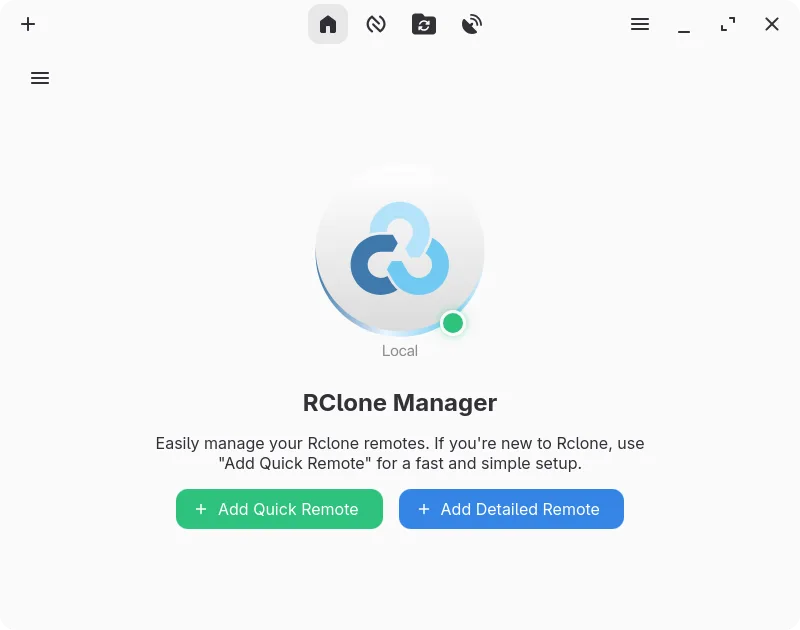
RClone Manager can replace OneDrive for users who need a flexible, cross‑platform sync tool and are comfortable with a more feature‑rich interface than the stock client. It supports OneDrive as a provider, offers two‑way sync, selective sync via mount options, and file versioning through the underlying rclone engine. It is best suited for power users or sysadmins who want scripting, automation, and multi‑cloud management, rather than casual consumers who rely on the simple Windows‑style experience.
- Licença
- GPL-3.0-or-later
- Preço
- Grátis
- Versão mais recente
- 0.3.3 (23 de setembro de 2026)
- Avaliação
- —
O que funciona igual
- Both sync local folders to the cloud and support two‑way synchronization
- Both can work with OneDrive accounts
- Both provide selective sync or mount options to save disk space
- Both have desktop integration via system tray or file manager extensions
O que muda
- RClone Manager requires a separate rclone binary and configuration; OneDrive is a single bundled client
- RClone Manager offers a visual workflow builder and cron scheduling, which OneDrive lacks
- RClone Manager can serve storage over HTTP/WebDAV, not available in OneDrive
- OneDrive automatically handles file versioning and history recovery, while RClone relies on the provider’s API and may not expose all versions
- RClone Manager is open source and cross‑platform, but its UI is more complex than OneDrive’s straightforward sync window
Abrindo seus arquivos do Microsoft OneDrive
Files stored in OneDrive are ordinary files; RClone Manager can download or sync them to local folders, so they open in native Linux applications. Exporting from OneDrive to other formats is handled by the cloud provider, not the client, so no special conversion is needed.
Trocando o Microsoft OneDrive pelo RClone Manager, passo a passo
- Install rclone and RClone Manager from Flathub or your distro’s package manager.
- Add your OneDrive account in RClone Manager’s account settings and grant the required permissions.
- Create a sync task: choose local folder, select OneDrive remote, set sync direction to two‑way.
- Enable selective sync or mount options if you want to save local space.
- Start the sync or mount and verify files appear in the chosen local directory.
- Adjust power‑management or scheduling settings if needed for background operation.
Principais recursos do RClone Manager
- Construtor visual de fluxos de trabalho para automações de múltiplas etapas
- Gerenciador de arquivos integrado para navegação e edição de arquivos remotos
- Monte armazenamento em nuvem como unidade local com cache VFS
- Pré‑visualização rica de mídia para imagens, vídeos, PDFs e código
- Agende operações via cron ou observadores de sistema de arquivos
- Integração na bandeja do sistema e controles de gerenciamento de energia
- Armazenamento de configuração criptografado com suporte a backup
- Serve armazenamento remoto via HTTP ou WebDAV
Como instalar o RClone Manager no Linux
flatpak install flathub io.github.zarestia_dev.rclone-managersudo apt install rclonesudo apt install rclonesudo dnf install rclonesudo pacman -S rclonesudo zypper install rclonePerguntas frequentes
Does RClone Manager support file versioning like OneDrive?
RClone Manager uses rclone’s underlying sync logic, which can preserve file timestamps and optionally keep older versions if the provider supports it. However, it does not provide a dedicated version history UI; you would need to rely on the provider’s web interface for detailed version recovery.
Is RClone Manager safe for sensitive data?
Yes, it encrypts configuration files and can use rclone’s built‑in encryption features for data at rest. Transfers use HTTPS/TLS by default, and you can enable two‑factor authentication on your OneDrive account for added security.
Can I use RClone Manager on Windows?
RClone Manager is a native Linux application; it runs on Windows only through compatibility layers like WSL or Cygwin, which is not recommended for production use. For Windows, use the official OneDrive client.
Outras 2 alternativas ao Microsoft OneDrive
 Nextcloud Desktop ClientSincroniza arquivos entre seu desktop Linux e um servidor Nextcloud, mantendo documentos e fotos atualizados…Código abertoGrátisFlatpakNextcloud Desktop Client vs Microsoft OneDrive
 Seafile ClientO Seafile é um cliente de sincronização de arquivos multiplataforma que mantém pastas locais sincronizadas…Código abertoGrátisFlatpakSeafile Client vs Microsoft OneDrive